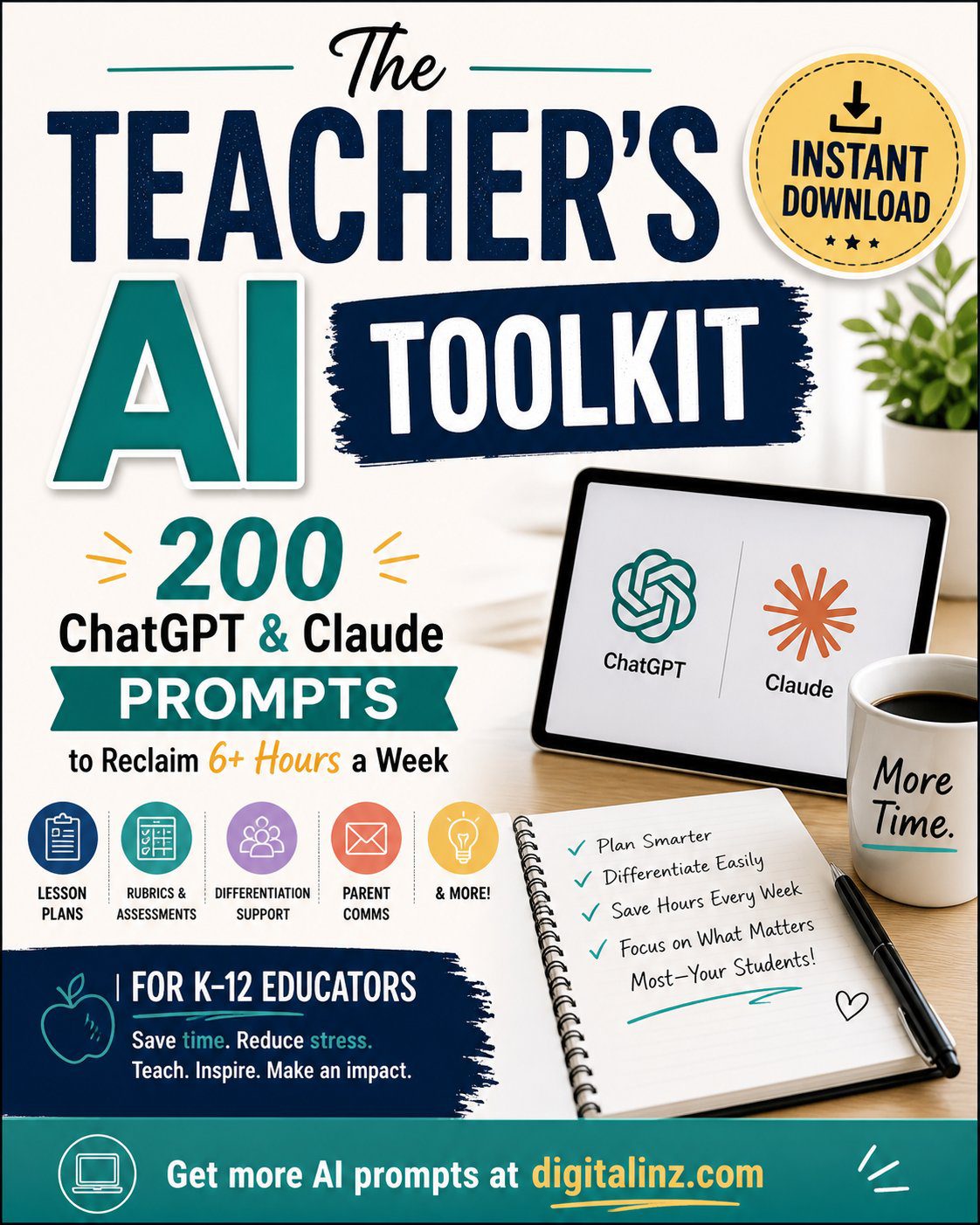
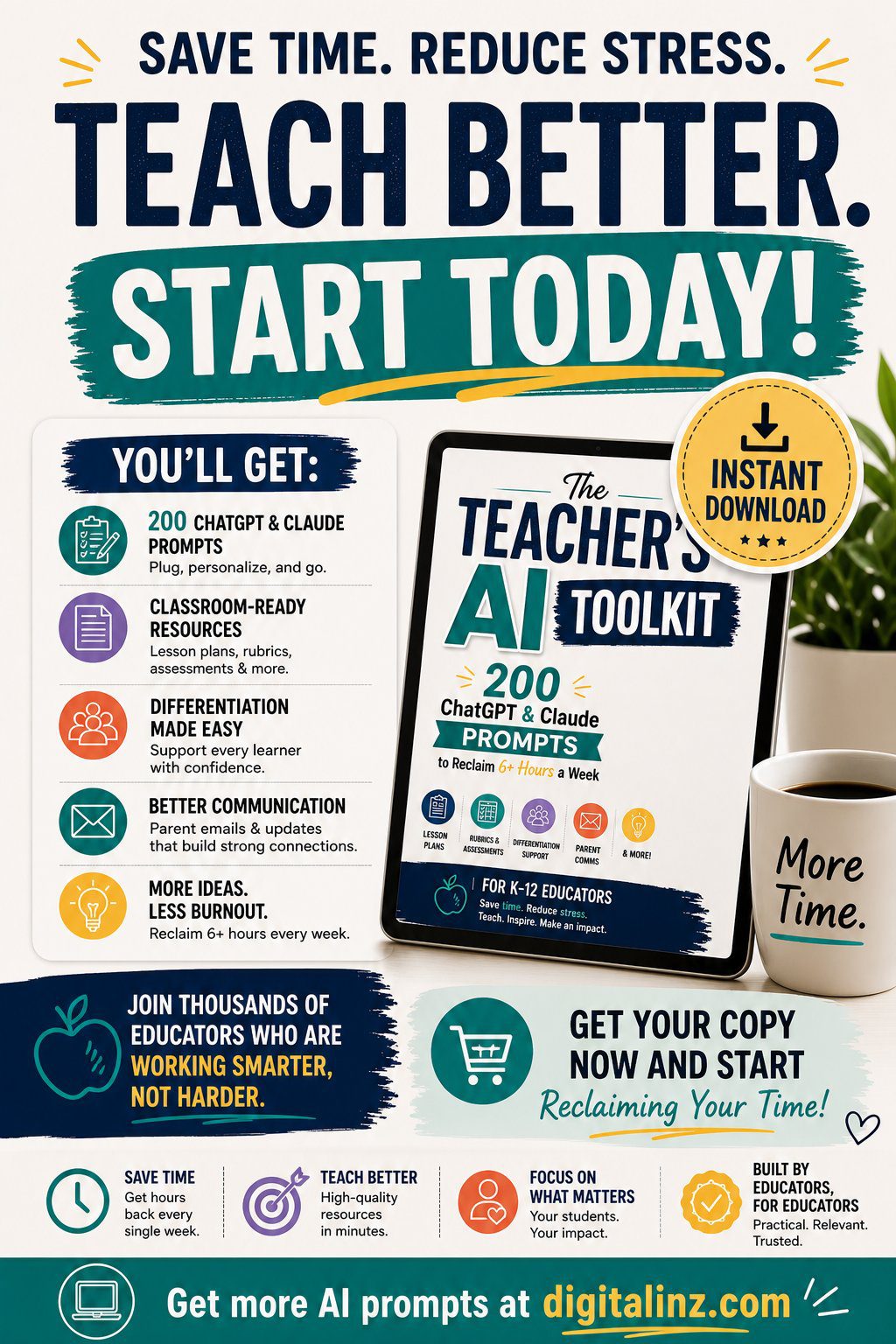
The Teacher’s AI Toolkit — 200+ AI Prompts for K–12 Educators
Original price was: $ 50,00.$ 12,97Current price is: $ 12,97.
Teach more. Grade faster. Burn out less. Starting this week.
📝 Generate lesson plans, rubrics & assessments for any grade in minutes
♿ Differentiate for SPED, ELL/ESL & IEP accommodations with one prompt
🧠 Support student SEL, wellbeing & classroom culture effortlessly
💻 Integrate technology, PBL & digital literacy into any lesson instantly
⏰ Reclaim 6+ hours every week — 200 prompts across 17 teaching chapters
Buy once, access forever !
- Satisfaction Guaranteed
- No Hassle Refunds
- Secure Payments
Description
@media screen and (max-width:640px){
table.hr-m td{display:block!important;width:100%!important;box-sizing:border-box!important;margin-bottom:8px;}
table.hr-m tr{display:block!important;}
table.hr-m{border-spacing:0 4px!important;}
}
AI Prompts for Teachers: A Done-for-You Toolkit
These AI prompts for teachers turn hours of work into minutes of copy-paste prompting—so you get professional results fast, without staring at a blank screen.
K–12 teachers now spend an average of 10–15 hours every week outside the classroom on planning, grading, and administrative writing — time that used to belong to rest, family, and the parts of teaching you actually chose this profession for. The question is not whether AI can help teachers. It is whether you have prompts precise enough to produce output a real classroom can actually use.
Teachers who reclaim their time are not working less — they are working with better systems. Generic AI gives generic lesson plans. And in a classroom with 30 different learners, generic planning creates problems instead of solving them. The Teacher’s AI Toolkit gives you 200 prompts written specifically for K–12 teaching realities — including SPED, ELL/ESL, SEL, project-based learning, and tech integration — not adapted from business writing tools, but built for educators from the ground up.
This toolkit is for you if
|
You spend Sunday evenings writing lesson plans that you have written some version of a dozen times before |
You are differentiating for 30 students with three different sets of learning needs — mostly alone |
|
You have no reliable system for SEL check-ins, ELL accommodations, or SPED modifications that doesn’t take forever |
You know you should be doing more with technology and project-based learning but never have time to plan it properly |
This is not a collection of generic lesson plan templates with a school bell emoji on the cover. It’s a complete operating system for your teaching workload — 200 prompts across 17 chapters, covering every student need, every subject, and every administrative task your role demands.

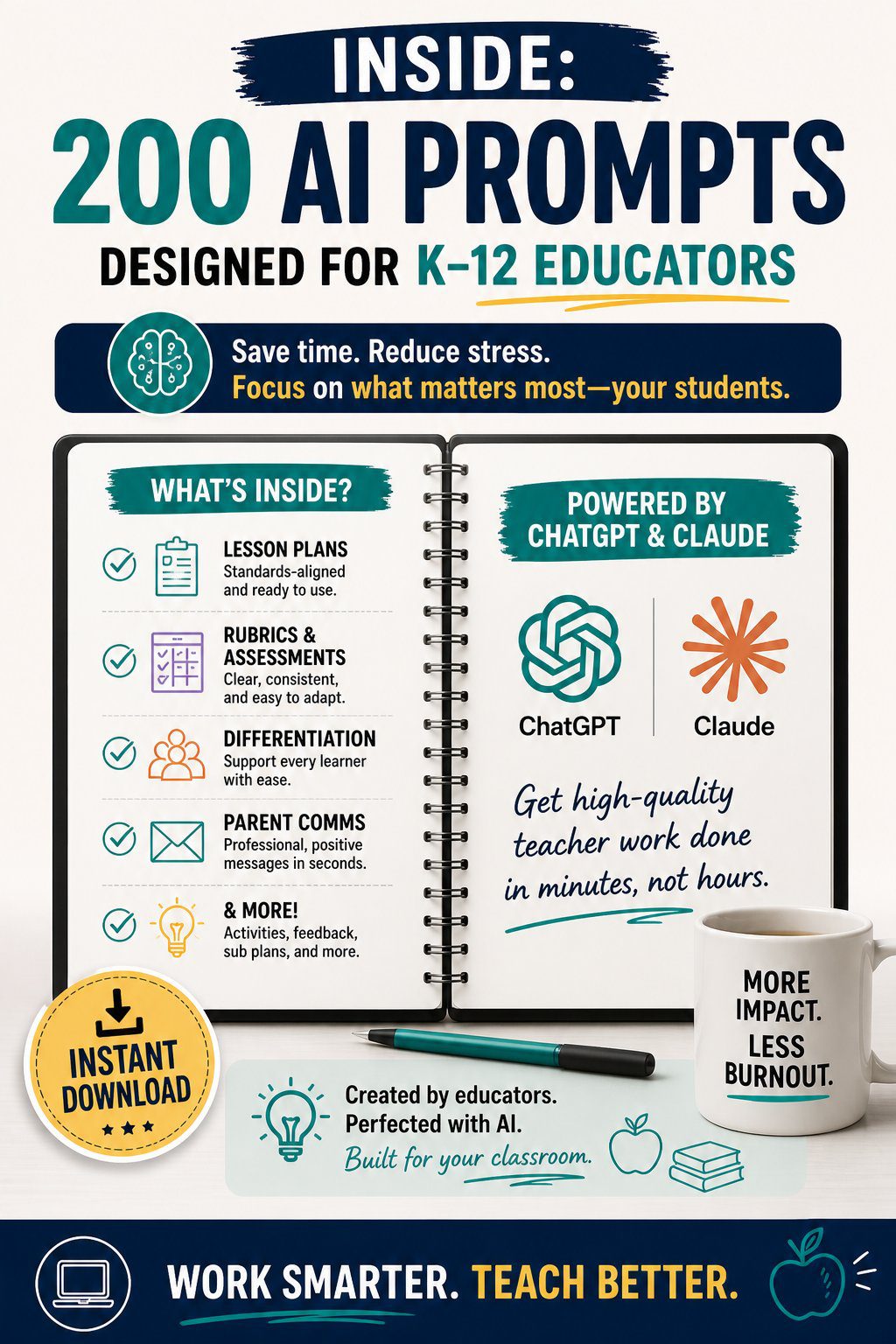
What’s inside — 17 teaching chapters, 200 prompts
|
Category 01 Lesson Planning Standards-aligned lesson plan prompts for any subject or grade level in under 10 minutes — including warm-ups, objectives, activities, and exit tickets. |
Category 02 Assessments & Rubrics Formative and summative assessment prompts, rubric generators, quiz builders, and feedback templates written for real classroom use. |
Category 03 Differentiation Tiered activity prompts, extension tasks, scaffolding frameworks, and modification strategies for mixed-ability classrooms. |
|
Category 04 Parent Communication Progress update letters, conference talking points, difficult conversation scripts, and newsletter copy that saves hours every term. |
Category 05 Classroom Management Behaviour intervention scripts, classroom routine builders, restorative conversation frameworks, and community-building activity prompts. |
Category 06 SEL & Wellbeing Morning meeting prompts, emotional check-in frameworks, conflict resolution scripts, and mental health support activities for every grade level. |
|
Category 07 SPED & Inclusion IEP-aligned accommodation prompts, behaviour support plans, sensory-friendly activity adaptations, and co-teaching frameworks. |
Category 08 ELL & ESL Language scaffolding prompts, comprehensible input frameworks, dual-language activity builders, and home language connection strategies. |
Category 09 Technology Integration EdTech lesson integration prompts, digital literacy activities, AI literacy frameworks, and responsible use curriculum prompts. |
|
Category 10 Project-Based Learning PBL unit design prompts, driving question builders, collaboration scaffolds, and presentation rubrics for every subject area. |
Category 11 Advisory & Mentoring Form time activity prompts, one-to-one mentoring conversation guides, college and career readiness frameworks, and student goal-setting templates. |
Category 12 Professional Development Reflective practice prompts, peer observation frameworks, professional learning community agendas, and CPD goal-setting tools. |
Three prompts from inside the toolkit
Every prompt uses a bracket-fill system. Drop in your details — get something usable in under two minutes.
|
Lesson Plan Prompt “Create a standards-aligned lesson plan for [SUBJECT] at [GRADE LEVEL] on [TOPIC]. Duration: [LENGTH]. Learning objective: [OBJECTIVE]. Include: hook activity, direct instruction, guided practice, independent work, and exit ticket. Differentiate for [ADVANCED / ON-LEVEL / STRUGGLING] learners.” |
SPED Accommodation Prompt “Adapt the following [SUBJECT] lesson on [TOPIC] for a student with [IEP NEED — e.g. processing speed deficit / dyslexia / autism]. Current grade level: [GRADE]. Accommodation already in place: [EXISTING SUPPORT]. Provide three alternative activity formats and one assistive technology suggestion.” |
Parent Communication Prompt “Write a progress update letter to the parent of [STUDENT NAME], [GRADE]. Academic performance: [SUMMARY]. Strength to highlight: [STRENGTH]. Area of concern: [CONCERN]. Desired outcome from the conversation: [OUTCOME]. Tone: warm, professional, solution-focused. Avoid educational jargon.” |
Product details
Works with ChatGPT, Claude & Gemini. Compatible with any AI writing tool.
A note before you buy: These prompts will give you time back from the very first week. They will not replace your relationship with your students — they will protect the energy you need to show up for it.
Browse the full AI prompt toolkit library, and learn more about ChatGPT to get the most from these prompts.
Related products
-
Sale!

The Brand Story Blueprint — 200+ AI Prompts for Small Business Owners
Original price was: $ 50,00.$ 12,97Current price is: $ 12,97. -
Sale!
The Real Estate AI Prompt Pack — 200+ AI Prompts for Real Estate Agents
Original price was: $ 50,00.$ 12,97Current price is: $ 12,97. -
Sale!
The AI-Powered Practice — 200+ AI Prompts for Therapists
Original price was: $ 50,00.$ 12,97Current price is: $ 12,97. -
Sale!
Pin It Right — 150 AI Prompts for Pinterest Creators
Original price was: $ 50,00.$ 12,97Current price is: $ 12,97.