ChatGPT parent communication templates made easy for you
Did you know educators can spend up to five hours every week just drafting messages to families? That’s a huge chunk of your already packed schedule.
Those recurring notes about assignments, events, and student progress eat away at your precious evening and weekend hours. It often feels like a never-ending task.
But a major shift happened recently. A May 2024 update changed the game completely. Now, every teacher can use powerful custom AI assistants without a paid subscription.
This means you have a new, free digital tool to handle those routine drafts. You can transform how you connect with your classroom community.
This guide will show you essential strategies. You’ll learn to make your outreach more efficient and professional. Your building will become a hub of clear information for all families.
Most importantly, you can start to reclaim your work-life balance. Automating the first draft of common updates gives you time back for what matters most.
Key Takeaways
- Educators often spend several hours each week on routine family correspondence.
- A significant update in May 2024 made advanced AI tools freely available to all teachers.
- Using digital assistants can drastically reduce the time spent drafting common messages.
- Streamlining this process leads to more professional and consistent outreach.
- Efficient communication systems help strengthen the connection between school and home.
- Automating repetitive tasks is a key step toward achieving a better work-life balance.
- This guide provides practical strategies to implement these time-saving techniques.
Introduction to AI-Driven Parent Communication
The landscape of school-home interaction is undergoing a quiet revolution powered by smart technology. Tools like the School-to-Home Liaison, developed by EdTech Evolved, are leading this change. They provide a new method for managing your weekly updates.
This shift moves you away from manual, repetitive drafting. Instead, you gain a partner that understands the needs of modern education.
How AI Transforms Teacher-Parent Outreach
Artificial intelligence offers a structured approach to your outreach. It ensures every note sent home is professional and clear. This consistency builds trust and keeps all guardians informed.
You provide the core details about a project or event. The technology then crafts a polished draft for your review. This process standardizes your communication without losing your personal touch.
Overview of Benefits for Educators and Families
The primary advantage is regained time. You redirect hours once spent on writing into direct student support and lesson planning. Your evenings become more your own.
For families, this means receiving timely, helpful information. They feel more connected to the classroom. A strong bridge forms between daily activities and the home environment, fostering a true partnership.
ChatGPT parent communication templates: What They Are and How They Work
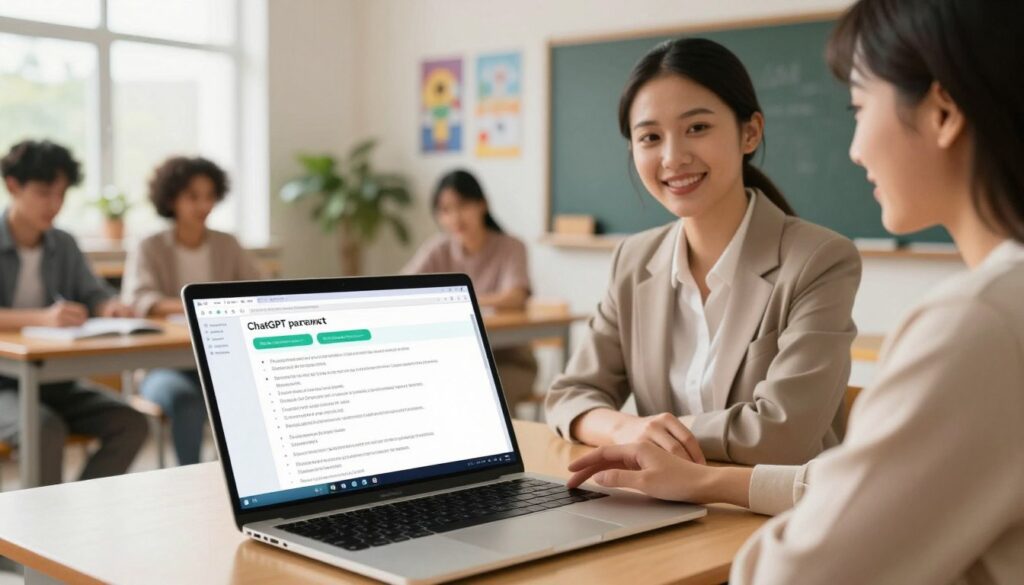
At its heart, this technology functions like a skilled co-teacher dedicated to handling your routine correspondence. Tools like the School-to-Home Liaison are trained for specific understanding. They draft weekly updates, translate languages, and create academic progress reports.
Understanding the core functionality
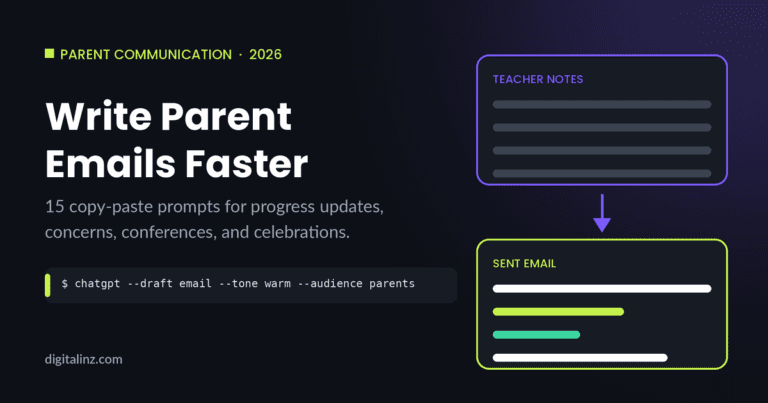
The core work is straightforward. You provide a few bullet points about classroom highlights or an upcoming event. The AI models then generate a polished, professional email in seconds.
This process turns your rough notes into a clear, complete message. It handles the initial draft so you can focus on the final review.
Why teachers find these templates valuable
Educators love the ability to instantly translate notes into dozens of languages. This ensures inclusivity for every family in your classroom community.
You can also draft behavior notices or academic reports. These outputs align with your specific state standards. The system handles repetitive tasks efficiently.
This frees your schedule for direct instruction and student engagement. You regain precious time while maintaining a consistent, professional voice.
Streamlining School-to-Home Communications with AI
Imagine sending a single, polished email that summarizes your entire week’s classroom highlights in minutes. This is the reality with modern digital assistants. They streamline the process of connecting your school activities with family life.
Creating clear and professional messages
For instance, a second-grade educator can draft a weekly summary. It covers field trips, reading sessions, and math fluency practice. You provide key details about your classroom environment.
The tool then handles the writing, producing a clear and professional email. This approach ensures your outreach is always cohesive and easy to understand.
Personalizing templates to meet diverse classroom needs
You can also tailor these updates. Focus on individual student learning skills and progress. This ensures every guardian receives relevant information.
It builds a stronger bridge between daily activities and home support. One major benefit is consistency in your school communication.
Even with a busy schedule, your outreach remains professional. You turn quick notes into engaging emails that keep everyone informed about upcoming events.
Step-by-Step Guide on Using ChatGPT for Parent Emails
A systematic approach ensures your outreach is both efficient and tailored to each classroom situation. Following clear steps helps you generate consistent, high-quality drafts quickly.
Setting up effective ChatGPT prompts
Start with detailed planning. Your prompt should specify the exact skills or standards you’re addressing.
For example, reference Tennessee state standards and MTSS requirements. This ensures any generated intervention summary is accurate and aligned.
Writing parent emails from scratch every time is one of those little things that adds up. The K-12 Teachers AI Toolkit includes communication prompts and templates so you can send clear, professional messages to families in a fraction of the time.
Always protect data privacy. Never include a student‘s name or identifiable details in your prompt.

| Scenario | Prompt Detail Level | Outcome Quality |
|---|---|---|
| Academic Intervention Summary | High (References specific standards) | Precise, actionable report |
| Weekly Classroom Update | Medium (Lists key activities) | Clear, engaging newsletter |
| Behavior or Progress Notice | High (Describes observed skills) | Professional, constructive response |
Customizing responses for various scenarios
Tailor the AI’s output for your class level. A kindergarten update differs greatly from one for eighth grade.
This customization allows you to provide guardians with specific recommendations for practice at home. It makes the information truly useful.
By following these steps, you create content that meets the unique needs of every learner. Your communication becomes more effective and supportive.
Best Practices for AI-Enhanced Communication in Education
To get the most out of AI for classroom updates, focus on two core principles: tone and security. Research shows 50% of school district technology leaders report positive results from educators using these tools. Following clear best practices ensures your outreach is both effective and safe.
Maintaining a friendly and professional tone
Your written voice is a powerful tool for building trust. A warm yet clear tone makes families feel welcomed and informed. This is one of the most effective ways to foster a strong partnership.
Always review generated drafts. Add a personal greeting or a specific compliment. This small step keeps your communication feeling genuine and connected.
Ensuring data privacy and security
Protecting student information is non-negotiable. Never input names, IDs, or detailed personal stories into a digital assistant. Share only the minimum details needed for the task.
This privacy focus keeps you compliant with district policies. It safeguards your classroom while allowing you to use technology efficiently.
| Practice Area | Key Action | Primary Benefit |
|---|---|---|
| Tone & Voice | Personalize AI drafts with a specific greeting. | Builds relational trust with guardians. |
| Data Security | Use generic descriptors (e.g., “a student”). | Protects sensitive learner information. |
| Workflow Integration | Start with bullet points, not full narratives. | Saves time while maintaining control. |
Enhancing Engagement and Trust with Effective Templates
The true value of a template lies in its ability to foster ongoing, positive dialogue with families. This consistent outreach is the foundation of a strong school-home partnership.
Building stronger relationships with parents
Regular updates, like a weekly email, keep guardians in the loop. You can share field trip highlights and snack reminders. This shows you are actively tracking each learner’s journey.
This kind of clear communication builds trust over time. It makes parents feel respected and involved in their child’s progress.
Structured frameworks are also vital for sensitive talks. They provide a neutral way to discuss school policies. This helps manage difficult conversations with professionalism.
| Update Type | Relationship Impact | Key Elements to Include |
|---|---|---|
| Weekly Summary | Builds routine trust and shows consistency. | Field trip highlights, snack reminders, key learning objectives. |
| Progress Check-in | Demonstrates individual attention and care. | Specific skills practiced, positive observations, home support tips. |
| Policy Discussion | Maintains respect during sensitive talks. | Neutral language, clear rationale, collaborative next steps. |
Real-life examples and success stories
A real-life example is a teacher who sends a detailed Friday email. It outlines what the class learned and what to practice. Families appreciate this clarity.
Advanced AI models help maintain this supportive outreach for many years. Your consistent effort demonstrates a deep commitment to every student’s success.
These success stories show guardians you use every tool to support their child. This strengthens the entire classroom community.
Advanced Strategies and Tips for Educators
Consider the scenario where a guardian needs help drafting a detailed co-parenting agreement for their ten-year-old. Your tools can simulate the expertise of a professional with decades of experience. This moves your work beyond routine updates into meaningful family support.
You address complex questions about visitation and medical choices. The focus remains on a child-centered approach. This builds understanding during tough transitions.
Integrating ChatGPT with existing communication tools
Blend these models with your current school platforms. This creates a seamless workflow for all your tasks. You maintain consistent language and tone across every message.
Your planning becomes more efficient. You save precious time while improving the content you share.
| Integration Method | Primary Benefit | Best Use Case |
|---|---|---|
| Sync with Student Information Systems | Automates data entry for reports | Generating progress summaries |
| Combine with Translation Apps | Ensures inclusive multilingual outreach | Sending policy updates to all families |
| Link to Calendar Tools | Tracks schedules and deadlines automatically | Managing holiday activities |
Expanding use cases beyond basic updates
Think of guiding parents through difficult conversations. Your tools can outline a fair plan for shared responsibilities. They help track extracurricular activities with great flexibility.
This practice offers professional guidance. It helps resolve disputes and improves overall communication. You strengthen the bridge between school and home.
Your role expands to support the whole child. You foster a secure environment for learning and growth.
Conclusion
You now possess a clear blueprint for elevating your professional outreach without adding hours to your week. You’ve discovered how to streamline school updates and reclaim precious time for your core teaching duties.
Adhering to the outlined best practices ensures your messages are both secure and impactful for every family. The key is combining detailed prompts with vigilant data protection.
These digital assistants are designed to support your essential work as an educator. Start implementing these strategies today to foster a more connected and efficient school environment for all your students.
FAQ
How does this technology actually save me time as an educator?
Can I make the messages feel personal and not generic?
Is my student and family information kept private when using these aids?
Will using these tools make my messages sound robotic or impersonal?
How can I integrate this approach with the platforms I already use, like Seesaw or ClassDojo?
What kind of school-to-home updates are these resources best suited for?
Strong parent communication builds trust — and it doesn’t have to drain your energy. The K-12 Teachers AI Toolkit helps you write newsletters, emails, and progress updates that are warm, clear, and professional. Because your relationship with families matters just as much as what happens in the classroom.