How to Make ChatGPT Not Sound Like AI: 7 Proven Prompt Fixes (2026 Guide)
If you’ve ever pasted ChatGPT’s answer into an email, a caption, or a parent newsletter and then deleted half of it because it just sounded off — too polished, too generic, too AI — you’re not imagining it. Readers can tell now. The good news is that the fix usually isn’t “stop using ChatGPT.” It’s learning how to make ChatGPT not sound like AI in the first place, with the right prompt, instead of rewriting the whole thing yourself afterward.
Here’s exactly why it happens and seven fixes you can use starting with your next prompt.
Why ChatGPT Sounds Like AI in the First Place
ChatGPT’s default voice is “helpful assistant explaining something to everyone, forever.” That’s useful for safety, but it produces a few dead giveaways:
- Hedge words and filler phrases — “it’s important to note,” “in today’s fast-paced world,” “navigate the landscape,” “unlock the power of.”
- Uniform rhythm — every paragraph is roughly three sentences, every sentence is roughly the same length, and nothing ever gets cut short for effect.
- No point of view — it presents every option evenly instead of just telling you what it thinks.
- The summary tax — an “in conclusion” paragraph that just restates everything you already read.
None of this is random. OpenAI’s own prompt engineering documentation is explicit that the model’s output is shaped almost entirely by what you tell it about role, audience, and tone — if you don’t specify those, it defaults to the safest, most generic version of “helpful.” That default is what readers now recognize as “AI voice.”
How to Make ChatGPT Not Sound Like AI: The 7-Fix Framework
1. Give it a “who,” not just a “what”
“Write a follow-up email” gets you the generic version. “Write this as a busy HR manager following up with a candidate she actually liked” gets you something with a pulse. Always name the person speaking and the person listening.
2. Feed it a writing sample
Paste two or three short examples of things you’ve actually written — an email, a caption, a Slack message — and say: “Match the tone, sentence length, and word choices in these examples.” ChatGPT is far better at imitating a voice it can see than at inventing one from a description.
3. Run a “humanize” pass on the draft
Don’t try to get it perfect in one shot. Get the content right first, then run a second prompt that only fixes the voice (template below). Separating “get the facts right” from “make it sound human” produces better results than asking for both at once.
4. Vary the rhythm on purpose
Explicitly ask for “a mix of short and long sentences” or “at least one sentence under five words.” AI defaults to evenly-sized sentences because that reads as “complete” — real writing doesn’t.
5. Ban the AI tells
Give it a short list of words and phrases it’s not allowed to use (see the prompt card below). This is the single highest-impact, lowest-effort fix on this list.
6. Add one real, specific detail
A name, a number, an inside reference, a date. Generic writing has no specifics because the model doesn’t know any — but you do. One concrete detail does more to sound human than ten tone instructions.
7. Tell it what to cut, not just what to add
“Don’t end with a summary paragraph.” “Don’t say ‘I hope this helps.'” “Don’t apologize for the length.” Models over-explain and over-soften by default; explicitly cutting that is often faster than asking for “more concise.”
Copy-Paste Prompts to Make ChatGPT Sound Human
Save these three. They’re reusable across email, captions, lesson plans, anything.
1. The Humanize Pass
Rewrite the text below so it sounds like a real person wrote it, not an AI.
Use contractions, vary sentence length (mix short punchy lines with longer
ones), and cut any sentence that just restates something already said.
Do not use: delve, leverage, navigate, landscape, unlock, tapestry,
testament to, "in today's world," moreover, furthermore, "in conclusion,"
"I hope this helps," "it's important to note."
Keep the facts and structure — just fix the voice. Make it sound like
[a friendly HR manager / a teacher who likes their job / me — see my
writing samples below].

Text:
[paste]
2. The Voice Match
Here are 3 short examples of things I've written:
[paste 2–3 samples — emails, captions, notes]

Study the tone, sentence length, and word choices. Now write the
following in that same voice — match the rhythm and word choice,
not just the topic:

[task]
3. The Banned-Words List (use in any prompt)
Do not use any of these words or phrases anywhere in your answer:
delve, leverage, navigate, landscape, unlock, tapestry, testament to,
"in today's fast-paced world," moreover, furthermore, "in conclusion,"
"I hope this helps," "it's important to note," game-changer, robust,
seamless. If you're about to use one, pick a plainer word instead.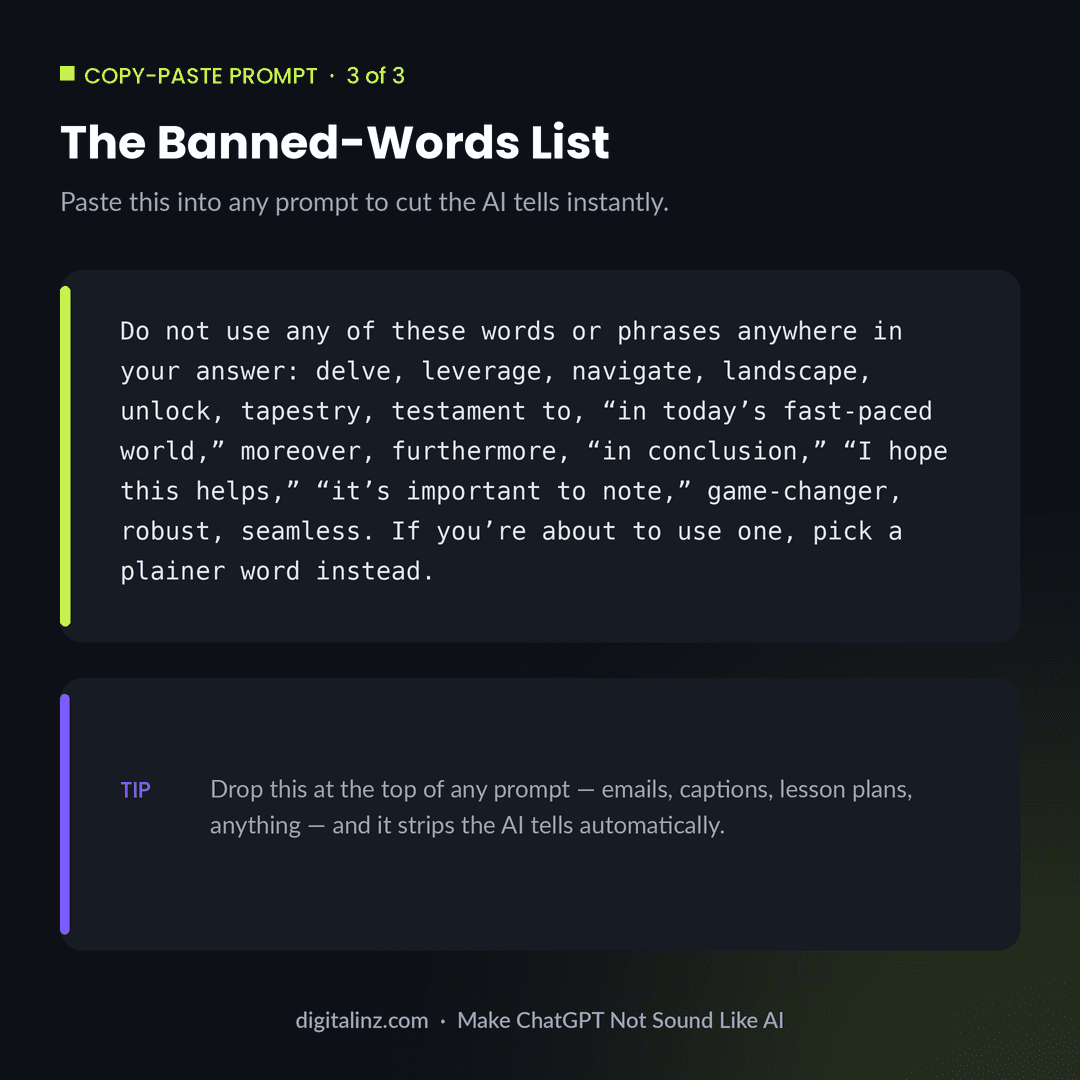
What This Looks Like on the Job
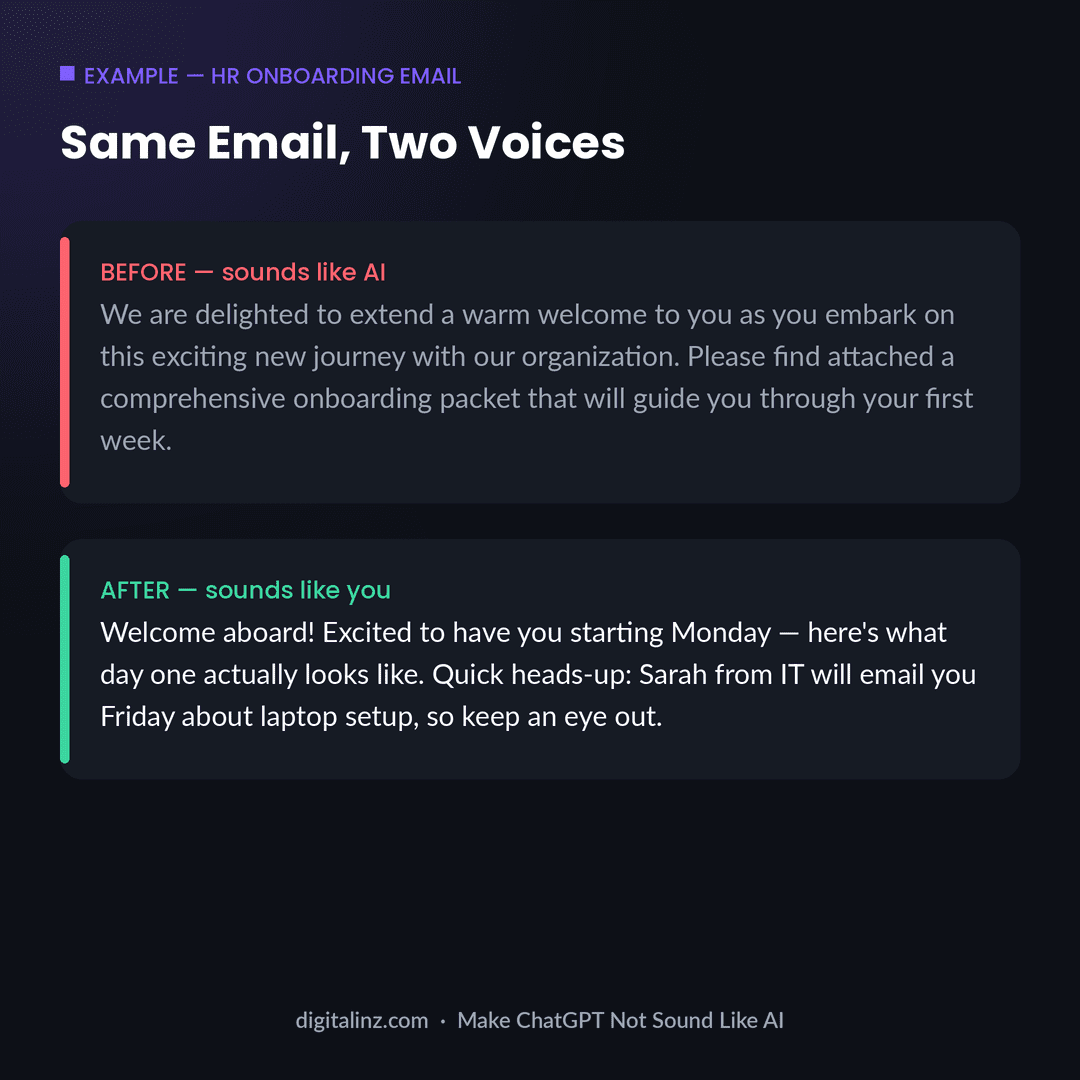
HR — onboarding email
Before: “We are delighted to extend a warm welcome to you as you embark on this exciting new journey with our organization. Please find attached a comprehensive onboarding packet that will guide you through your first week.”
After: “Welcome aboard! Excited to have you starting Monday — here’s what day one actually looks like. Quick heads-up: Sarah from IT will email you Friday about laptop setup, so keep an eye out for that.”
Teachers — parent email
Before: “Dear Parent/Guardian, I hope this message finds you well. I am writing to inform you that your child has been exhibiting behavior that requires attention in the classroom setting.”
After: “Hi Mr. and Mrs. Lopez — wanted to give you a heads-up about something I noticed with Mateo this week. Nothing major, but I’d rather catch it early.”
Therapists — psychoeducation handout (no PHI)
Before: “Anxiety is a multifaceted psychological phenomenon characterized by physiological and cognitive symptoms that can significantly impact daily functioning.”
After: “Anxiety isn’t a character flaw — it’s your nervous system doing its job a little too well. Here’s what’s actually happening in your body when it kicks in.”
Social media managers — Instagram caption
Before: “Are you ready to elevate your social media game? In today’s digital landscape, it’s crucial to leverage authentic content to engage your audience.”
After: “Nobody’s scrolling past a post that starts with ‘are you ready to elevate.’ 😅 Here’s what actually stops the scroll —”
FAQ
Will this help me get past AI detectors?
Possibly, but that’s the wrong target — AI detectors are unreliable in both directions and flag plenty of human writing as AI. The real goal is writing that sounds like you, which happens to also be what passes detectors most consistently.
Can ChatGPT remember my voice for next time?
Partially — custom instructions and memory features can carry some of it across chats, but the most reliable method is saving your “voice match” prompt (with your writing samples) as a template you paste in every time.
Is it cheating to have ChatGPT write something and then edit it for voice?
No more than using spellcheck or a thesaurus is “cheating.” The ideas, the accuracy, and the judgment about what to say are still yours — fixing the voice is just part of writing.
If I only do one of these seven, which should it be?
The banned-words list (#5). It takes ten seconds to paste into any prompt and removes most of the obvious “AI smell” on its own.
The Shortcut: Prompts That Already Sound Human
All of the above works — but it’s also seven extra steps every time you open ChatGPT. Our AI prompt toolkits build the voice fixes in from the start, so the first draft already sounds like a person in your role, not a generic assistant. Browse the full set on the AI Prompt Toolkits page, or jump straight to the comparison for your job:
- HR pros → Best ChatGPT Prompt Packs for HR
- Teachers → Best ChatGPT Prompt Packs for Teachers
- Therapists → Best ChatGPT Prompt Packs for Therapists
- Social media managers → Social Media Manager AI Prompt Vault