What Context to Give ChatGPT: 5 Key Things to Add (2026)
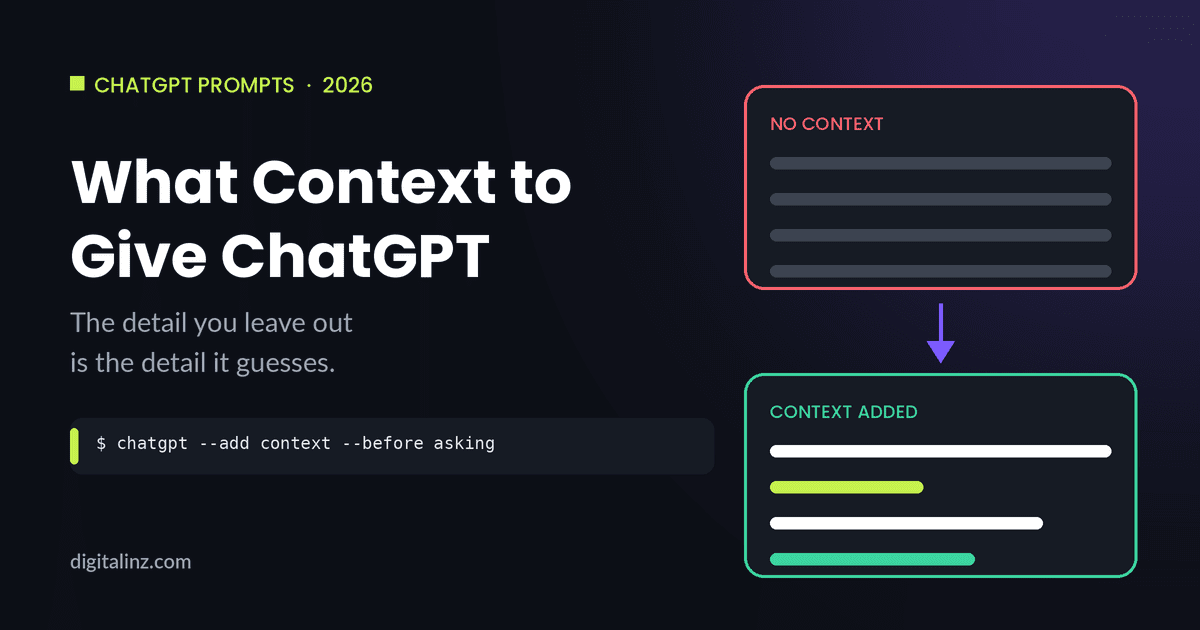
What context to give ChatGPT is one of the most underrated questions in prompting. Most people focus on how to phrase the request itself — but the request is only half the picture. ChatGPT doesn’t know who you are, what you’re working on, who the output is for, or what “good” looks like in your situation, unless you tell it. The context you leave out is the context it has to guess — and guesses default to generic.
Why Context Matters More Than Wording
Two people can ask ChatGPT the exact same question — word for word — and need completely different answers, because the question means something different depending on who’s asking and why. “Help me write a follow-up email” means something different for a salesperson chasing a lead than for an HR manager following up after an interview, even though the words are identical.
Wording controls how the request is phrased. Context controls whether the model has any chance of matching its answer to your actual situation. Without it, ChatGPT fills the gap with the most statistically common version of the task — which is exactly why generic prompts get generic answers.
5 Things to Tell ChatGPT Before Asking for Anything
1. Who the output is for
The same content needs to look completely different depending on the audience — a technical answer for a colleague, a simplified one for a client, a formal one for an executive. Naming the audience upfront tells ChatGPT how much to explain, what vocabulary to use, and what tone fits.
Example: “This is for parents who don’t have a teaching background” changes a lesson explanation far more than any instruction about “tone” would on its own.
2. What you’re actually trying to achieve
A task and a goal aren’t the same thing. “Write three social posts” is a task. “Write three social posts that get people to click through to a sign-up page before a sale ends” is a goal — and it changes what those posts should prioritize, even though the task description could be identical.
Example: “Draft an email reminding the team about the meeting” versus “Draft an email reminding the team about the meeting — I need at least 3 more people to confirm by today” will produce very different emails, even though both are technically “a reminder email.”
3. The relevant background or situation
Any fact that would change how a thoughtful person would approach the task is context worth including — even if it feels obvious to you. ChatGPT can’t see your inbox, your calendar, or the conversation that happened before you opened the chat.
Example: “Write a message to the client about the delay” is missing the one detail that matters most: is this the first delay, or the third? That single fact should change the entire tone of the message.
4. What “good” looks like — format, length, and style
This is the piece of context people skip most often, then re-prompt three times to fix. Specifying format, length, and style upfront is part of the same 4-part formula covered in how to write good ChatGPT prompts — and it’s often the fastest way to cut down on back-and-forth.
Example: “Summarize this report” could come back as five paragraphs or five bullet points. “Summarize this report in 3 bullet points, each under 20 words, for a Monday standup” leaves nothing to guess.
5. What to avoid
Negative context — what you don’t want — is just as useful as positive context, and it’s often the difference between a usable draft and one that needs heavy editing. This is especially true for tone, since “professional” can mean a dozen different things until you rule a few of them out.
General guidance on prompt structuring echoes this — Microsoft’s prompt engineering documentation notes that being explicit about what the response should avoid is one of the more reliable ways to narrow down output, alongside specifying the desired format.
Example: “Write a product description. Avoid the words ‘revolutionary,’ ‘game-changing,’ and ‘seamless'” rules out the exact phrases that make AI writing sound the most like AI writing.
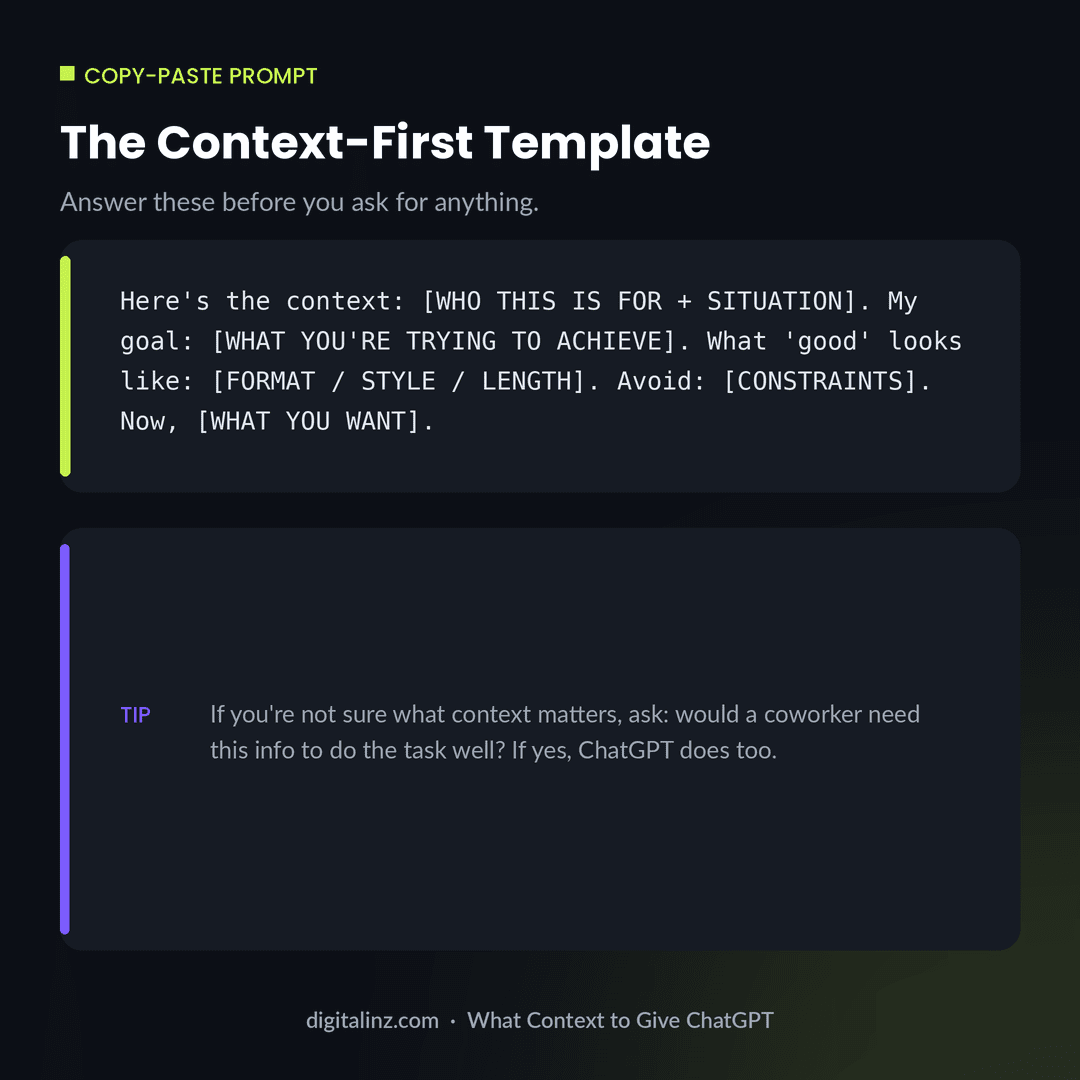
Copy-Paste: A Context-First Prompt Template
This template puts context before the ask, so the model has everything it needs before it starts generating.
Before and After: Adding Context Changes Everything
Here’s the same request — an email about a deadline — with and without context about the situation it’s responding to.
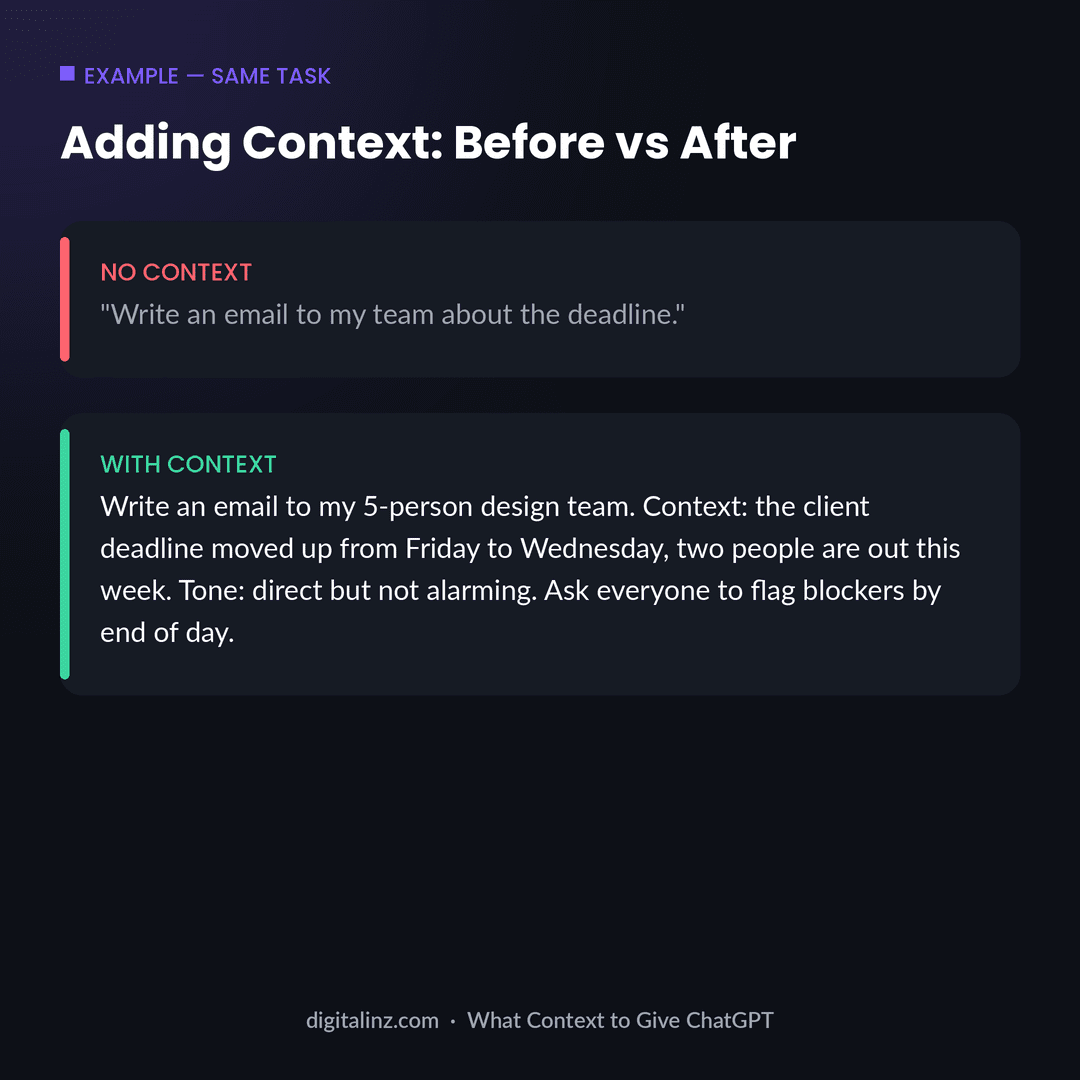
Notice the “after” version isn’t dramatically longer — it’s just specific. That’s the same principle covered in how long a ChatGPT prompt should be: the right amount of context isn’t about hitting a word count, it’s about including the handful of details that actually change the output.
FAQ: Context in ChatGPT Prompts
What does “context” mean in a ChatGPT prompt?
Context is the background information ChatGPT needs to understand your situation — who the output is for, what you’re trying to achieve, and any relevant facts it can’t infer on its own.
What happens if I don’t give ChatGPT any context?
ChatGPT will still answer, but it has to guess at your audience, goal, and constraints — which usually produces a generic response that technically answers the question without fitting your situation.
Can I give ChatGPT too much context?
Yes, if the extra information doesn’t relate to the task or repeats itself. The goal is relevant context, not maximum context — only include details that would change how the task should be done.
Does context need to go at the start of the prompt?
It helps. Context near the start gives the model a frame for everything that follows, but you can also add context partway through, as long as it comes before the part where you ask for the output.
The Shortcut
Figuring out exactly which context matters for a given task takes practice — and trial and error. Our AI prompt toolkits skip that step: every prompt is already built with the right context baked in for the task at hand.
Pick the one that matches your work: The HR AI Toolkit for HR and recruiting, The Teacher’s AI Toolkit for K-12 educators, AI-Powered Practice Prompts for therapists, or the Social Media Manager AI Prompt Vault for content and social teams.
Prefer to browse everything in one place? All of our prompt packs are also available on Gumroad.