Save and Reuse ChatGPT Prompts: 4 Easy Methods (2026)
If you’ve ever written a ChatGPT prompt that worked perfectly — and then a month later couldn’t remember what you’d typed — you already know why it’s worth learning how to save and reuse ChatGPT prompts. The first time you write a good prompt is the hardest part. If you don’t save it, you end up rebuilding it from scratch every time, usually worse than the original, because you’ve forgotten exactly what made it work.
Why Saving Prompts Matters More Than Writing Them
Most people treat every ChatGPT conversation as a one-off: type a request, get an answer, move on. That’s fine for genuinely one-time tasks. But a lot of the things people ask ChatGPT for — emails, social captions, meeting recaps, job descriptions — are tasks they’ll do again next week, in almost the same way.
When a prompt finally produces something close to what you wanted, that prompt is now worth more than the answer it gave you. The answer is useful once. The prompt — especially once it’s saved as a template — is useful every time you have that kind of task again. A prompt that already includes the right context for a recurring task is something you want to keep, not something to let scroll off the screen.
4 Ways to Save and Reuse ChatGPT Prompts
1. Turn your best prompts into templates with placeholders
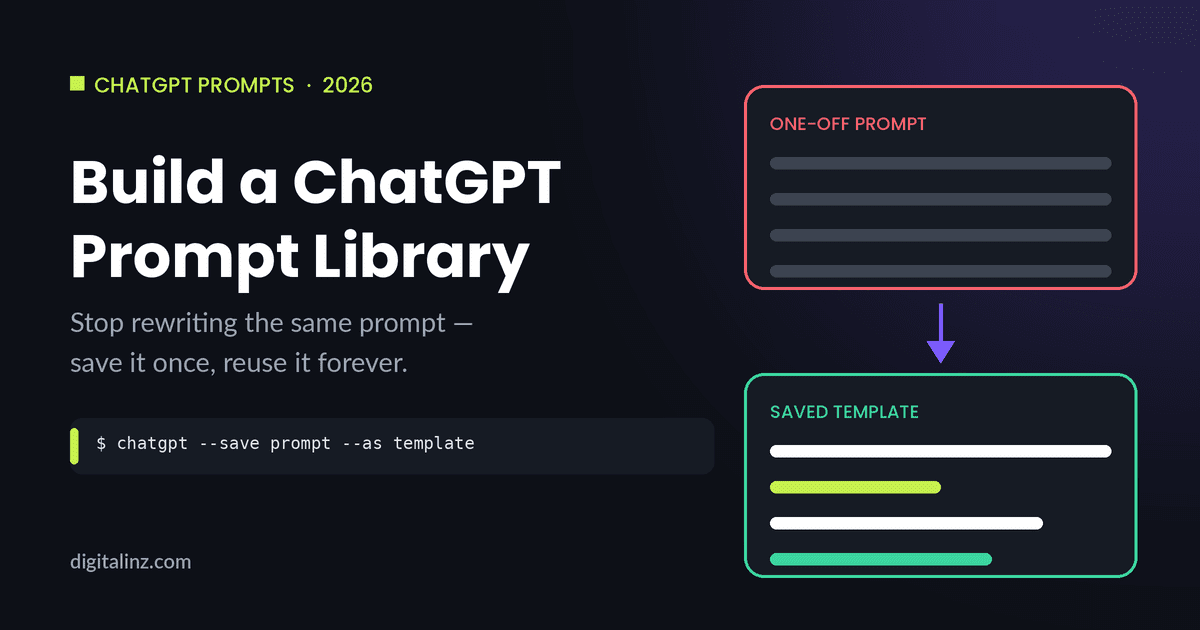
The single highest-value habit is also the simplest: whenever a prompt produces something genuinely good, don’t just keep the output — rewrite the prompt as a template. Replace the specific details with bracketed placeholders so the structure stays, but the details can change. This is the same role-context-format-constraints structure from how to write good ChatGPT prompts, just saved instead of typed fresh each time.
Example: A prompt that worked for “Write a job description for a marketing associate, under 200 words, ATS-friendly” becomes a template: “Write a job description for [ROLE], under [WORD COUNT] words, ATS-friendly.”
2. Keep one running doc, organized by task type — not by date
A lot of saved prompts end up scattered across notes apps, chat history, and screenshots, sorted by whenever they happened to be written. That makes them almost impossible to find later. A single doc — a note, a doc, or even a spreadsheet — organized by what the prompt is for (emails, social posts, job descriptions, lesson plans) makes it something you’ll actually open again.
Example: Instead of “Prompts – June,” use sections like “Email Templates,” “Social Captions,” and “Job Descriptions,” each with 2-3 saved prompts underneath.
3. Use ChatGPT’s custom instructions for context you repeat every time
If there’s information you find yourself typing into almost every prompt — your job title, your audience, your usual tone or format — that’s a sign it belongs in ChatGPT’s custom instructions rather than in each individual prompt. Set it once, and every conversation starts with that context already in place.
Example: An HR coordinator might set custom instructions noting their company writes ATS-friendly job postings under 200 words — so they no longer have to repeat that in every prompt.
4. Review and prune your prompt library every few months
Saved prompts go stale. A prompt built around last year’s product, a tool that’s changed its interface, or a format you no longer use is clutter, not a resource. A quick pass every couple of months — keep what you’ve actually reused, update what’s close but outdated, and delete the rest — keeps the library useful instead of just long.
Example: A social media manager might find that 3 of their 20 saved caption templates get reused weekly, while the other 17 haven’t been touched since launch — the 3 are the actual library; the rest is noise.
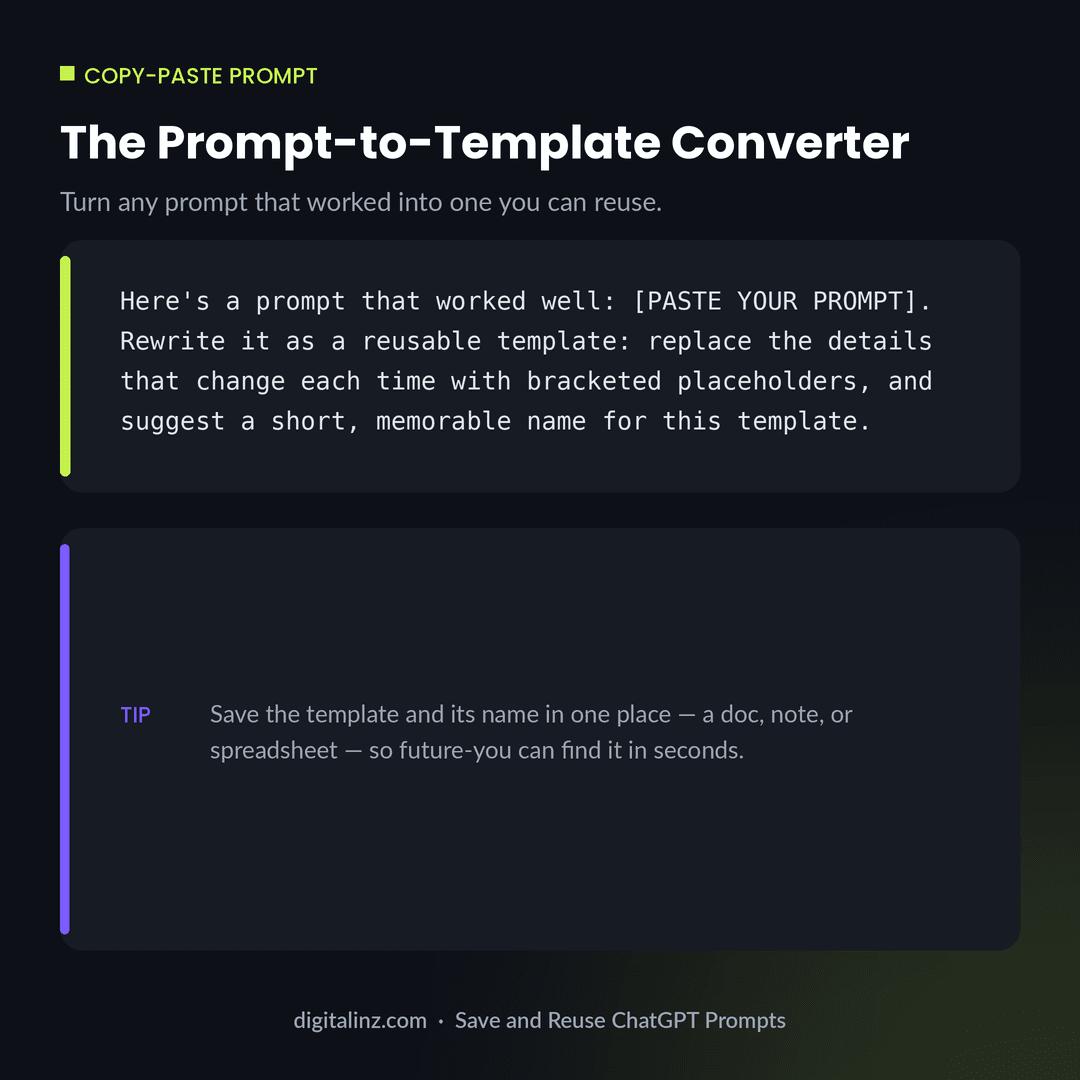
Copy-Paste: The Prompt-to-Template Converter
If a prompt worked well but you wrote it on the fly, this prompt turns it into a reusable template — no manual editing required.
Before and After: One-Off Prompt vs Reusable Template
Here’s the same request — a LinkedIn announcement — once as a one-off prompt, and once rewritten as a template you can reuse for the next announcement.
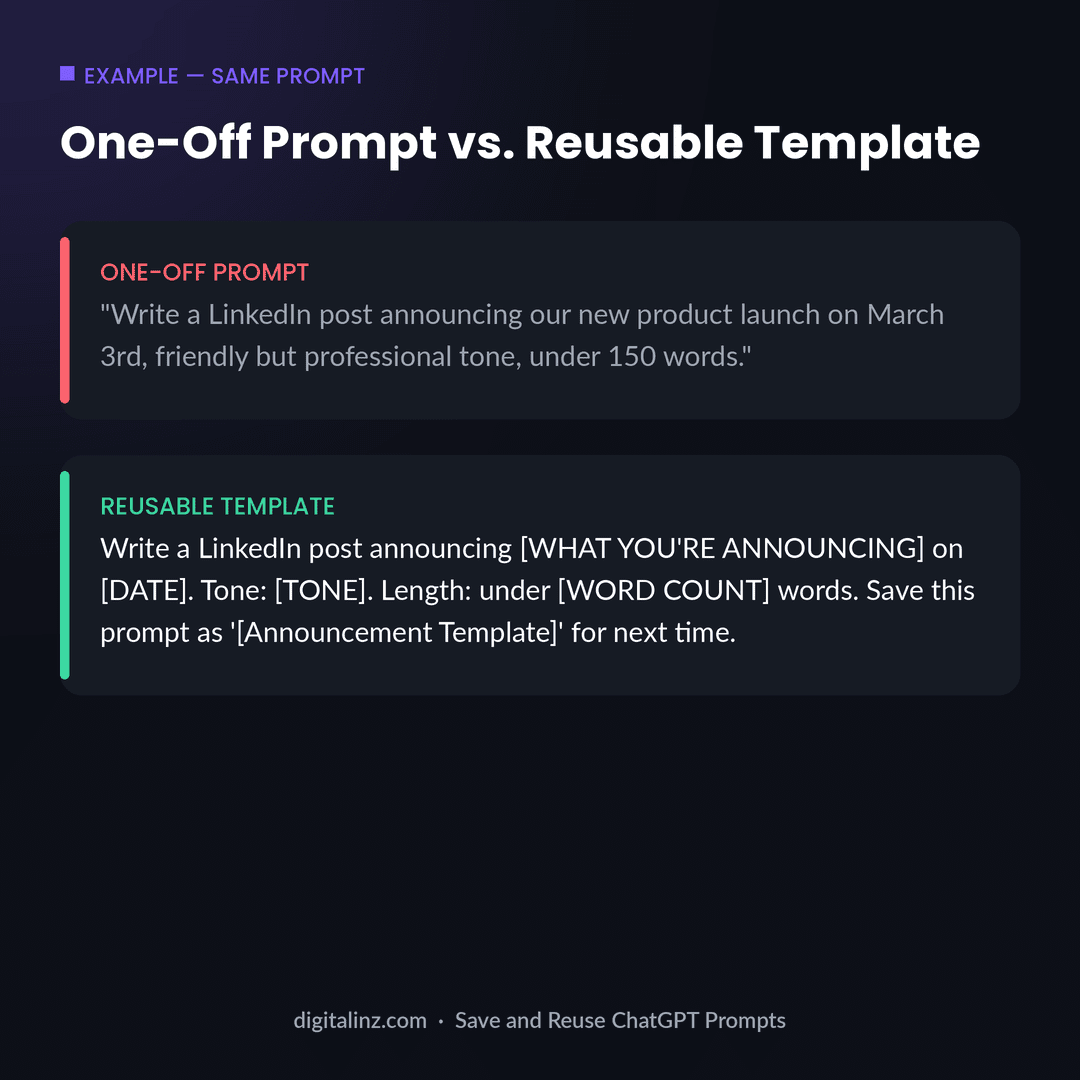
Notice the template isn’t shorter or more complicated — it’s the same prompt, with the parts that change each time swapped for placeholders. That’s the entire difference between a prompt you use once and a prompt you use for the rest of the year.
FAQ: Saving and Reusing ChatGPT Prompts
Where should I save my ChatGPT prompts?
Anywhere you’ll actually open again — a notes app, a doc, or a spreadsheet works fine. What matters more than the tool is organizing prompts by task type, so you can find the right one quickly when you need it.
What’s the difference between a prompt and a prompt template?
A prompt is what you typed for one specific task. A template is that same prompt with the specific details replaced by placeholders, so you can reuse the structure for the next similar task without rewriting it.
Can ChatGPT remember my prompts for me?
ChatGPT can hold context within a conversation and, with custom instructions, carry some preferences across chats — but it isn’t a substitute for a saved library. Keeping your best templates somewhere you control means you can find and reuse them regardless of how any single conversation goes.
How many prompts do I actually need?
Far fewer than most “prompt pack” listings suggest. A handful of templates covering the tasks you do every week will get used constantly; hundreds of prompts you never open again aren’t a library, they’re clutter.
The Shortcut
Building a prompt library from scratch means writing and testing dozens of prompts before you have a handful worth keeping. Our AI prompt toolkits skip that step — every prompt is already written, tested, and organized by task, so you start with a library instead of building toward one.
Pick the one that matches your work: The HR AI Toolkit for HR and recruiting, The Teacher’s AI Toolkit for K-12 educators, AI-Powered Practice Prompts for therapists, or the Social Media Manager AI Prompt Vault for content and social teams.
Prefer to browse everything in one place? All of our prompt packs are also available on Gumroad.