Are Teachers Allowed to Use ChatGPT? (5 Rules for Ethical Use)
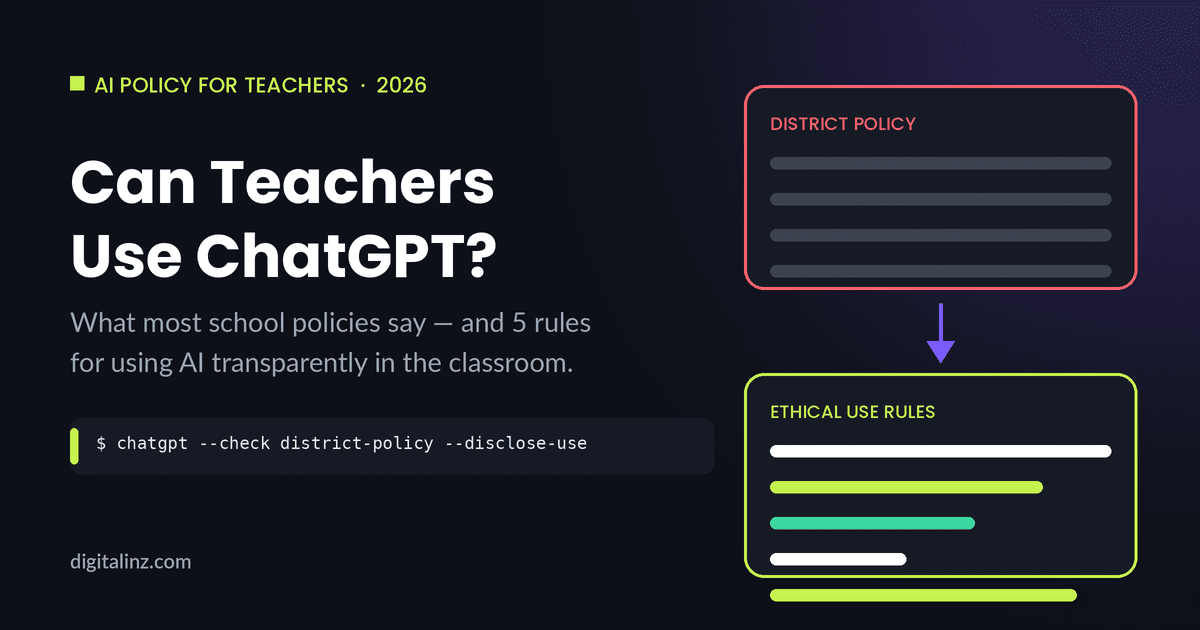
Are teachers allowed to use ChatGPT? Yes — but the answer depends on your district’s acceptable use policy, what you’re using it for, and whether you’re transparent about it with students and parents. Most schools don’t prohibit teacher use of AI tools; they simply haven’t written clear guidance yet. That gray area puts the professional risk entirely on the teacher. These 5 rules give you a framework to use ChatGPT confidently and ethically — without waiting for your district to catch up.
Why the “Can I Use ChatGPT?” Question Is Harder Than It Looks
The challenge isn’t a legal prohibition — it’s the absence of clear policy. When a district hasn’t addressed AI explicitly, teachers who use ChatGPT are working without documentation, which creates professional vulnerability if a parent or administrator later questions their practice. UNESCO’s guidance on AI in education recommends that schools develop clear ethical frameworks before AI tools become standard in classrooms — which means most schools are behind, and individual teachers are filling the gap through trial and error.
The 5 rules below aren’t about restricting your ChatGPT use — they’re about protecting yourself while using it freely. Pair your AI-assisted lesson materials with solid ChatGPT prompts for parent emails and you have a complete communication loop: better materials plus the ability to explain them to families clearly.
5 Rules for Ethical ChatGPT Use in the Classroom
Rule 1: Check Your District’s Acceptable Use Policy First
Before using ChatGPT for anything school-related, read your district’s Acceptable Use Policy (AUP). Search for terms like “AI,” “artificial intelligence,” “generative,” and “ChatGPT.” Most policies written before 2023 don’t address AI at all — which typically means it’s not prohibited, but also not explicitly permitted. If your policy is silent on AI, that’s useful to document: it means you’re operating in a gray area, not a prohibited one.
If your policy does reference AI tools, check whether it applies to student use, teacher use, or both. Many early AI policies were written to address student academic integrity concerns, not teacher workflow. Know what the policy actually says before assuming it covers your use case.
Action: Pull your district AUP, search for “AI” or “ChatGPT,” and note whether teacher use is addressed. If it’s not, you have a starting point for requesting clearer guidance — and documentation that you checked.
Rule 2: Be Transparent With Students About AI-Assisted Materials
If you use ChatGPT to generate quiz questions, lesson plan outlines, or reading materials, tell students. This isn’t a legal requirement in most jurisdictions — it’s a professional and pedagogical one. Students who know you used AI to draft a quiz still need to master the content to answer it correctly. Transparency also models the behavior you’re likely asking of them: being honest about when and how AI tools contributed to their work.
Transparency doesn’t mean a lengthy disclaimer. A brief note — “I used ChatGPT to draft the initial questions for today’s quiz, then reviewed and edited them” — takes ten seconds and eliminates any perception of hypocrisy if your school also has AI disclosure policies for students.
Action: Add one line to relevant assignments or class materials noting when content was AI-assisted and reviewed. Keep it brief and factual.
Rule 3: Keep Student Data Out of Free ChatGPT
The standard ChatGPT interface (free and ChatGPT Plus) is not a FERPA-compliant system. This means you should never paste identifiable student information into ChatGPT prompts — no full names combined with grades or diagnoses, no IEP details, no disciplinary records, no contact information. A first name alone for context (“a student named Marcus is struggling with fractions”) is generally fine; a prompt that includes a student’s full name, grade level, and learning disability is not.
If your district has an enterprise ChatGPT agreement with OpenAI, check what data processing terms apply — enterprise agreements often include data handling provisions that change what’s permissible. When in doubt, de-identify: use placeholders like [STUDENT NAME] and fill them in yourself after ChatGPT generates the draft.
Action: Never include identifiable student information (name + diagnostic or disciplinary detail) in a free ChatGPT prompt. Use placeholders and fill in specifics yourself after generation.
Rule 4: Teach With AI, Not Around It
Using ChatGPT to generate materials and then hiding that from students treats AI as something to be ashamed of — which undermines your ability to teach AI literacy at the same time. The more educationally sound approach is to use ChatGPT as a visible tool: show students how you prompted it to generate a quiz, demonstrate how you edited the output, and let them see the gap between what ChatGPT produced and what you decided to keep.
This doesn’t require a formal AI literacy curriculum. It can be as simple as projecting your ChatGPT session during a lesson planning discussion, or showing students the before-and-after of an AI-generated prompt you refined. Teachers who use AI transparently are better positioned to help students use it responsibly — because they’ve thought through the trade-offs themselves.
Action: At least once per unit, let students see ChatGPT as part of your workflow — not to justify your use, but to model thoughtful, critical engagement with the tool.
Rule 5: Document Your AI Use in Lesson Plans
If a parent or administrator ever questions whether AI-generated materials meet professional standards, your lesson plan is your first line of defense. A brief note — “Quiz questions drafted with ChatGPT, reviewed and edited for accuracy and grade-level appropriateness” — takes thirty seconds and creates a paper trail showing that you applied professional judgment to AI output.
Documentation also helps you build your own practice over time. Teachers who track which ChatGPT prompts produced useful output and which required significant editing develop a more accurate sense of where AI actually saves time versus where it creates more work. Pair this documentation habit with ChatGPT prompts for quizzes that are already designed to produce educationally sound output, and you’ll spend less time editing and more time teaching.
Action: Add a one-line AI use note to any lesson plan that includes AI-assisted materials. “Quiz questions: ChatGPT draft, edited for accuracy” is enough.
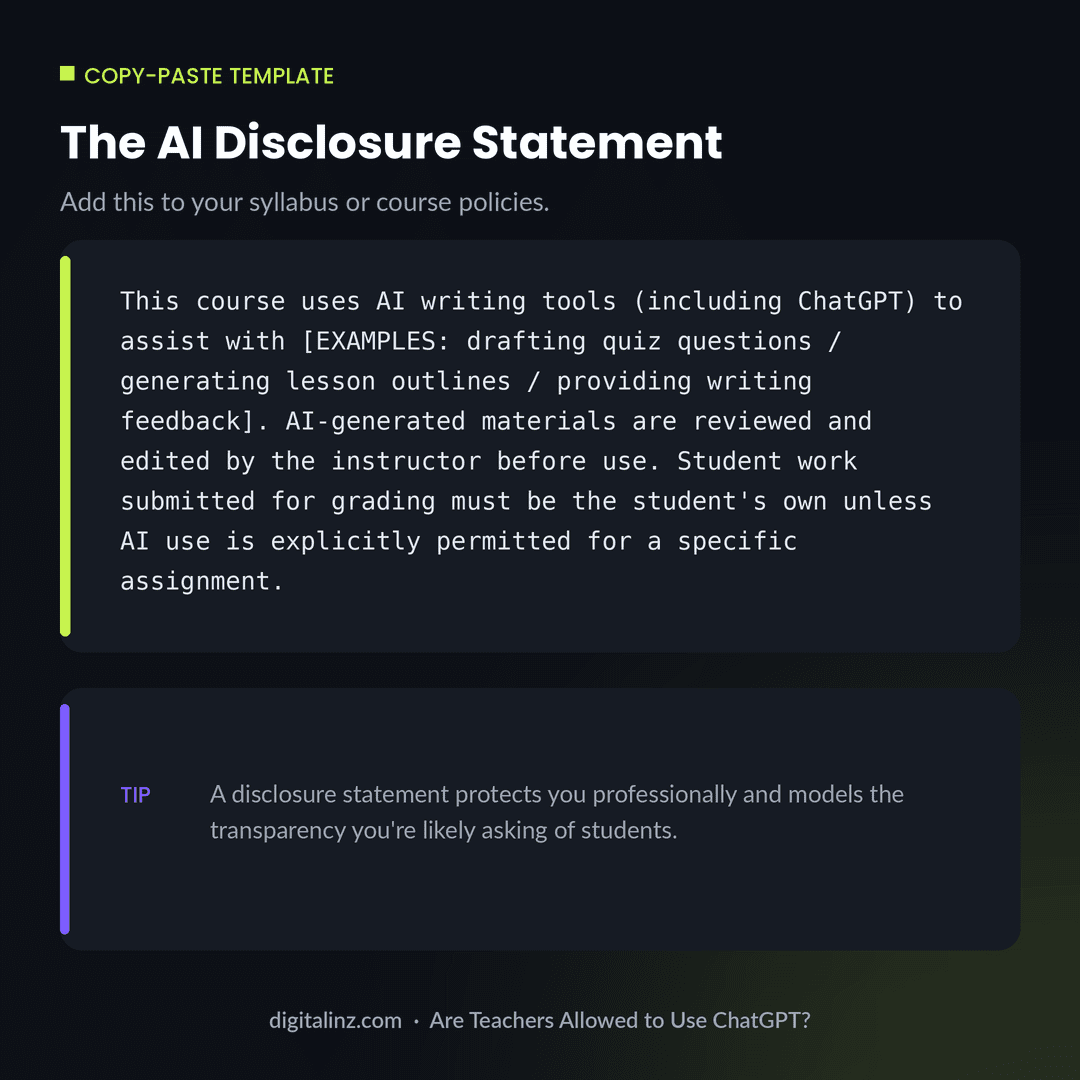
Copy-Paste: The AI Disclosure Statement
Add this to your syllabus, course policies page, or class website at the start of the year — it covers you professionally and sets accurate expectations with students and parents.
Before and After: No Policy vs. Clear AI Disclosure
The difference between professional risk and professional protection is usually one documented decision.
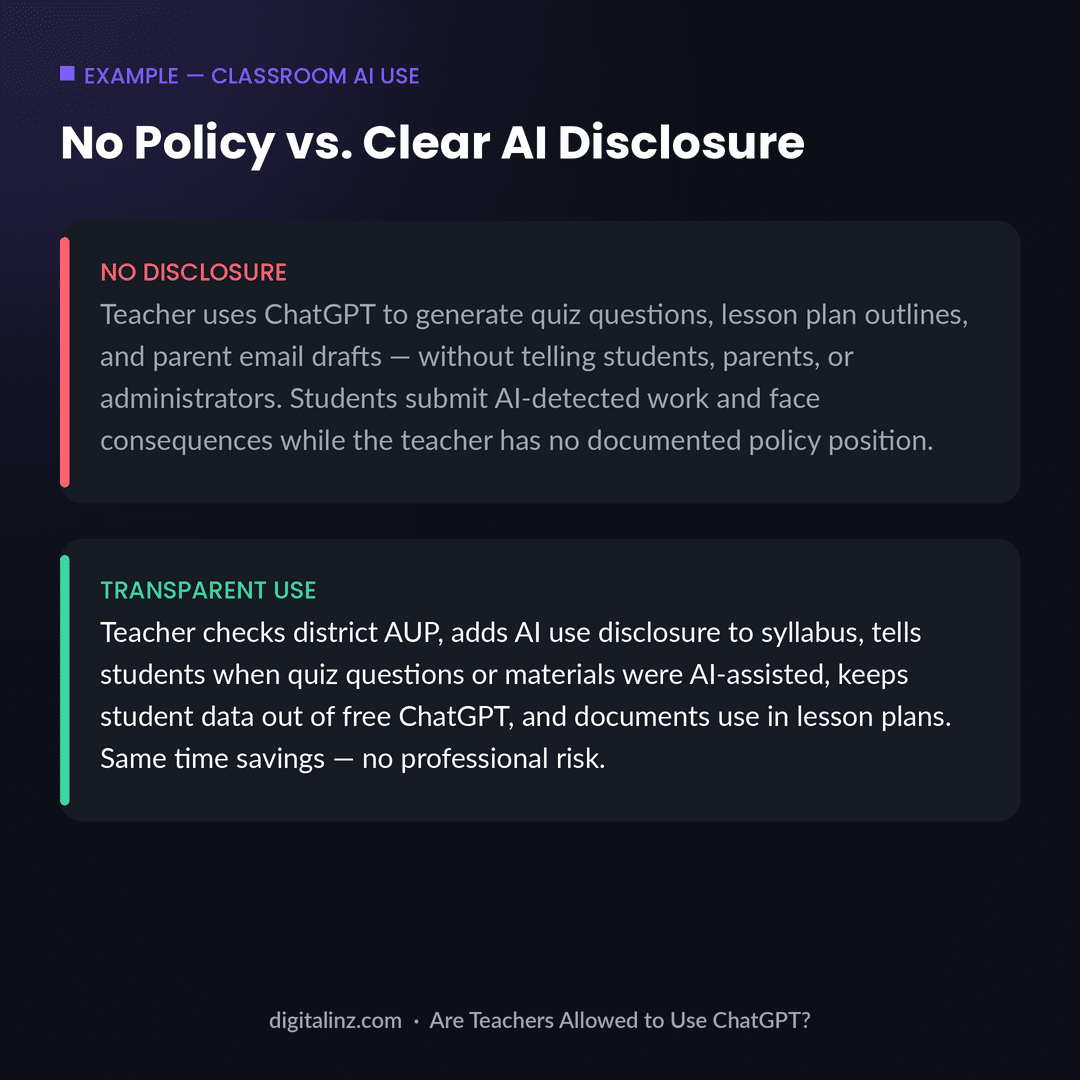
The undisclosed scenario isn’t necessarily unethical — but it leaves the teacher with no documentation if a question ever arises. The disclosed scenario takes the same amount of work to produce the AI-assisted materials, adds about five minutes of setup at the start of the year, and eliminates the professional exposure. Using ChatGPT ethically as a teacher doesn’t mean using it less — it means using it with a documented, transparent framework that holds up to scrutiny.
FAQ: Are Teachers Allowed to Use ChatGPT?
Is it legal for teachers to use ChatGPT?
In most jurisdictions, yes — there’s no law that prohibits teachers from using AI tools to prepare instructional materials. The relevant constraints are district policy (which may restrict or require disclosure of AI use), FERPA (which governs student data privacy), and professional ethics standards (which vary by state and union). Check your district’s AUP before using ChatGPT with identifiable student data.
Do teachers have to disclose when they use ChatGPT?
Most districts don’t currently require formal AI disclosure for teacher use. However, transparency is the professionally sound choice: it models the behavior schools ask of students, eliminates any appearance of inconsistency, and protects you if questions arise later. Adding a brief disclosure statement to your syllabus takes minutes and has no downside.
Can ChatGPT replace a teacher’s professional judgment?
No — and it shouldn’t try to. ChatGPT generates plausible output based on patterns in training data, but it doesn’t know your specific students, your curriculum standards, or the instructional context. Every AI-generated quiz, lesson plan, or email draft requires teacher review before use. The professional judgment is in the editing, not the prompting.
What’s the safest way to use ChatGPT as a teacher without getting in trouble?
Four steps: check your district AUP, keep identifiable student data out of free ChatGPT, disclose AI use in your syllabus and lesson plans, and review every AI-generated output before distributing it. Those four practices address the most common sources of professional risk and give you a defensible record of thoughtful AI use.
The Shortcut
Knowing the rules is step one — having the right prompts is step two. Our Teacher AI Toolkit includes 200+ ready-to-use prompts for lesson planning, differentiation, quiz design, parent communication, and more — all organized so you spend time teaching, not prompting.
Also available on Gumroad.