Can ChatGPT Make Lesson Plans? 5 Proven Rules (2026)
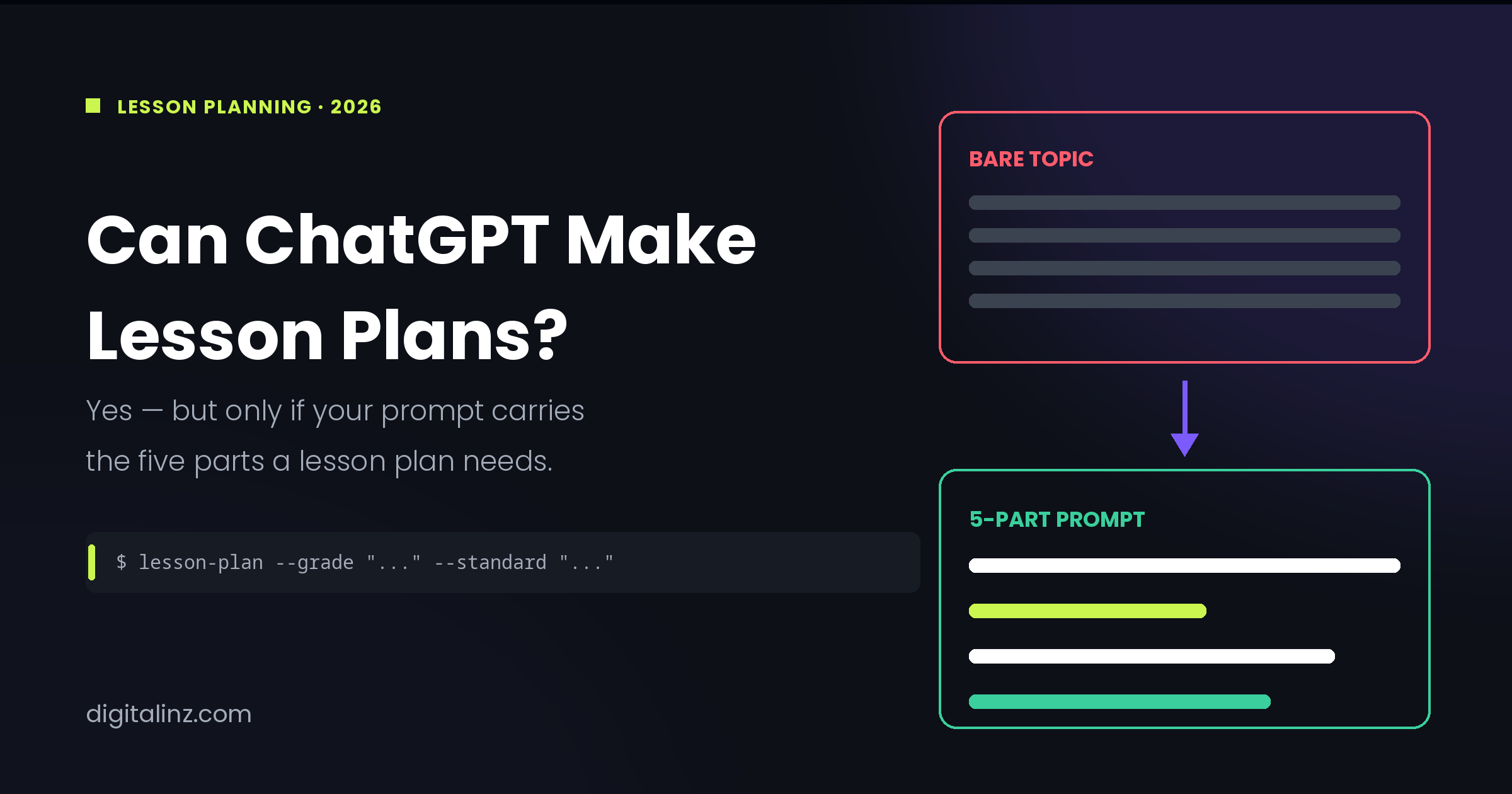
Yes — ChatGPT can make lesson plans, and it can do it in about ninety seconds. The catch is that the plan you get from “write a 5th grade lesson plan on the water cycle” is almost never the plan you can actually teach. It’ll be vague, unaligned to your standards, and missing differentiation entirely. The difference between a throwaway draft and something you’d genuinely put in front of a class comes down to five things you include in the prompt. Here’s what ChatGPT does well, what it can’t do at all, and the 5-part formula that fixes it.
What ChatGPT Can and Can’t Do for Lesson Planning
The honest answer to “can ChatGPT make lesson plans” is that it can build the scaffolding, but it doesn’t know your classroom. That distinction decides how much editing you’ll do afterward.
What ChatGPT is genuinely good at:
- Turning a bare topic into a timed outline — warm-up, instruction, practice, closure
- Generating three differentiation tiers at once instead of you writing each by hand
- Drafting exit tickets, rubrics, and quiz questions that match the objective you gave it
- Rewriting a passage or activity at a different reading level in seconds
- Producing the sub plan and the parent email from a lesson you’ve already built
What it can’t do, no matter how good your prompt is:
- Know your state’s actual standard codes — it will confidently invent plausible-looking ones
- Know which of your students need which accommodation
- Judge whether 40 minutes is realistic for your class on a Friday afternoon
- Know what your students already covered last week
- Verify that the content it produced is factually correct
That last one matters more than teachers expect. ISTE+ASCD, the largest provider of AI professional development for educators, frames the goal as using AI safely and responsibly to support learning — with the educator, not the tool, making the instructional call. A lesson plan generated in ninety seconds still needs the same review you’d give a colleague’s plan before teaching it. And before you build any of this into your routine, it’s worth checking where your district actually stands, which we cover in are teachers allowed to use ChatGPT.
The 5-Part Prompt Formula for Lesson Plans
A standard lesson plan has five parts: objective, hook, instruction, practice, and assessment. Your prompt needs to specify all five — because anything you leave out, ChatGPT will fill in with an average of everything it’s ever read. That average is exactly what “generic” means.
Part 1: Give It a Role and a Grade Level
Open with who ChatGPT is supposed to be, not what you want. “Act as a 7th grade life science teacher” produces different vocabulary, different pacing, and different activity types than “act as a 2nd grade teacher” — even for the same topic.
Grade level is the single highest-leverage word in the whole prompt. Without it, ChatGPT defaults to a vague middle-school register that fits nobody. Act as a 7th grade life science teacher planning for a mixed-ability class of 28.
Part 2: State the Objective and the Standard Yourself
This is the part teachers most often hand over, and it’s the part ChatGPT is worst at. Ask it to align a lesson to “NGSS standards” and it will produce something that looks right and cites a code that may not exist.
Paste the standard in yourself — the actual text, copied from your curriculum guide. Then let ChatGPT write the objectives from it. Aligned to MS-LS1-6, which reads: “Construct a scientific explanation based on evidence for the role of photosynthesis in the cycling of matter and flow of energy.” Now it’s working from your standard instead of guessing at it.
Part 3: Set the Timing and the Structure
“Write a lesson plan” gets you an untimed list of activities. “Write a 45-minute lesson plan with timing for each section” gets you something you can actually run against a clock.
Be specific about the shape: 10-minute hook, 15 minutes direct instruction, 15 minutes guided practice, 5-minute closure. If you don’t give ChatGPT a structure, it will invent one — usually one that assumes a 90-minute block you don’t have.
Part 4: Name the Differentiation You Actually Need
Generic prompts produce a single-track lesson for an imaginary average student. Real classes don’t work that way. Ask for the tiers explicitly: Include one modification for ELL students at intermediate proficiency, one extension for students working above grade level, and one accommodation for a student with an IEP requiring extended time and chunked instructions.
Naming the specific accommodation, rather than just saying “include differentiation,” is what turns a throwaway line into something usable. If differentiation is the part of planning that eats your evenings, the differentiation and IEP prompts guide goes deeper on tiering a single lesson three ways, and can ChatGPT write IEP goals covers the goal-writing side — and the Teacher’s AI Toolkit has these accommodation templates pre-written by category, so you’re filling in a student profile instead of rewriting the request every time.
Part 5: Specify the Assessment and the Output Format
Close the prompt by telling ChatGPT how you’ll know the lesson worked, and what the finished artifact should look like. End with a 3-question exit ticket, one of which requires students to explain their reasoning. Format the whole plan as a table with columns for time, activity, teacher actions, and student actions.
Format instructions are underrated. The same lesson delivered as a wall of prose versus a timed table is the difference between something you retype and something you print. If assessment is where you want to go deeper, our quiz and assessment prompts cover question types and answer keys in more detail.
Copy-Paste: The Full Lesson Plan Prompt
All five parts, assembled. Swap the bracketed fields and this works for almost any lesson:
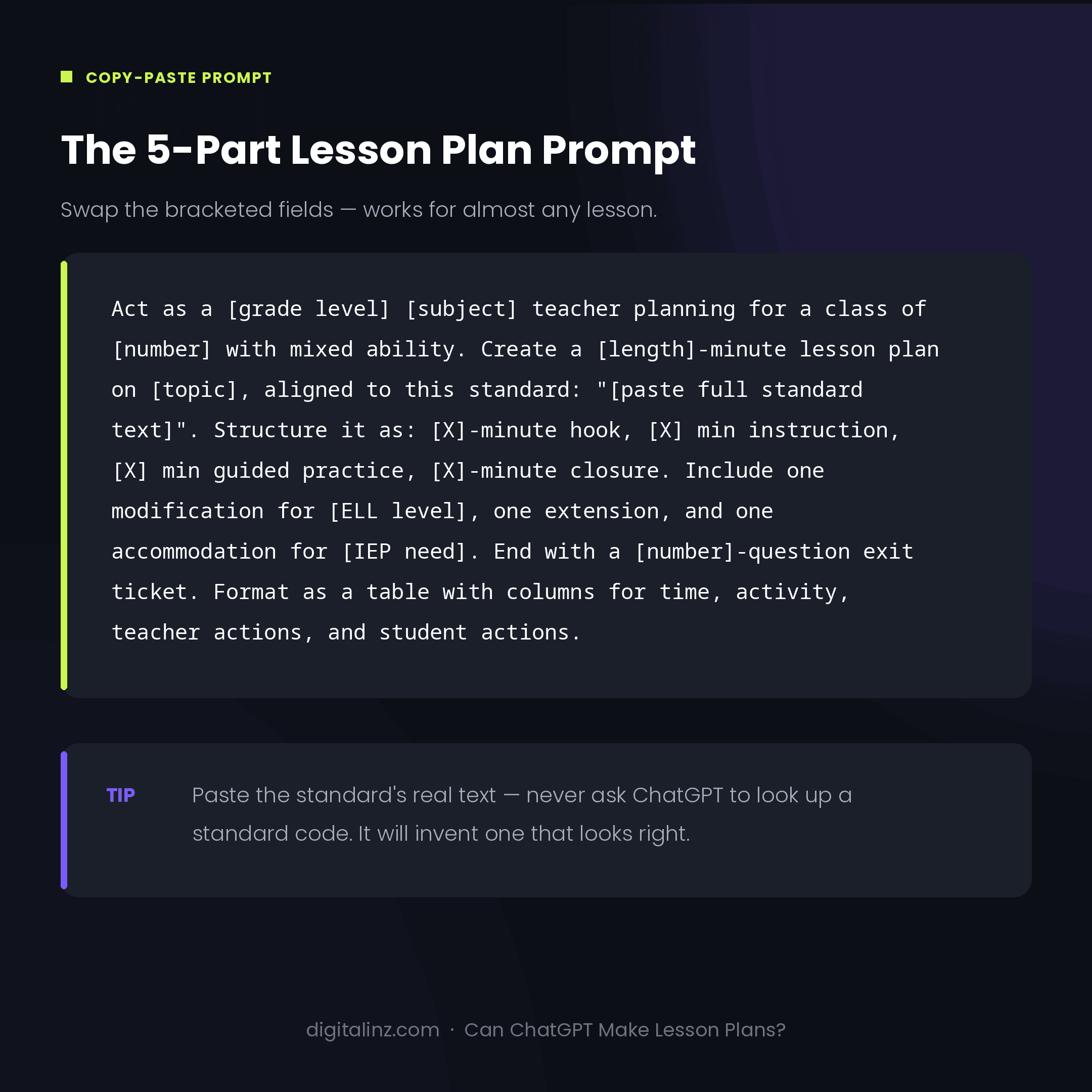
Act as a [grade level] [subject] teacher planning for a class of
[number] with mixed ability.

Create a [length]-minute lesson plan on [topic], aligned to this
standard: "[paste the full standard text]".

Structure it as: [X]-minute hook, [X] minutes direct instruction,
[X] minutes guided practice, [X]-minute closure.

Include one modification for [ELL level], one extension for
students above grade level, and one accommodation for [specific
IEP need].

End with a [number]-question exit ticket, including one question
that requires explaining reasoning.

Format as a table with columns for time, activity, teacher
actions, and student actions.
Save this as a custom instruction or a saved prompt so it’s one paste away every time you plan. The bracketed fields you’ll change most often are topic and standard — everything else stays fixed for the whole year.
Before and After: Same Topic, Two Very Different Plans
Ask ChatGPT for “a 5th grade lesson plan on the water cycle” and you’ll get four untimed bullet points, an objective written as “students will learn about the water cycle,” no differentiation, and a closing suggestion to “discuss as a class.” It’s not wrong. It’s just not a lesson plan — it’s a topic outline you’d still have to build from.
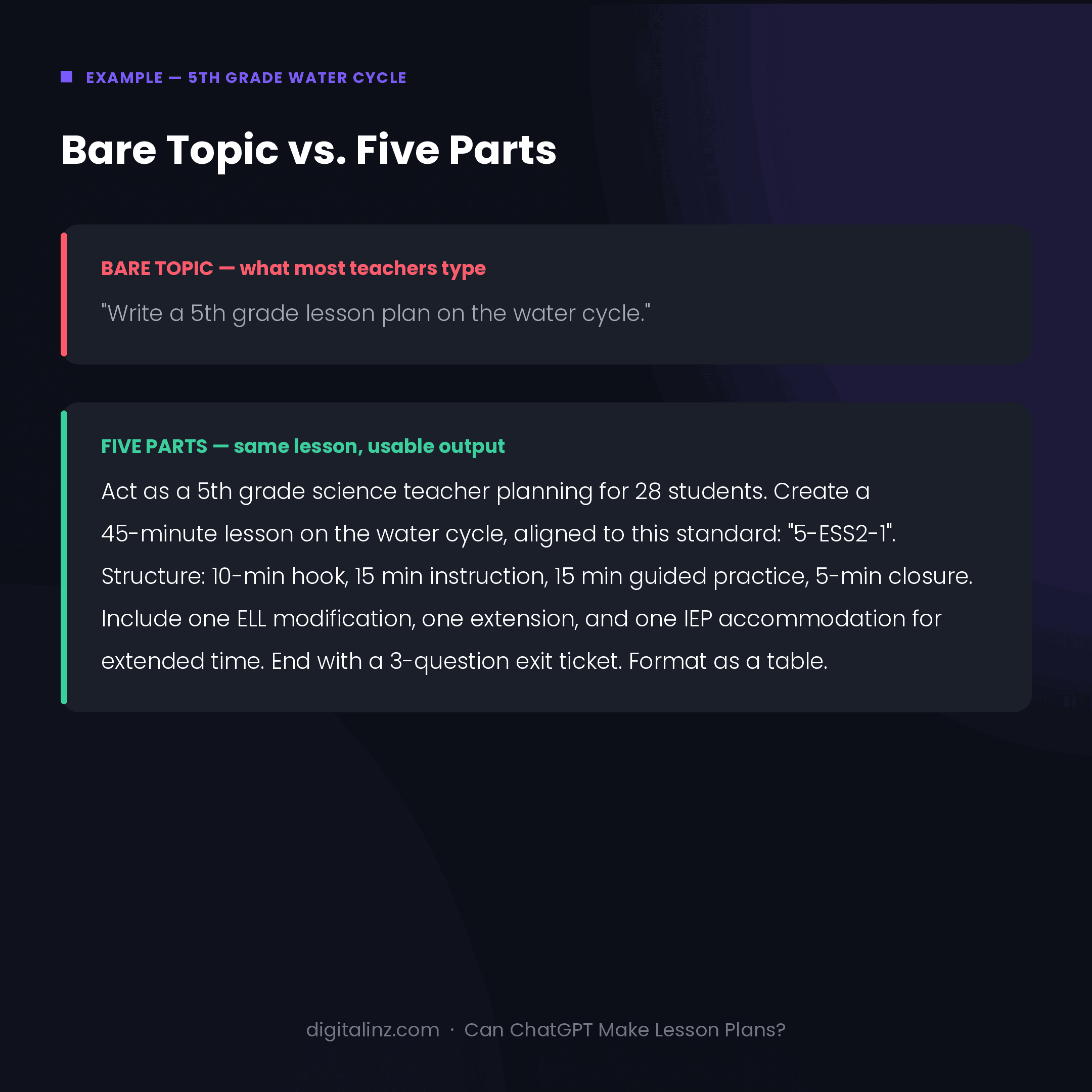
Run the same topic through the five-part formula and you get a timed table, objectives written in observable “students will be able to” language against your actual standard, three differentiation tiers naming real accommodations, and an exit ticket that produces evidence you can grade. Same model, same ninety seconds, completely different artifact.
The reason for the gap is the same reason vague prompts fail everywhere else — it’s covered in more depth in why ChatGPT gives generic answers. If you want the individual pieces broken out rather than one master template, we’ve published 15 lesson planning prompts covering objectives, activities, differentiation, assessment, and parent communication separately.
The Most Common Mistake: Trusting the Standards
If you take one warning from this article, take this one. ChatGPT will produce standard codes that look completely legitimate — right format, right subject, plausible numbering — and are simply wrong. It doesn’t have a reliable index of your state’s standards, so it pattern-matches to something standards-shaped.
The fix takes ten seconds: paste the standard’s real text into the prompt rather than asking ChatGPT to retrieve it. Anything it hands back that you didn’t provide, verify against your curriculum guide before it goes into a plan an administrator might read.
FAQ
Can ChatGPT make lesson plans?
Yes. ChatGPT can produce a complete, timed lesson plan with objectives, activities, differentiation, and an assessment in under two minutes. The quality depends almost entirely on how much context you provide — grade level, the actual standard text, timing, differentiation needs, and output format. Without those, it produces a generic topic outline rather than a teachable plan.
What are the 5 parts of a lesson plan?
Objective, hook or anticipatory set, direct instruction, guided and independent practice, and assessment or closure. These map directly onto the five things your prompt needs to specify — which is why a prompt missing one of them produces a plan missing that section.
What are the most common mistakes when using ChatGPT for lesson plans?
Three come up repeatedly: asking ChatGPT to retrieve standards instead of pasting them in, omitting the grade level so the output lands at a vague middle register, and leaving out timing so you get an unordered activity list. All three are prompt problems, not model problems.
Is it okay to use a ChatGPT lesson plan in the classroom?
As a first draft, yes — the same way you’d adapt a colleague’s plan or a textbook’s. Review it for factual accuracy, age-appropriateness, and fit with what your students covered last week. District policies vary, so check yours before making it routine.
Can ChatGPT write lesson plans for any subject?
It handles humanities, science, and elementary subjects well. It’s weakest where precision matters most — math worked examples, where it can produce arithmetic errors, and anything requiring current or local information. Check any computation or factual claim before teaching it.
The Shortcut
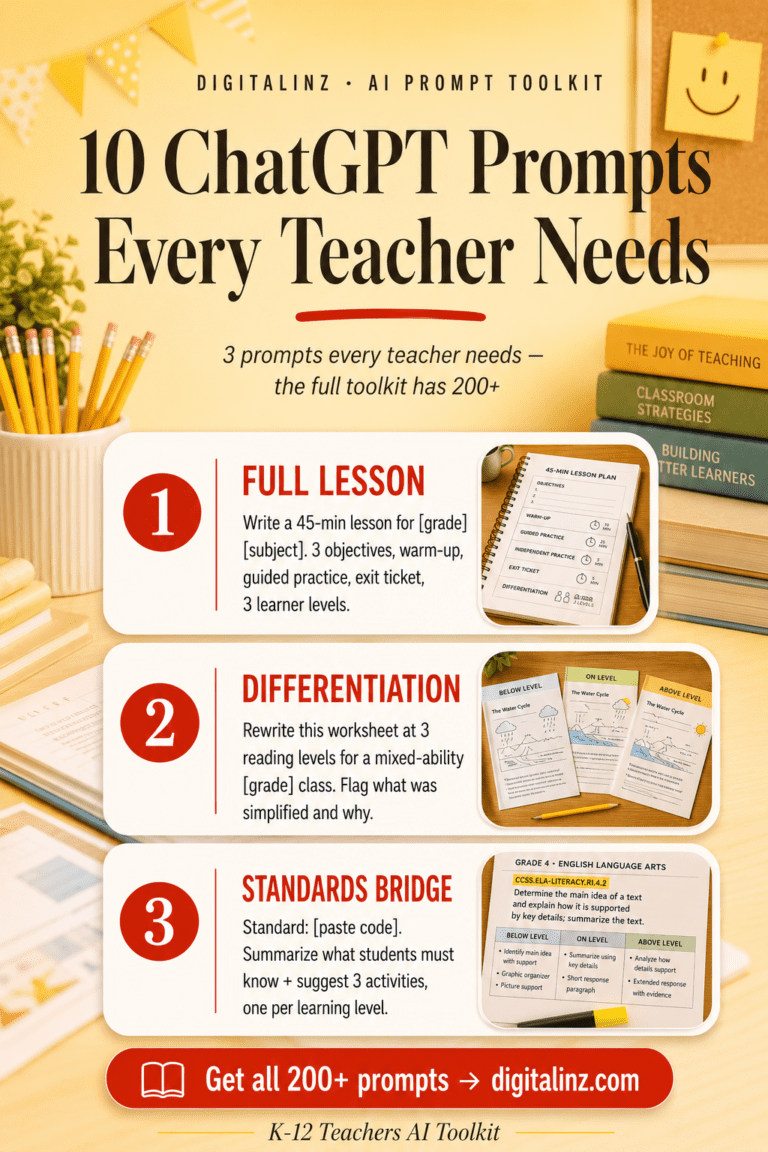
The five-part formula works, but rebuilding it from scratch for every lesson, every subject, and every accommodation type gets old by about week three. Our Teacher’s AI Toolkit includes 200+ ready-to-use prompts for lesson planning, differentiation, assessments, rubrics, and parent communication across K–12 — with grade level, standards context, and accommodation language already built into every template.
Also available on Gumroad.