How to Use ChatGPT for Performance Reviews Step by Step
Did you know that over 70% of managers feel significant stress when it’s time to write evaluations? That blank page isn’t just intimidating—it’s a common source of anxiety. As author Mark Manson points out, what we call “writer’s block” is often just fear in disguise.
This guide is your solution. It turns that anxiety into action. You will learn a clear, step-by-step method to leverage artificial intelligence for crafting better feedback.
We show you how to transform your rough notes and observations into polished, professional reviews. The goal is to save you hours while ensuring every evaluation supports your team’s development.
Our approach maintains the crucial human touch. It helps you provide specific, actionable insights that make your employees feel valued and understood. You’ll master the art of guiding AI to produce meaningful results.
Key Takeaways
- Reframe writer’s block as manageable anxiety to unlock your feedback process.
- Save valuable time during busy evaluation cycles with structured AI assistance.
- Ensure every piece of feedback is personalized, professional, and actionable.
- Transform scattered notes into coherent and growth-oriented performance reviews.
- Balance technological efficiency with the essential human element of leadership.
- Create effective prompts to generate high-quality, relevant content from AI tools.
- Foster continuous team development and support throughout the entire year.
Introduction
This manual exists to dismantle the dread surrounding employee assessments. That blank page anxiety is real. Author Mark Manson calls it fear in disguise.
Our resource helps you channel that energy productively. It provides a structured path forward.
Purpose of This Guide
The primary goal is to help you navigate evaluation cycles without stress. You will reclaim valuable time often lost to repetitive drafting.
This roadmap enhances your feedback quality. It ensures every piece is meaningful and motivates your team.
Overview of ChatGPT’s Role in Performance Reviews
Artificial intelligence acts as a powerful partner. It assists in drafting initial content from your notes.
This tool sifts through data to highlight accomplishments. It identifies areas for professional growth.
Remember, AI supports your judgment. It never replaces the essential human element of leadership.
The technology transforms a dreaded process. It becomes an inspiring springboard for development.
Understanding ChatGPT and Its Capabilities
Imagine having a brainstorming partner available 24/7 to help structure feedback for your team members. Tools like ChatGPT offer this kind of support.
It’s a language model created by OpenAI. This technology processes your prompts to generate coherent, human-like text.
What is ChatGPT?
ChatGPT is a sophisticated AI model. It understands language patterns and contextual nuances.
The model acts as a conversational partner. You provide input, and it crafts relevant written responses.
This tool excels at drafting initial content from rough notes. It helps you articulate complex thoughts clearly.
| Capability | Strength | Limitation |
|---|---|---|
| Text Generation | Fast, helps articulate thoughts | Lacks specific team data and context |
| Brainstorming | Acts as a knowledgeable colleague | No built-in bias safeguards |
| Personalization | Can calibrate tone for feedback clarity | Output can be generic without your input |
Key Strengths and Limitations
One major strength is speed. You get responses instantly to help shape evaluations.
It serves as a co-writer, not an author. Your judgment provides the crucial context.
A key limitation is its blank slate nature. The AI has no access to your specific team information.
Without your detailed input, its insights can sound vague. Always review and personalize every output.
Preparing for AI-Assisted Performance Reviews
Think of preparing for a performance review like gathering ingredients for a master chef’s recipe. The quality of your input directly dictates the final output’s value.

Gathering Concrete Employee Data
Start by compiling specific examples. Document project milestones, completed tasks, and challenges your team member navigated.
This concrete information provides rich context. It ensures your AI tool generates relevant and accurate feedback.
Setting Clear Review Objectives
Define your purpose for each evaluation. Is the goal to motivate, provide guidance, or recalibrate future expectations?
Clear goals shape the tone and content of the assessment. They align the review with your broader management strategy.
This foundational work prevents the “garbage in, garbage out” phenomenon. You lay the groundwork for a balanced and thorough evaluation.
How to Use ChatGPT for Performance Reviews
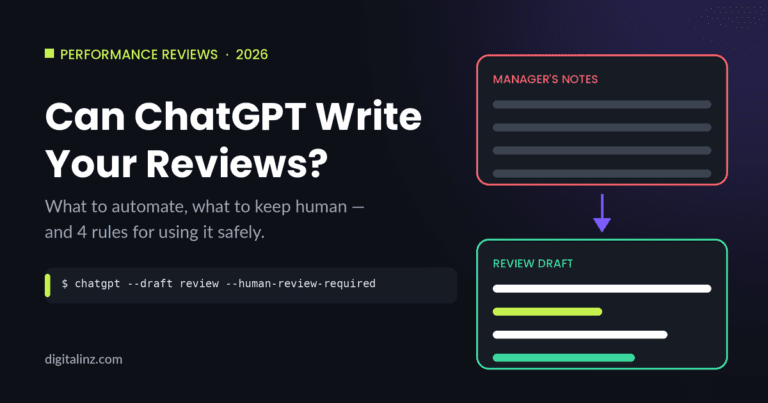
Moving from scattered notes to a polished draft is easier with a defined sequence of steps. This framework guides you through a logical progression, ensuring your final evaluation is both thorough and personal.
Step-by-Step Process Overview
Your journey has three clear phases. First, prepare your input by summarizing achievements and challenges into clear prompts.
Next, engage in a dialogue with the AI. Ask open-ended questions to refine raw material into actionable insights.
Finally, customize every word. This is the most critical phase, where you ensure the language sounds like you. Remember, the AI’s output is an unfinished draft.
For teams prioritizing data security, alternatives like Lattice AI exist. This tool can access employee data securely to generate tailored drafts automatically.
Specifics on Input and Context
The quality of your initial instructions dictates the result. Provide as many specifics as possible in your prompts.
Mention project names, quote specific behaviors, and note key results. This rich context helps the AI generate accurate and relevant content.
This approach ensures you are actively shaping the feedback. You are not relying on the machine but guiding it to produce meaningful assessments for each team member.
Crafting Effective AI Prompts for Performance Reviews
A well-crafted prompt transforms generic AI output into targeted, meaningful feedback. Your instructions act as the blueprint for the entire evaluation.
Mastering this skill ensures every generated draft is relevant and personalized from the start.
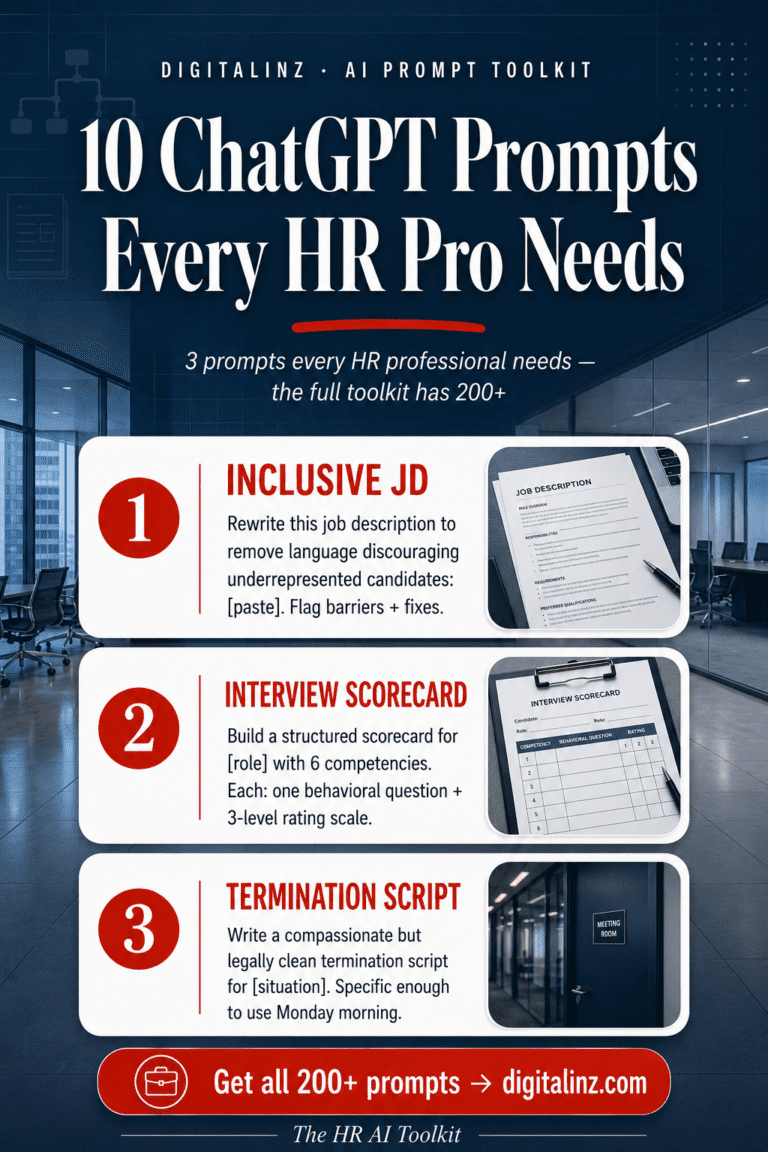
Staring at a blank review form is nobody’s favorite part of the job. The HR AI Toolkit includes dedicated performance review prompts that help you write balanced, thoughtful feedback in a fraction of the time.
Writing Specific and Detailed Prompts
Include the team member’s role, key projects, and specific skills you want to highlight. Provide concrete examples of their work.
Detail milestone achievements and any peer feedback. Also, specify the desired tone for the review.
| Effective Prompt Elements | Vague Prompt Pitfalls |
|---|---|
| Role: “Senior Marketing Analyst” | Role: “Employee” |
| Project: “Led Q3 campaign analysis” | Project: “Did some good work” |
| Skill: “Improved data visualization” | Skill: “Has good skills” |
| Example: “Created 5 new dashboard views” | Example: “Was helpful” |
Common Pitfalls and How to Avoid Them
Avoid vague requests like “write a review for someone who did a good job.” This leads to generic, unsatisfactory output.
If the initial draft feels too formal, use follow-up prompts to refine the language. Ask for a more conversational tone.
Always provide that crucial context. This guides the feedback toward actionable goals and clear improvement areas.
Enhancing Human Judgment with AI Insights
Think of AI-generated content as a first draft written in pencil—your personal touch is the pen that makes it permanent and powerful. The technology provides a solid foundation, but your unique perspective brings it to life.

Balancing AI Output with Your Personal Touch
Your empathy and firsthand knowledge are irreplaceable. While the tool offers valuable insights, you weave in the nuances of your team’s culture and relationships.
Add specific anecdotes and personal encouragement. This approach ensures the feedback feels authentic, not robotic. It shows the employee they are truly seen by their leader.
Use the AI to draft the structure. Then, rely on your understanding of each person’s career goals to personalize the final plan. This is the best way to make the review a catalyst for real growth.
| Review Component | AI’s Typical Contribution | Manager’s Essential Addition |
|---|---|---|
| Structure & Flow | Organizes notes into a logical draft | Adjusts for the individual’s communication style |
| Data Synthesis | Highlights quantitative achievements | Adds context on team dynamics and challenges |
| Tone & Empathy | Calibrates for professional clarity | Infuses genuine care and personal encouragement |
| Development Planning | Suggests generic skill areas | Aligns goals with the employee‘s personal aspirations |
Maintaining this balance transforms a standard process into a meaningful conversation. It builds trust and drives professional development forward.
Best Practices for Ethical and Secure AI Use in Reviews
Your team‘s trust is your most valuable asset, and protecting it requires mindful AI practices. Ethical guidelines ensure your management remains fair and legally sound.
Protecting Employee Data Privacy
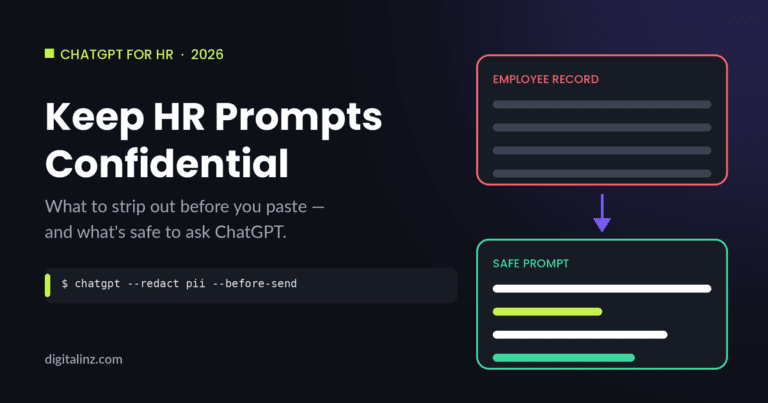
As expert Kimberly Anderson-Mutch notes, data privacy is essential. Avoid inputting sensitive information into public AI tools.
Private health details, personal leave reasons, or disciplinary notes should never be shared. This protects your employees and avoids violating laws like GDPR or CCPA.
Mitigating Bias and Ensuring Fairness
Stay diligent against hidden prejudice. AI can sometimes reproduce biases from its training data.
Ensure your inputs and outputs use neutral, objective language. Avoid any references to protected characteristics like age or gender.
| Ethical Practice | Potential Risk | Your Action |
|---|---|---|
| Data Handling | Revealing sensitive employee details | Never input private health or disciplinary data |
| Language Review | Unconscious bias in feedback | Scrub outputs of coded or subjective terms |
| Tool Selection | Using non-compliant systems | Prefer HR-reviewed platforms for final drafts |
| Process Transparency | Eroding team trust | Be open about using AI for drafting support |
Remember, ChatGPT is not a compliance tool. If you are ever unsure, rely on systems designed for fairness. Transparency about your process builds confidence and makes the performance reviews experience clearer for everyone.
Customizing and Iterating Performance Review Outputs
Consider your initial AI-generated draft as raw material, ready to be sculpted into a personalized message for each team member. This is a process of experimentation and refinement. Treat the first response as a strong starting point, not the final product.
Personalizing Feedback for Each Employee
Use follow-up prompts to fine-tune the tone. You can make the feedback more direct for clarity or more encouraging to foster growth. If the draft sounds filled with corporate buzzwords, ask the tool to rewrite it for a real, human conversation.
Iteration lets you merge ideas. Combine the specific details from one draft with the conversational tone of another. This creates polished paragraphs that reflect reality and feel authentic to your team.
Personalizing ensures the review connects with an employee‘s unique contributions. It aligns with their specific career development goals. Taking the time to calibrate the output shows you are invested in their individual success. This process avoids generic responses, making every evaluation deeply personal.
Integrating ChatGPT with Existing Review Processes
Integrating AI into your review process isn’t about replacing your HR system—it’s about enhancing it. This seamless blend ensures consistency across your entire team while saving valuable time.
Aligning AI Insights with HR Practices
Leading companies like Meta and Amazon use calibration reviews to maintain fairness. You can leverage tools like ChatGPT to prepare for these sessions, ensuring every evaluation is balanced.
For more specialized needs, consider platforms like Textio Lift. They are built specifically for crafting actionable feedback. Aligning AI-generated goals with company objectives keeps everyone moving in the same direction.
Always involve your HR department in high-risk situations. If you’re unsure about feedback impact, consult them for policy alignment. This thoughtful integration creates a dynamic performance management system that supports long-term growth.
Real-Life Examples and Success Stories
Across industries, from marketing to tech, a common pattern of success is emerging for AI-assisted reviews. Leaders in these diverse fields all face the same challenge: delivering meaningful feedback efficiently.
Seeing how others succeed provides a powerful blueprint for your own approach.
Case Studies from Diverse Teams
A marketing department saved significant time by starting with a pre-built annual review template. This gave their managers a consistent structure to work from.
In a tech company, a manager used ChatGPT to analyze project notes. The tool helped identify specific communication patterns that needed improvement.
This led to targeted coaching and better team dynamics on future projects.
Lessons Learned and Practical Tips
The key lesson is to treat AI as a co-pilot. This frees you to focus on leadership and individual development conversations.
Always look back at past work for concrete examples. This ensures you highlight specific skills and achievements.
Keep a running list of prompts that work well for your team. This saves time during the next evaluation cycle.
Ultimately, these tools enhance your own feedback skills. They help create a more positive experience that fuels professional growth.
Conclusion
Embracing artificial intelligence transforms the annual evaluation from a dreaded task into a strategic opportunity for team development. This approach saves valuable time and provides a clear structure for personalized feedback.
Remember, the most effective process balances tool efficiency with your human judgment and empathy. Always prioritize data privacy and fairness to align with your organization’s ethical standards.
Your leadership turns this into a meaningful conversation. It inspires each employee to pursue skills improvement and continuous growth. This fosters a powerful culture of professional development.
FAQ
What is ChatGPT and its role in employee assessments?
What are the benefits and drawbacks of leveraging AI in assessments?
What preparation is needed before employing AI in evaluations?
Can you describe the process of integrating AI into evaluation workflows?
What constitutes an effective prompt targeting assessment feedback?
What ethical considerations are important when employing AI in management?
Are there real-world examples of teams gaining from AI in assessments?
Performance reviews don’t have to be your most dreaded task of the quarter. With the HR AI Toolkit, you get prompts that help you structure feedback, set goals, and communicate clearly — so you can finish reviews faster and feel good about what you wrote.