How to Build a 30-Day Content Calendar with ChatGPT (2026)
Most “give me a content calendar” prompts come back as a vague list of generic post ideas — useful for about five minutes, then forgotten. A 30-day content calendar with ChatGPT that actually gets used is built differently: in four steps, going from content pillars to post ideas to a day-by-day calendar to ready-to-post captions. Do it this way once a month and you’ll spend less time staring at a blank posting schedule and more time actually creating.
Why a Content Calendar Beats Posting on the Fly
Posting whatever comes to mind that day feels efficient in the moment, but it tends to drift toward whatever’s easiest — usually more promotional posts and fewer of the educational or entertaining posts that actually grow an account. Buffer’s guide to content calendars makes the case well: planning ahead means a more balanced mix of content, fewer last-minute scrambles, and the ability to batch-create instead of starting from zero every day.
The catch is that building a 30-day calendar from scratch takes hours — which is exactly the kind of structured, repetitive task ChatGPT is good at, if you give it the right structure.
The 4-Step Process: Build a 30-Day Content Calendar with ChatGPT
Each step builds on the last. Skipping straight to “give me 30 post ideas” is what produces the generic list — these four steps are what turn that list into a calendar you’ll actually follow.
1. Define Your Content Pillars
Content pillars are the 3-5 recurring themes your content rotates through — think “educate,” “behind-the-scenes,” “social proof,” and “promotional.” Defining these first gives ChatGPT a framework to generate ideas within, instead of guessing at what your account is about.
Example: “Act as a social media strategist. Suggest 4 content pillars for a [business type] Instagram account targeting [audience], with one sentence explaining what each pillar covers.”
2. Generate a Month of Post Ideas
With pillars defined, ask ChatGPT for a batch of post ideas mapped to each one — enough that pillars repeat naturally across 30 days without feeling repetitive.
Example: “For each of these 4 pillars [list pillars], generate 7-8 post ideas — enough for a 30-day calendar where each pillar appears 1-2 times per week.”
3. Map Ideas Into a Calendar
This is where the idea list becomes an actual calendar: assign each idea to a day, a format, and a posting cadence that matches how often you actually post.
Example: “Arrange these post ideas into a 30-day calendar, posting [X] times per week on [days], and assign a format — Reel, carousel, single image, or Story — to each entry.”
4. Add Hooks, Captions & CTAs
The calendar is only useful once each entry is something you could actually post. The last step turns each “idea” into a hook, a short caption, and a CTA — for a deeper look at writing captions that don’t sound like AI, see our best ChatGPT prompts for Instagram captions.
Example: “For day 3 on the calendar (‘[idea]’), write a caption with a hook in the first line, 2-3 sentences of value, and a comment-bait CTA at the end.”
Copy-Paste: The 30-Day Content Calendar Prompt
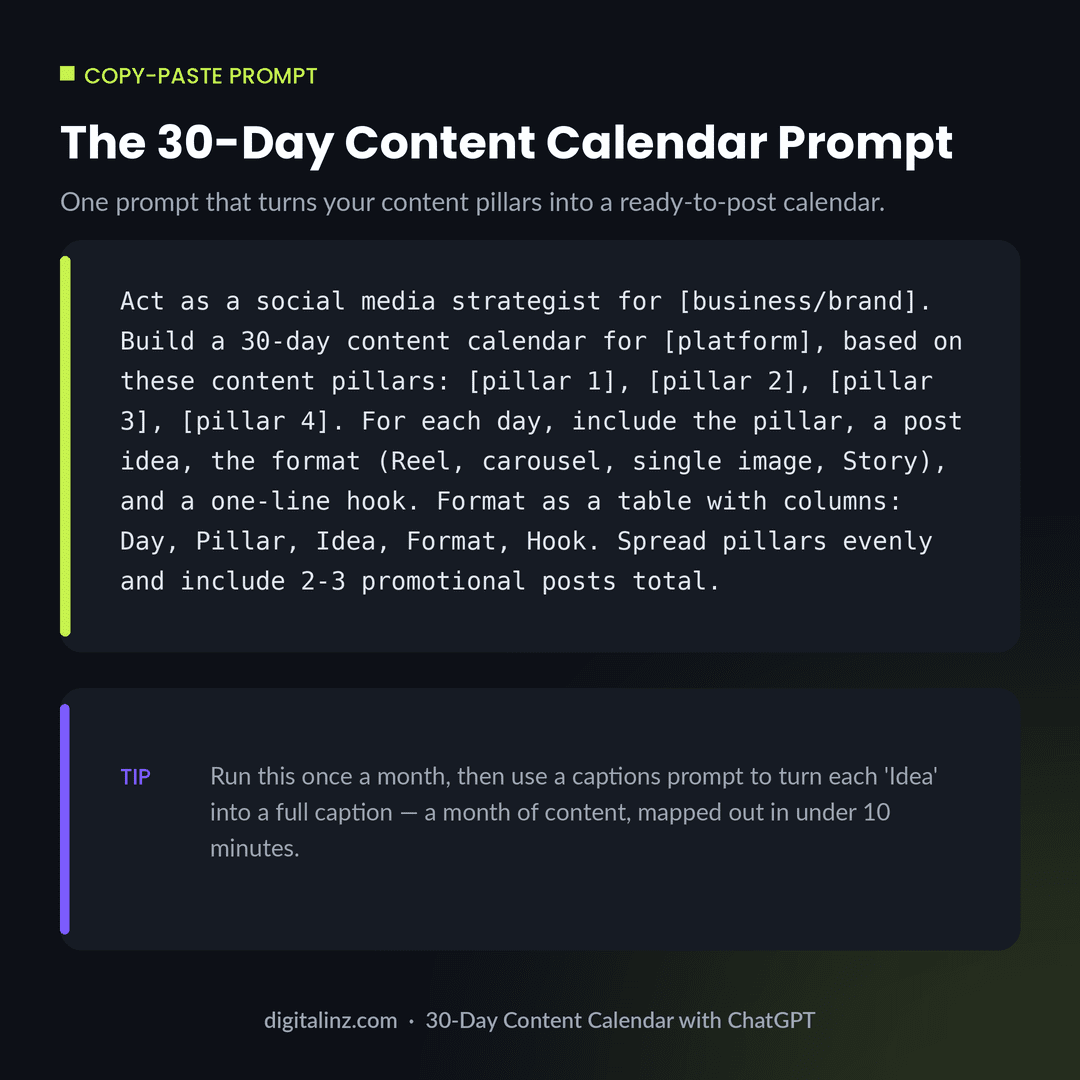
Once you’ve defined your pillars (step 1), this single prompt covers steps 2 and 3 in one go:
Act as a social media strategist for [business/brand]. Build
a 30-day content calendar for [platform], based on these
content pillars: [pillar 1], [pillar 2], [pillar 3], [pillar 4].
For each day, include the pillar, a post idea, the format
(Reel, carousel, single image, Story), and a one-line hook.
Format as a table with columns: Day, Pillar, Idea, Format,
Hook. Spread pillars evenly and include 2-3 promotional
posts total.
Run this once a month, then work through step 4 a few entries at a time as you get closer to posting each one.
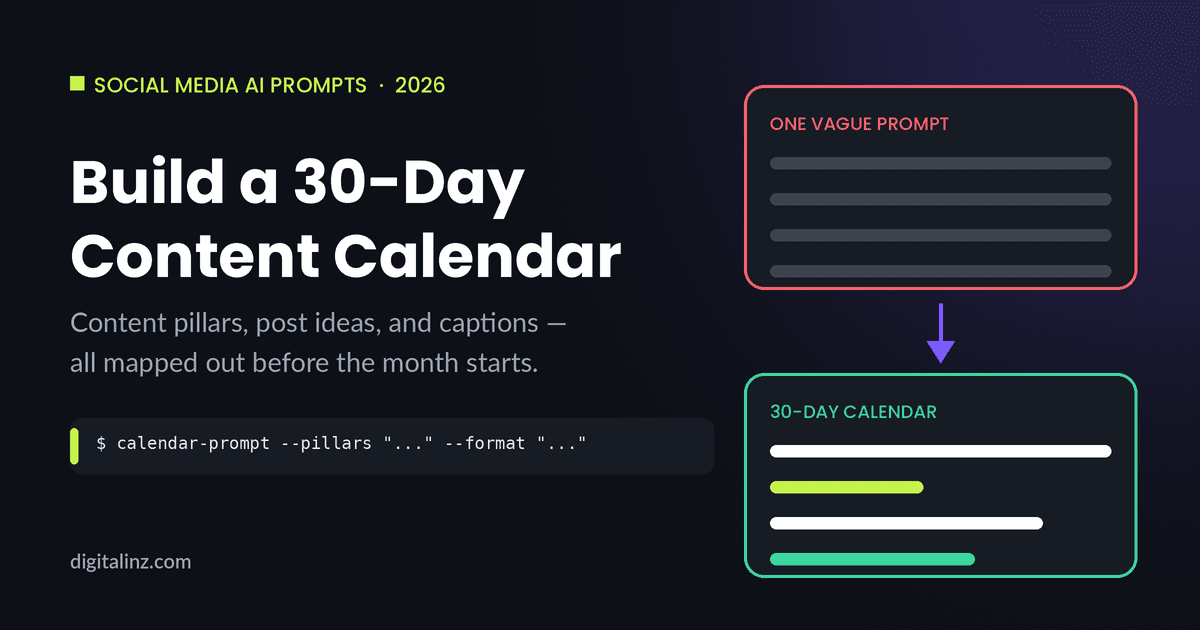
One Prompt vs. 4-Step Process: See the Difference
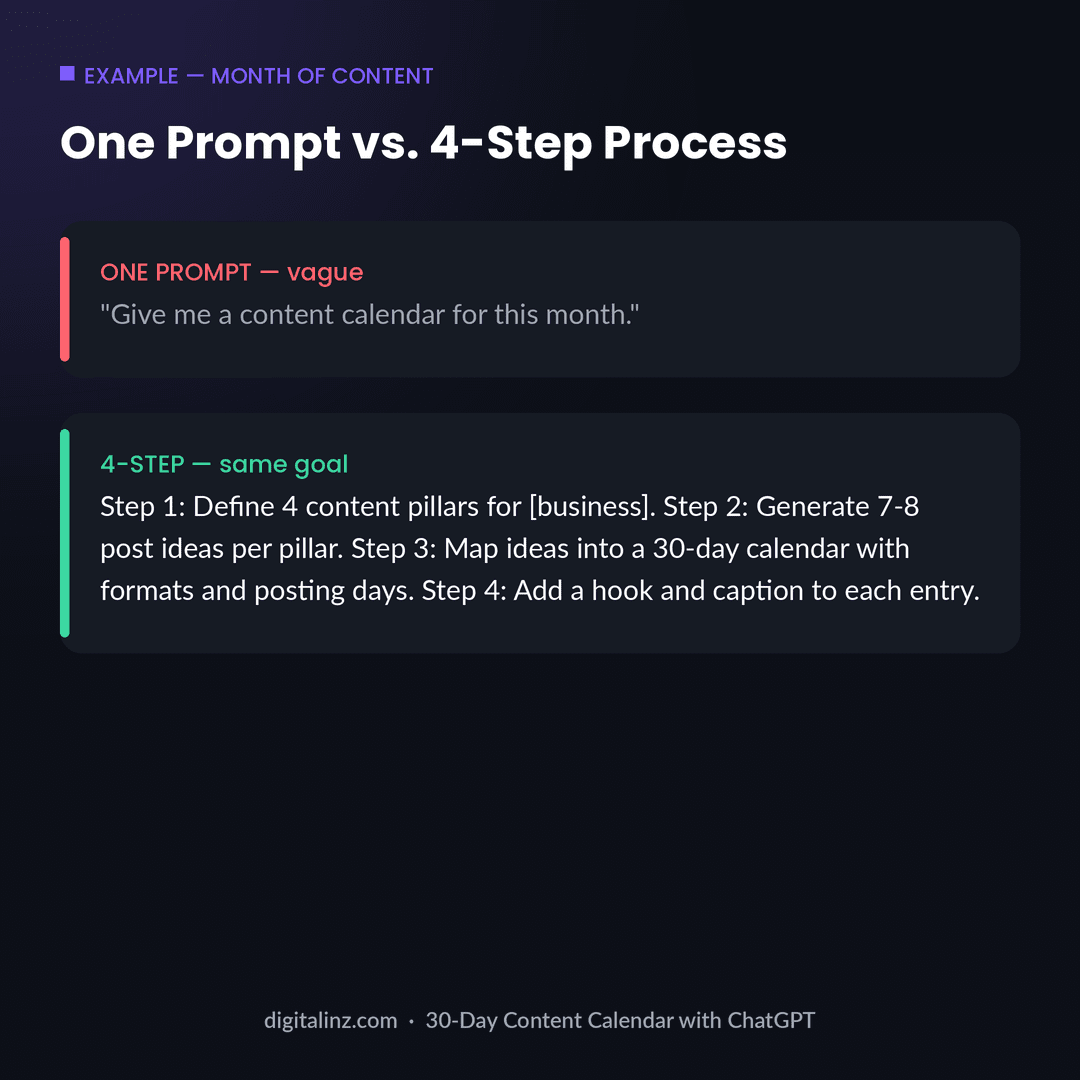
Both approaches above aim for the same outcome — a month of content — but only one produces something you can actually open and start posting from. If you’re weighing whether to build this kind of system yourself or start from a ready-made one, our breakdown of whether paid ChatGPT prompt packs are worth it covers exactly that trade-off.
FAQ
How do I build a 30-day content calendar with ChatGPT?
Use a 4-step process: define 3-5 content pillars, generate a batch of post ideas for each pillar, map those ideas into a day-by-day calendar with formats and posting days, then add a hook, caption, and CTA to each entry. Doing it in this order produces a far more usable calendar than asking for “30 post ideas” directly.
How many content pillars should I use for a content calendar?
3-5 pillars works well for most accounts — enough variety to avoid repetition, but few enough that each one still appears regularly. A common mix is one educational pillar, one behind-the-scenes or personal pillar, one entertainment or trending pillar, and one promotional pillar.
Can ChatGPT write captions for an entire month at once?
It can, but the results are usually more generic than writing captions a week or so at a time, closer to when each post will go out. Building the calendar first and then writing captions in smaller batches tends to produce captions that feel timelier and more specific.
How often should I update my content calendar?
Monthly works for most accounts — rebuild the calendar at the start of each month using the same pillars, adjusting for any seasonal events, launches, or promotions coming up. Trending or timely content can still be added on top of the planned calendar as it comes up.
The Shortcut
Building this system from scratch works, but if you’d rather start from prompts that already do the heavy lifting, our Social Media Manager AI Prompt Vault includes ready-made calendar, caption, and content-pillar prompts for Instagram, TikTok, and more — see how it compares in our honest breakdown of the best ChatGPT prompt packs for social media managers. If Pinterest is part of your mix, Pin It Right covers the same kind of planning for Pinterest specifically. Both are also available on Gumroad.