Why Does ChatGPT Give Generic Answers? 7 Proven Fixes (2026)
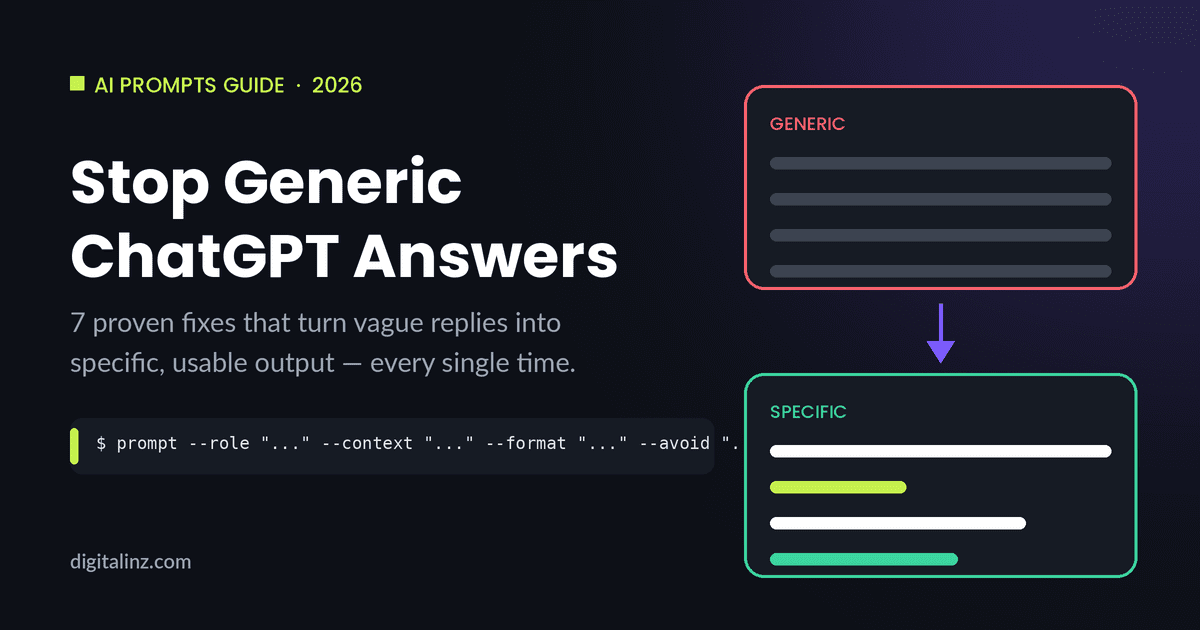
If you’ve ever stared at a ChatGPT reply that feels like it could apply to literally anyone, you’ve run into the most common complaint about AI tools: ChatGPT generic answers. You ask for marketing ideas, advice, or a draft, and you get back the same safe, vague, forgettable output everyone else gets. The good news is that this isn’t a model limitation — it’s a prompting problem, and it’s fixable in minutes.
Why ChatGPT Defaults to Generic Answers
ChatGPT is trained to produce the response most likely to be broadly useful to anyone who might ask a similar question. Without more information, “broadly useful” means “generic.” A few specific reasons your prompts are getting bland output:
- No role or persona — the model doesn’t know if it should sound like a copywriter, a recruiter, or a strategist.
- No real context — it doesn’t know your business, your audience, or what you’ve already tried.
- No format spec — “write me some ideas” could mean a list, an outline, or full paragraphs.
- No constraints — without limits on tone, length, or what to avoid, it defaults to the safest middle ground.
- No example of “good” — the model has no idea what your bar for quality actually looks like.
According to OpenAI’s own prompt engineering guidance, the single biggest lever for output quality is specificity — and that’s exactly what the framework below fixes.
The 7-Fix Framework for Specific ChatGPT Answers
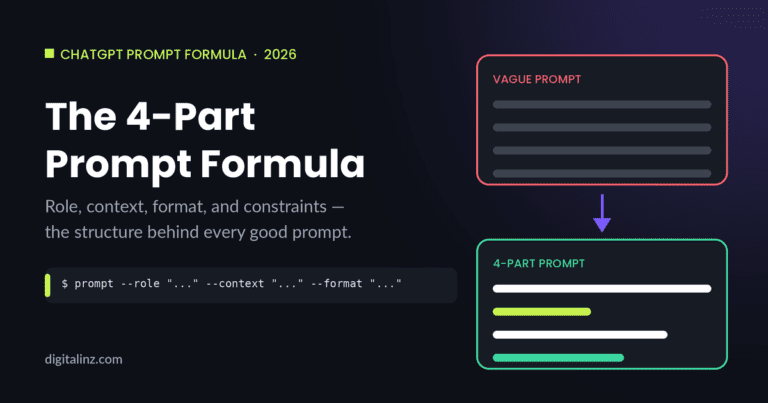
You don’t need a “better” model to stop getting ChatGPT generic answers — you need a better prompt. Here are the 7 fixes that consistently move output from bland to genuinely useful.
1. Give ChatGPT a Role (Not Just a Task)
Instead of “write a product description,” try “you’re a senior copywriter for a DTC skincare brand known for witty, no-fluff copy — write a product description.” A role narrows the model’s “voice” and reference points before it writes a single word.
2. Feed It Your Actual Context
Paste in your real audience, your last campaign, your competitors, or your brand guidelines. The model can only be specific about things it knows. “Write for busy working parents in their 30s who’ve already tried 3 meal-kit services” produces a completely different result than “write for parents.”
3. Specify the Output Format
Tell it exactly what shape you want: a table, a 5-step checklist, three subject-line options ranked by tone, or a script with timestamps. Vague requests get vague structures back.
4. Set Hard Constraints (Length, Tone, What to Avoid)
Constraints force creative choices. “Under 50 words, no exclamation points, don’t mention price” eliminates the safe, padded-out answer the model would otherwise default to.
5. Show It One Example of “Good”
One real example — a past email you liked, a competitor post, a sample of your own writing — does more than three paragraphs of instructions. The model will match tone, structure, and even sentence rhythm.
6. Ask It to Ask You Questions First
Before it answers, have it ask you what’s missing. This flips the dynamic: instead of guessing, ChatGPT tells you exactly what information would make the answer specific — and then uses it.
7. Iterate With “Make This More Specific”
If the first draft still feels generic, don’t start over — push back. “This could apply to any coffee shop. Make it specific to a third-wave shop on a college campus that just switched to oat milk.” Each round of feedback trains that one conversation toward your actual context.
Copy-Paste Prompts to Get Specific Answers
Here are three prompts you can paste into ChatGPT right now to put the framework into action.
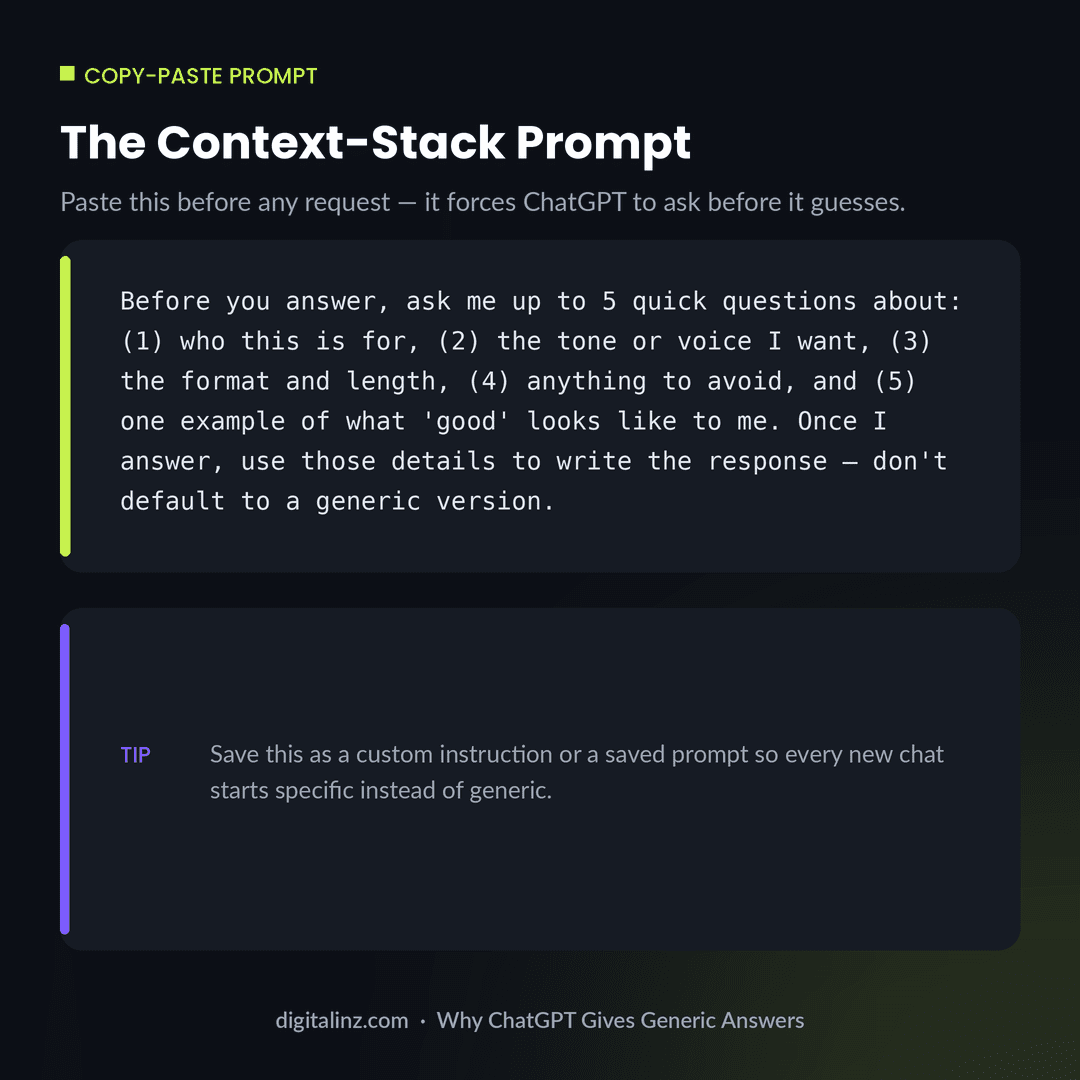
1. The Context-Stack Prompt — use this at the start of any new task:
Before you answer, ask me up to 5 quick questions about:
(1) who this is for, (2) the tone or voice I want,
(3) the format and length, (4) anything to avoid, and
(5) one example of what "good" looks like to me.
Once I answer, use those details to write the response —
don't default to a generic version.
2. The Role + Constraints Prompt — for any writing task:
Act as a [specific role, e.g. "senior B2B email copywriter
for SaaS companies"]. Write [task] in under [word count] words,
in a [tone] tone. Do not use these words: [your banned-words list].
Format the output as [bullet list / table / 3 ranked options].
3. The Example-Anchored Prompt — when you have a sample to match:
Here is an example of writing I want you to match in tone,
structure, and pacing:

"[paste a real example — your own writing, a post you liked, etc.]"

Now write [your new task] in the same voice. Match sentence
length and rhythm, not just topic.
Generic vs. Specific: See the Difference
The gap between a generic and a specific prompt isn’t subtle once you see it side by side. Here’s the same request — “give me blog post ideas” — before and after applying the context-stack fix:
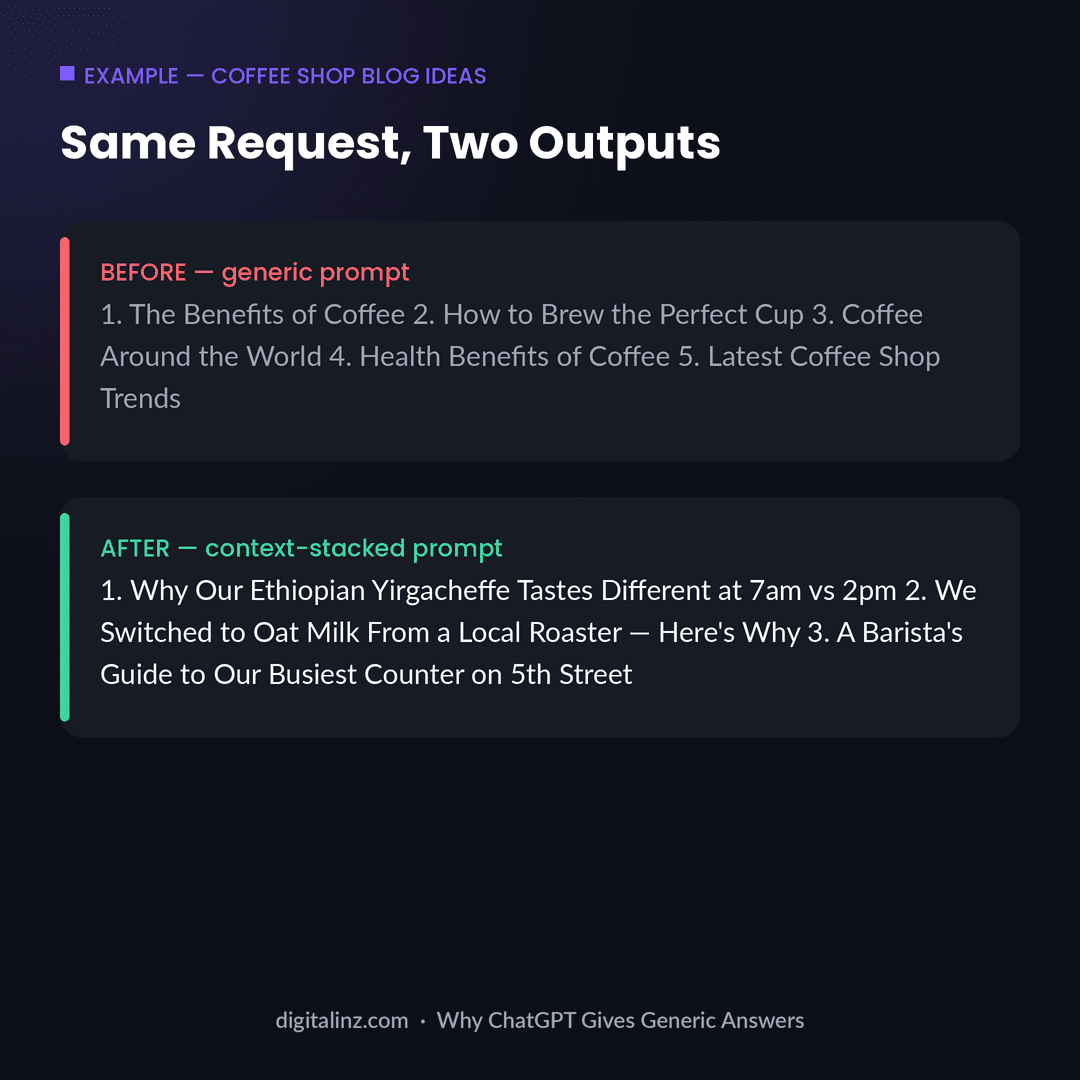
Notice that the “after” version isn’t longer or more complex — it’s just anchored to real details (location, supplier, product). That’s the entire trick behind eliminating ChatGPT generic answers: trade abstraction for specifics, every time.
If your generic-sounding output also reads like it was obviously written by AI, pair this framework with our guide on how to make ChatGPT not sound like AI — the two problems usually show up together.
FAQ
Why does ChatGPT keep giving me the same generic advice?
Because each new chat starts with zero context about you, your business, or your standards. ChatGPT defaults to the response that’s statistically “safe” for the widest possible audience. Adding role, context, format, and constraints to your prompt is what breaks that default.
Will ChatGPT remember my preferences so I don’t have to repeat context?
Partially. ChatGPT’s memory and custom instructions features can carry some preferences across chats, but they work best when you’ve explicitly told the model your role, audience, and style once in detail — then referenced or reused that as a saved prompt.
Does switching to a “smarter” model fix generic answers?
No. Model upgrades improve reasoning and accuracy, but a vague prompt to a more powerful model still produces a vague — just more fluently written — answer. Specificity in the prompt matters more than which model you’re using.
What’s the single fastest fix for generic ChatGPT output?
The Context-Stack Prompt (fix #1 above): ask ChatGPT to question you before it answers. It takes 10 seconds to paste and immediately surfaces the missing details that were causing the generic response in the first place.
The Shortcut
Manually rebuilding the 7-fix framework for every new task gets old fast. Our AI Prompt Toolkits come with the role, context, format, and constraint structure already built into every prompt — so you paste, fill in a few blanks, and get specific output on the first try. Pick the toolkit for your role: HR, Teachers, Therapists, or Social Media Managers — or browse the full set on Gumroad.