Best ChatGPT Prompts for Instagram Captions (15 Free Templates, 2026)
If your Instagram captions read like every other brand’s captions, the problem usually isn’t ChatGPT — it’s the prompt. The best ChatGPT prompts for Instagram captions give the model your voice, your past captions, and a clear job (hook, body, CTA) instead of just asking it to “write a caption” and hoping for something that doesn’t sound like AI. Here are 15 prompts you can copy, customize, and use today, plus one master prompt that teaches ChatGPT your brand voice before it writes anything.
Why Most ChatGPT Captions Sound Generic
Ask ChatGPT to “write an Instagram caption” with no other context, and you’ll get a caption that could belong to any brand on any platform — safe, vague, and stuffed with the same handful of phrases. The fix isn’t a better single prompt, it’s better inputs: your own past captions, a specific post type, and explicit instructions about what to avoid. According to Sprout Social’s research on Instagram captions, the captions that perform best are specific, conversational, and tied to a clear call to action — exactly the things a generic one-line prompt leaves out.
The 15 prompts below are built around that idea: each one gives ChatGPT a job, a format, and a voice to match, so the caption sounds like it came from your brand instead of a caption generator.
15 ChatGPT Prompts for Instagram Captions
These are grouped by the five things that make a caption work: the hook, the post type, the voice, the call to action, and the hashtags/variations. Copy any prompt, fill in the brackets, and paste in a few of your own captions for the best results.
Hooks & Openers
- The Pattern-Interrupt Hook Prompt — “Write 5 first-line hooks for an Instagram caption about [topic] that interrupt the scroll — avoid questions and avoid starting with ‘Did you know.’ Each hook should be under 10 words.”
- The Question Hook Prompt — “Write 5 question-based hooks for a post about [topic] that make [audience] want to keep reading, written in a [tone] voice.”
- The Bold Claim Hook Prompt — “Write 5 bold, specific opening lines for a caption about [topic/result], each backed by a concrete detail or number rather than a vague claim.”
Captions by Post Type
- The Product Launch Caption Prompt — “Act as my social media manager. Write 3 caption options announcing launching [date]. Voice: [tone], no corporate jargon. Include a one-line hook, a short body, and a CTA to [action].”
- The Behind-the-Scenes Caption Prompt — “Write an Instagram caption for a behind-the-scenes post showing [what’s happening]. Make it feel personal and unscripted, written in first person, 2-3 short paragraphs.”
- The Carousel/Educational Caption Prompt — “Write a caption for a [number]-slide educational carousel about [topic]. Summarize the value in the first line, tease what’s in the carousel, and end with a CTA to save or share.”
Brand Voice & Storytelling
- The Tone-Match Rewrite Prompt — “Here are 2-3 of my past captions: [paste examples]. Rewrite this draft caption in the same voice, keeping the meaning but matching the tone, sentence length, and word choices: [paste draft].”
- The Personal Story Caption Prompt — “Write an Instagram caption that tells a short personal story about [experience/lesson] and connects it to [topic/product] in the last line, written in a warm, conversational voice.”
- The ‘Day in the Life’ Caption Prompt — “Write a caption for a ‘day in the life’ post about [role/business], using a casual, slightly funny tone and ending with a question for followers.”
CTAs & Engagement
- The Comment-Bait CTA Prompt — “Write 5 comment-prompting questions to end an Instagram caption about [topic], designed to get [audience] to share their opinion or experience.”
- The Save-This-Post CTA Prompt — “Write a closing line for a caption about [topic] that encourages [audience] to save the post for later, without using the phrase ‘save this for later.'”
- The Link-in-Bio CTA Prompt — “Write a caption for [post topic] that naturally leads into a link-in-bio CTA for [offer], without sounding like an ad. End with a clear, low-pressure call to action.”
Hashtags & Variations
- The Hashtag Set Prompt — “Suggest 15 Instagram hashtags for a post about [topic] aimed at [audience], grouped into ‘broad,’ ‘niche,’ and ‘branded’ categories.”
- The A/B Caption Variations Prompt — “Write 3 different versions of this caption for A/B testing: [paste caption]. Keep the same core message, but vary the hook, length, and tone (one short and punchy, one storytelling, one question-based).”
- The Repurpose-for-Reels Caption Prompt — “Rewrite this Instagram feed caption as a shorter Reels caption for the same topic: [paste caption]. Keep it under 2 sentences and add a hook that works with on-screen text.”
Copy-Paste: The Brand-Voice Caption Prompt
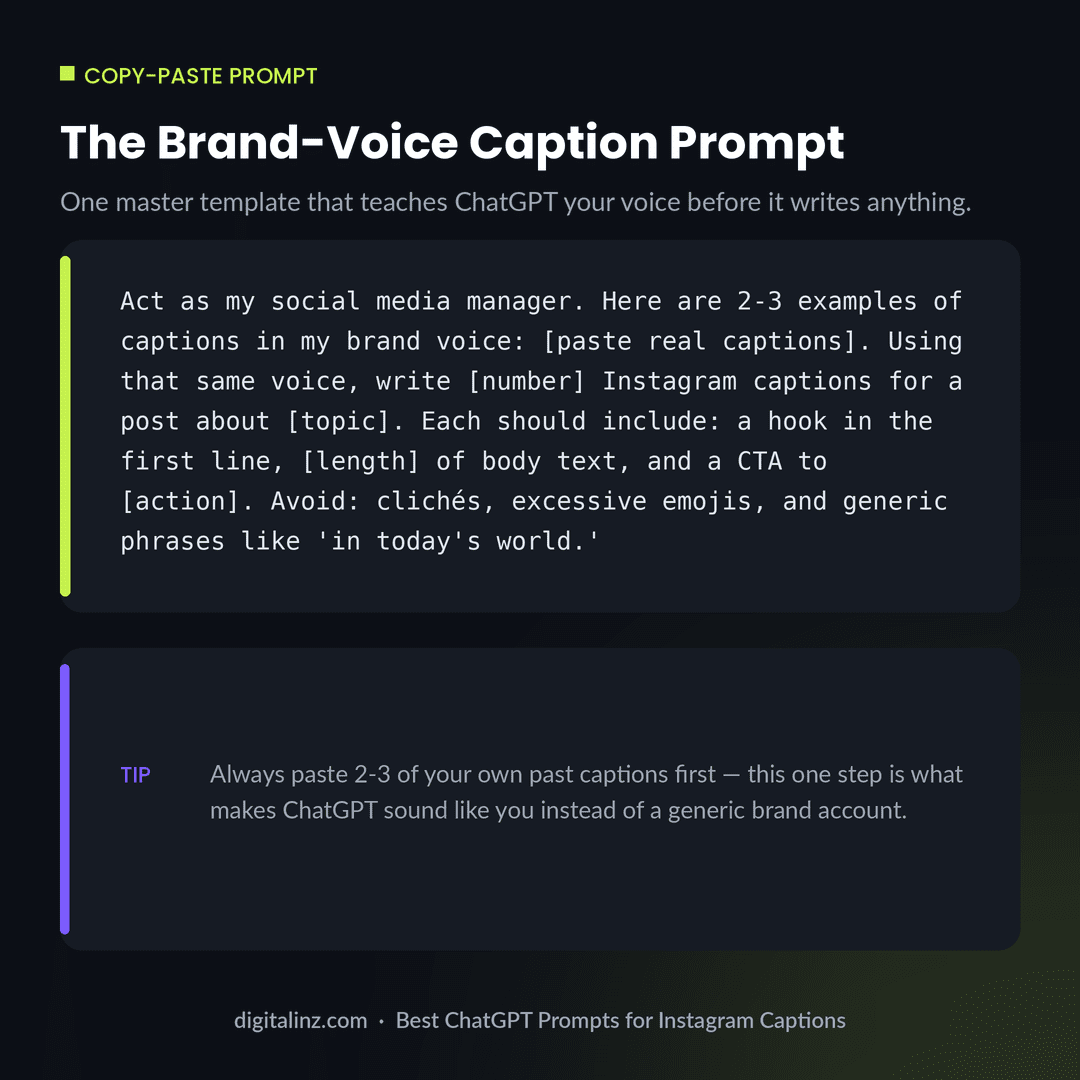
If you only save one of these, save this one. It’s a master template that teaches ChatGPT your voice before it writes a single word:
Act as my social media manager. Here are 2-3 examples of captions
in my brand voice: [paste real captions]. Using that same voice,
write [number] Instagram captions for a post about [topic]. Each
should include: a hook in the first line, [length] of body text,
and a CTA to [action]. Avoid: clichés, excessive emojis, and
generic phrases like 'in today's world.'
Save it as a custom instruction or a saved prompt so the “match my voice first” step happens automatically — not something you have to remember every time.
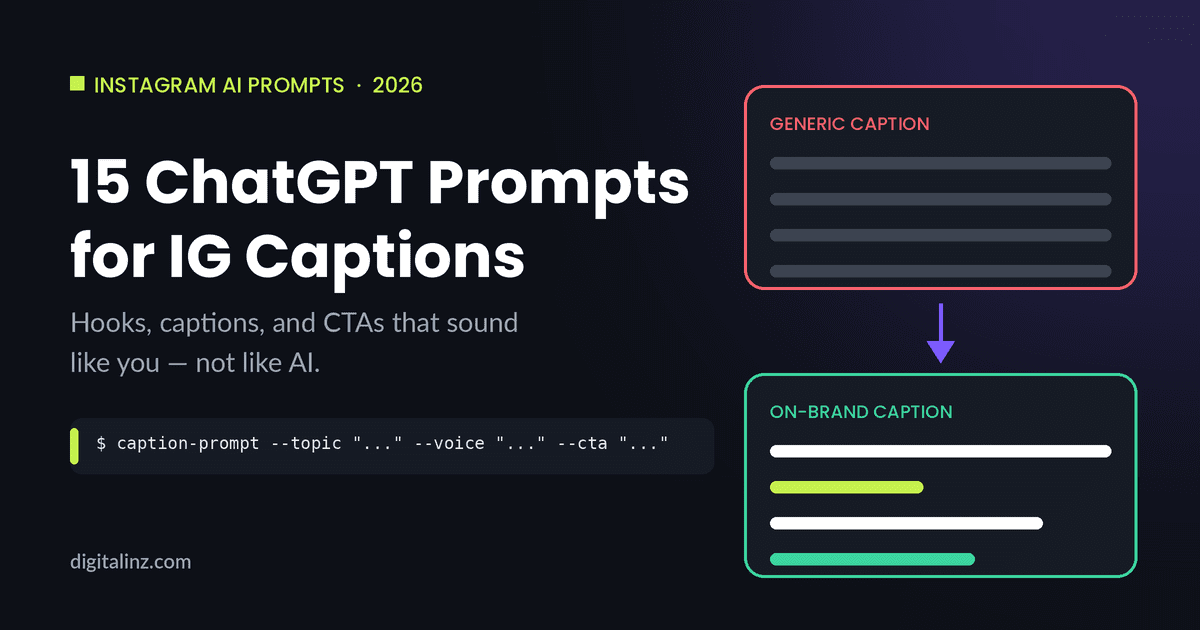
Generic vs. On-Brand: See the Difference
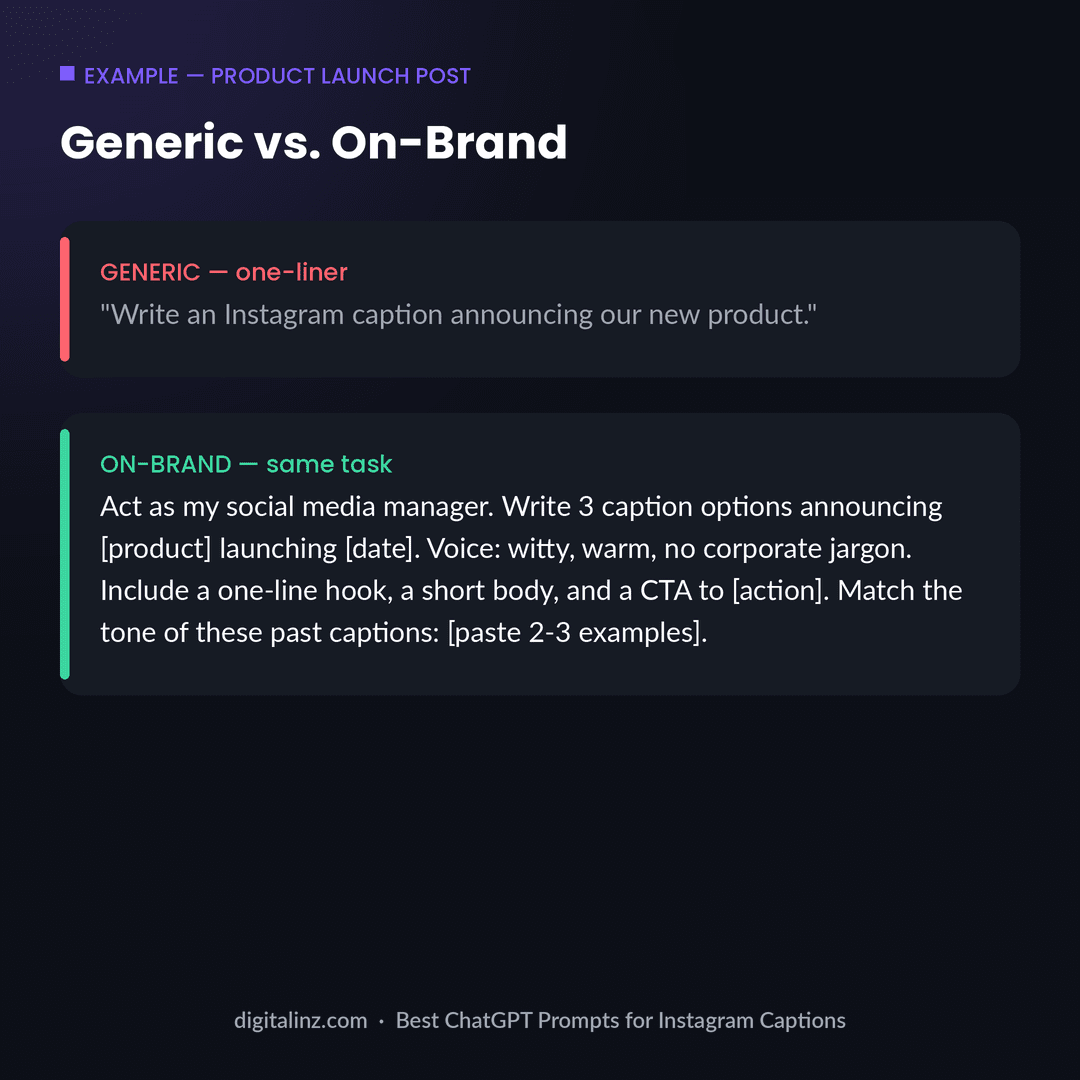
The “before” prompt above is exactly how most people ask ChatGPT for captions — and it’s why so many AI-written captions sound the same. The “after” prompt does more work upfront: it sets the voice, the structure, and the CTA, so the output needs far less editing. If your captions still sound a little robotic even with prompts like these, our deeper guide on how to make ChatGPT not sound like AI covers 7 more fixes you can layer on top.
FAQ
What are the best ChatGPT prompts for Instagram captions?
The best prompts give ChatGPT your brand voice (via 2-3 example captions), a specific post type, and a clear structure — hook, body, CTA. The 15 prompts above cover hooks, post types, voice-matching, CTAs, and hashtags so you’re rarely starting from a blank page.
How do I stop ChatGPT captions from sounding like AI?
Always paste a few of your own past captions into the prompt so ChatGPT has a real voice to match, and explicitly tell it to avoid clichés and generic phrases. For more fixes, see our guide on how to make ChatGPT not sound like AI.
How many caption options should I generate before picking one?
3-5 is usually enough. Use the A/B Caption Variations Prompt above to get a short, a storytelling, and a question-based version, then pick (or combine) whichever fits the post best.
Do hashtags still matter for Instagram captions in 2026?
They still help with discovery, especially niche and branded tags, but they matter less than a strong hook and a clear CTA. Use the Hashtag Set Prompt above to generate a mix of broad, niche, and branded tags rather than relying on the same set for every post.
The Shortcut
Writing a fresh, on-brand prompt for every post adds up fast. Our Social Media Manager’s AI Prompt Vault includes 250 ready-to-use prompts for captions, hooks, CTAs, hashtags, and full content calendars — all written to sound like a person, not a caption generator. If you’ve seen other “prompt pack” claims, run them through our 5-point prompt pack test first, or see how ours compares in our social media manager prompt pack comparison. Also available on Gumroad.