Role Prompting in ChatGPT: 4 Cases Where It Actually Helps
Role prompting in ChatGPT — the “act as a…” trick — is one of the most repeated pieces of prompt advice out there. Type “act as a marketing expert” or “act as a doctor” at the start of your prompt, the advice goes, and you’ll get a better answer. Sometimes that’s true. Sometimes it changes nothing at all. The difference comes down to how you use it — and that’s what this guide covers.
What Is Role Prompting, Exactly?
Role prompting means giving ChatGPT a persona or perspective to respond from — “act as a copywriter,” “act as a nutritionist,” “act as a senior software engineer.” The idea is that the model will draw on the vocabulary, priorities, and conventions associated with that role when it generates a response, the same way a person briefed for a specific job would approach a task differently than someone with no context.
In practice, role prompting is a shortcut for context. Instead of explaining what tone, vocabulary, and priorities you want line by line, you point at a role that implies all of it at once — if the role is specific enough to imply anything in the first place.
Does Role Prompting Actually Change the Output?
Honestly — it depends on the role. “Act as an expert” or “act as a professional” rarely changes much, because those roles don’t imply a specific vocabulary, audience, or set of priorities. The model already tries to sound competent by default, so telling it to be “an expert” doesn’t add new information.
“Act as a pediatric nurse explaining a diagnosis to a worried parent,” on the other hand, does change the output — because it implies a tone (reassuring), a vocabulary (plain language, not clinical jargon), and an audience (a non-expert). The role works when it’s specific enough to act as a stand-in for context you’d otherwise have to spell out.
OpenAI’s own guidance on this echoes the same idea — their prompt engineering documentation frames roles and context as tools for narrowing down what the model should prioritize, not as magic words.
4 Cases Where Role Prompting Actually Helps
1. When the role defines a specific voice or style
If you need writing in a particular voice, naming a role that’s strongly associated with that voice gives the model a target to match — far more effective than describing the voice in the abstract.
Example: “Act as a copywriter for a minimalist, high-end skincare brand” produces noticeably different word choices than “write this in a nice tone” — because the role implies restraint, specific vocabulary, and an audience that responds to understatement.
2. When the role implies a professional lens or priorities
Different professions look at the same information differently. A role that names a profession tells the model which lens to apply — what to flag, what to ignore, and what “good” looks like for that perspective.
Example: “Act as a compliance officer reviewing this job posting” will surface different issues than “Act as a copywriter reviewing this job posting” — even though both are looking at the same text.
3. When the role sets the explanation level
Roles are an efficient way to calibrate how technical or simplified a response should be, especially when the audience for the explanation is different from the person asking.
Example: “Act as a teacher explaining this to a curious 10-year-old” versus “Act as a senior engineer reviewing this for a teammate” will produce two very different explanations of the exact same concept.
4. When the role is combined with the rest of the formula
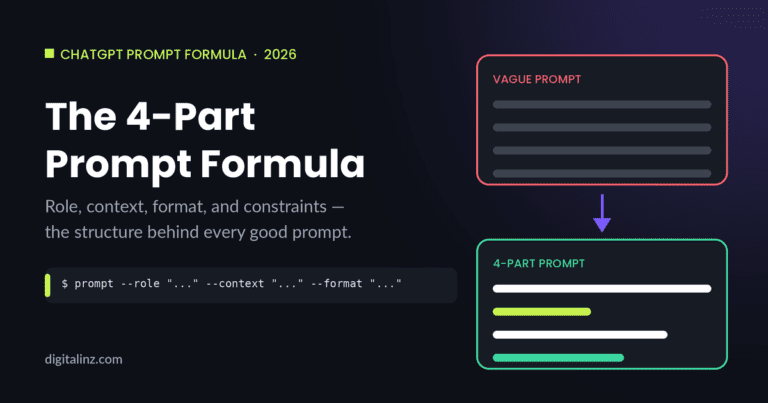
Role prompting works best as one ingredient, not the whole recipe. Pairing a specific role with context, format, and constraints — the 4-part formula covered in how to write good ChatGPT prompts — is where role prompting earns its reputation.
Example: “Act as a retail data analyst. Context: D2C skincare brand, Q2 sales down 18%. Format: 3 bullet hypotheses. Constraint: each must be testable with data we already collect” — the role sets the lens, and the rest of the formula does the heavy lifting.
When Role Prompting Doesn’t Help (and What to Do Instead)
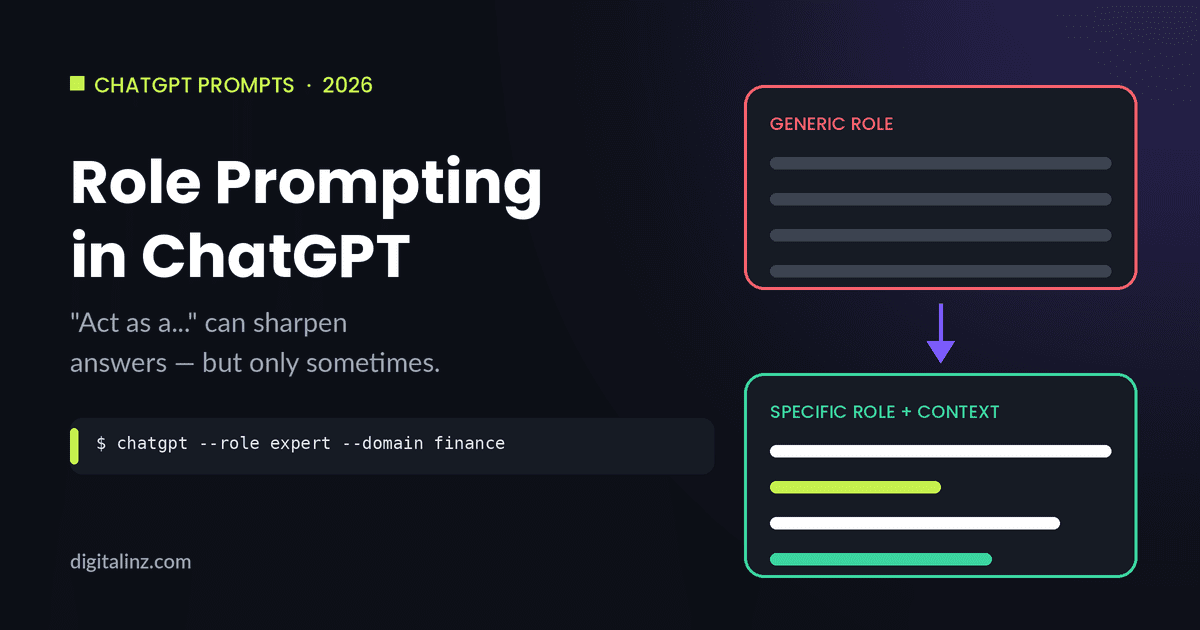
If you’ve tried “act as an expert” and noticed nothing changed, that’s expected — vague roles don’t carry information the model can act on. Two fixes work better than adding a role at all:
Make the role specific. “Act as an expert” → “Act as a senior B2B SaaS copywriter who specializes in onboarding emails.”
Or skip the role and give context directly. Sometimes describing the situation — who it’s for, what it’s for, what to avoid — does more work than any role label could. The role is a shortcut for context, not a replacement for it.
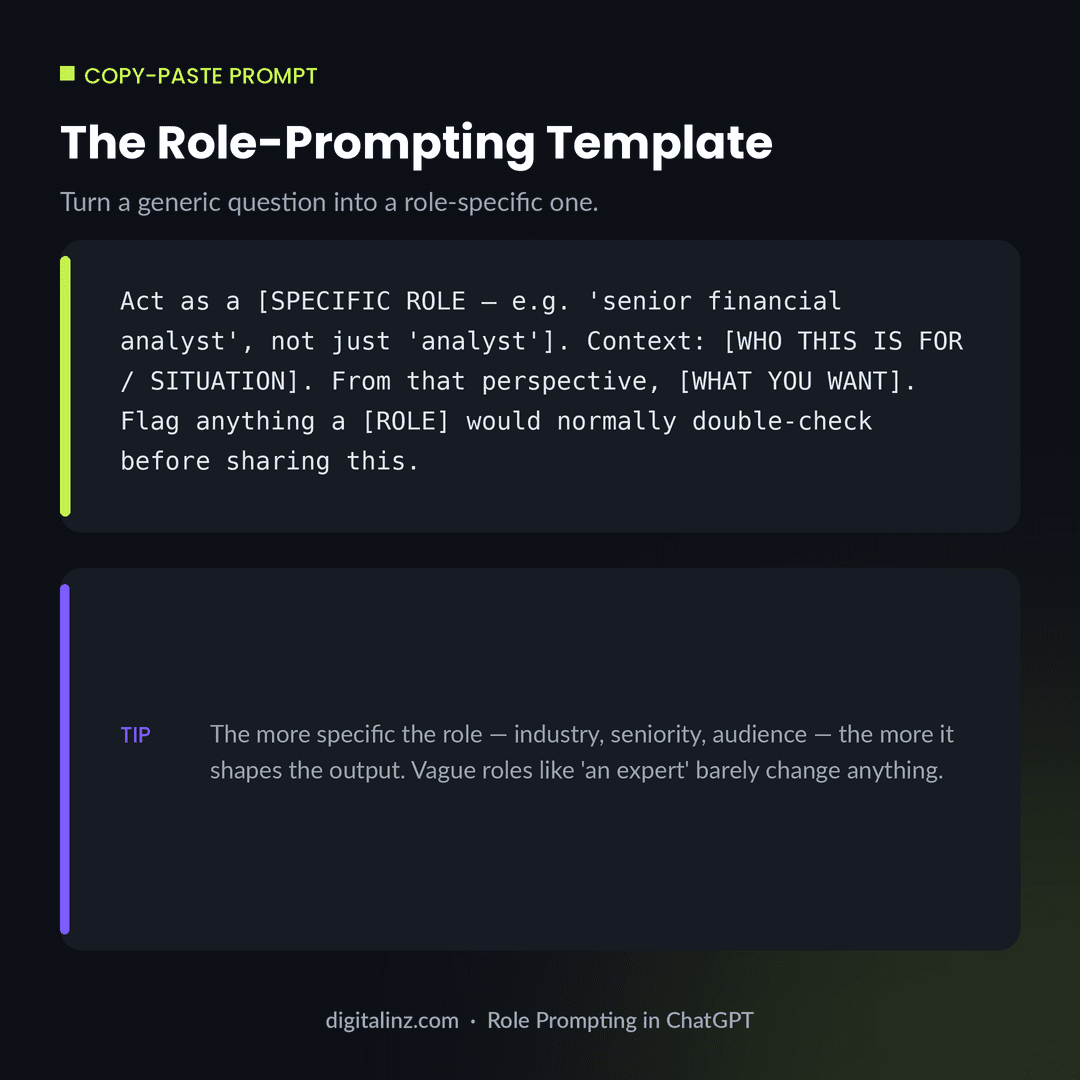
Copy-Paste: A Role-Prompting Template
This template forces specificity into the role itself, so you’re not relying on a vague label to do the work.
Before and After: Role Prompting in Action
Here’s the same request, first with no role at all, then with a specific role plus the context that makes the role meaningful.
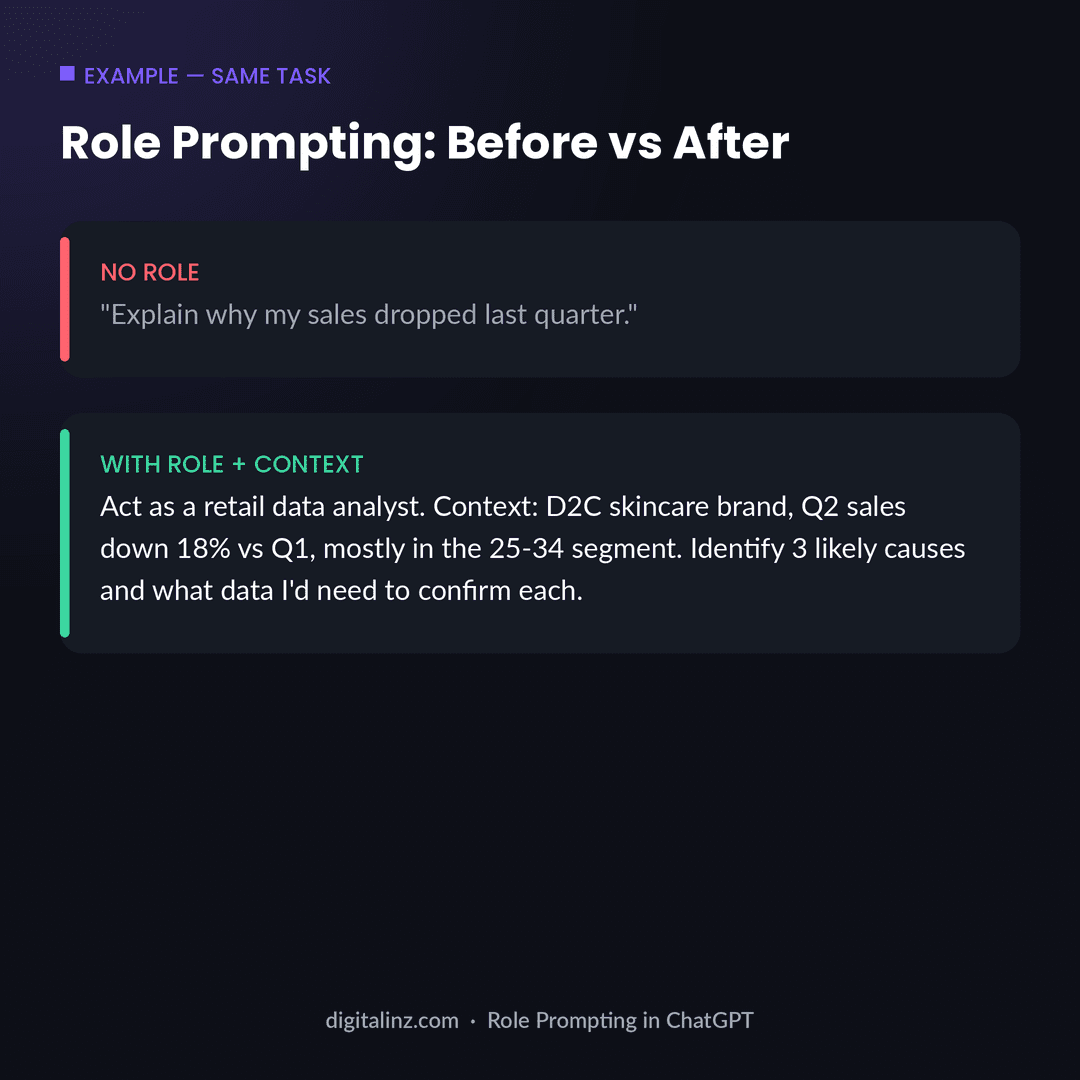
Notice that the “after” version isn’t longer just for the sake of it — every added detail (the role, the brand type, the metric, the segment) narrows down what counts as a useful answer. That’s the same principle behind turning a prompt into a reusable system, which we cover in more depth in prompt vs. prompt engineering.
FAQ: Role Prompting in ChatGPT
What does “act as a…” actually do in a ChatGPT prompt?
It tells the model which perspective, vocabulary, and priorities to draw on when generating a response — similar to briefing someone on the role they’re filling before they start a task.
Does role prompting really change ChatGPT’s answers?
It can, but only when the role is specific enough to imply a distinct perspective, vocabulary, or set of priorities. Vague roles like “an expert” or “a professional” rarely change much on their own.
What’s an example of role prompting that actually works?
“Act as a senior tax accountant reviewing this for a small business client” works because it implies a specific lens — compliance, deductions, risk — that “explain this” doesn’t.
Should I combine role prompting with other techniques?
Yes. Role prompting works best as one part of a larger structure — pair it with context about the situation, the format you want, and any constraints, rather than relying on the role alone.
The Shortcut
Figuring out which roles actually shift ChatGPT’s output takes a lot of trial and error. Our AI prompt toolkits skip that step — every prompt already pairs a specific role with the right context, format, and constraints for the task.
Pick the one that matches your work: The HR AI Toolkit for HR and recruiting, The Teacher’s AI Toolkit for K-12 educators, AI-Powered Practice Prompts for therapists, or the Social Media Manager AI Prompt Vault for content and social teams.
Prefer to browse everything in one place? All of our prompt packs are also available on Gumroad.