ChatGPT and Employee Confidentiality: 5 Rules for HR (2026)
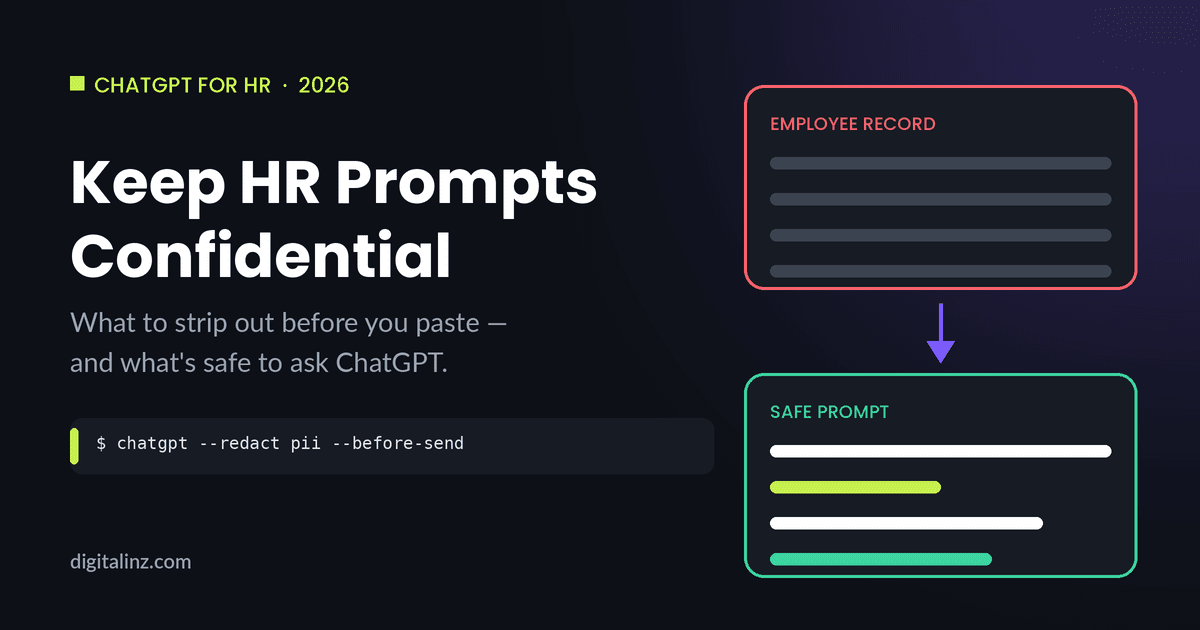
Can HR use ChatGPT without violating employee confidentiality? In most cases, yes — but the risk isn’t ChatGPT itself, it’s what gets pasted into the prompt. ChatGPT and employee confidentiality only become a problem when real names, employee IDs, medical details, or specific disciplinary histories go into a chat window that your company doesn’t control. Strip those out, and almost every HR writing task — job descriptions, policy language, performance review drafts, onboarding emails — still works just as well.
What Confidential HR Information Should Never Go Into ChatGPT
A useful rule of thumb: if the information could identify a specific employee, or reveal something about them that isn’t already public, it doesn’t belong in a ChatGPT prompt. That includes full names paired with job titles or departments, employee IDs or Social Security numbers, medical information or details related to a disability accommodation, specific dates and circumstances tied to a disciplinary action, and compensation figures linked to a named individual.
This isn’t unique to ChatGPT — it’s the same standard HR already applies to email, shared drives, and any system outside your HRIS. The EEOC’s guidance on AI and employment is a useful starting point for understanding how existing employment law applies when AI tools enter the picture — the tool changes, but the underlying obligations to employees don’t.
The good news: almost everything HR writes — job descriptions, policy explanations, performance plans, onboarding materials — describes a situation, a role, or a process. None of that requires a name attached to it.
5 Rules for Using ChatGPT Without Violating Confidentiality
1. Replace names and identifying details with roles or placeholders
Before you paste anything into ChatGPT, swap the employee’s name for “the employee,” “this team member,” or a placeholder like [EMPLOYEE]. The same goes for job titles specific enough to identify someone on a small team — use a general role instead. This is the same template thinking covered in how to write good ChatGPT prompts: describe the role and the task, not the person.
Example: Instead of “Write a warning letter to Maria Lopez for repeated tardiness,” write “Write a warning letter to an employee for repeated tardiness, professional but not harsh in tone.”
2. Describe the situation in general terms, not specific dates or departments
Specific dates, exact attendance numbers, and department names can be identifying on their own — especially on a small team where “the person in shipping who was late three times in March” narrows things down to one person. Generalize: “an employee,” “a recurring attendance issue,” “a recent project deadline.”
Example: Instead of “the warehouse supervisor who missed the March 3rd shipment deadline,” write “an employee who missed a recent project deadline.”
3. Keep medical, disability, and accommodation details out entirely
This is the one category where “de-identify and proceed” isn’t enough — medical and accommodation information is sensitive even without a name attached, and there’s rarely a reason ChatGPT needs any of it. If you’re drafting an accommodation letter or a return-to-work plan, ask ChatGPT for a general template with placeholders, then fill in the specifics yourself, offline, in your HR system.
Example: Instead of describing an employee’s specific medical restriction, ask “Write a template letter confirming a workplace accommodation has been approved, with placeholders for the accommodation details and start date.”
4. Know what your company’s AI policy actually allows
Some organizations have approved ChatGPT Enterprise or Team accounts with data controls and contractual protections that the free consumer version doesn’t have. If your company has one of these, the rules for what you can paste may be different — and likely more permissive — than for a personal ChatGPT account. If you’re not sure which version you’re using or whether your company has a policy, that’s worth a quick check before you rely on ChatGPT for anything employee-related.
Example: A company on ChatGPT Enterprise with a signed data processing agreement may allow more internal HR content than a free consumer account would, but “no real names or IDs” is still a reasonable default in either case.
5. Save a go-to “de-identified” template so it’s the default, not a step you remember
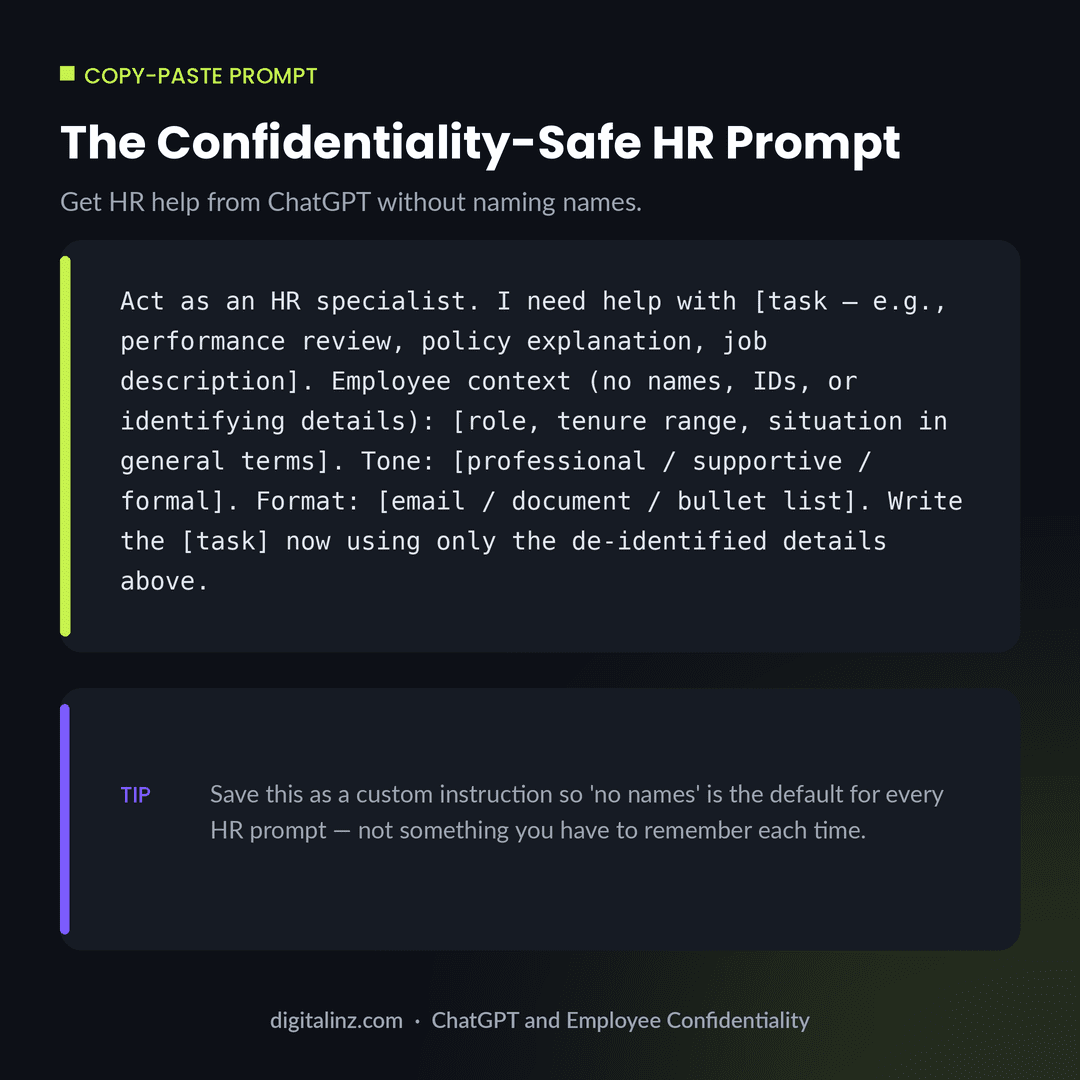
The rules above only work if you actually follow them every time — which is hard if you have to think through them from scratch for every prompt. The fix is the same one covered in save and reuse ChatGPT prompts: build one HR prompt template with the placeholders already built in, save it, and reuse it for every task. The copy-paste template below is a starting point.
Example: Save the confidentiality-safe HR prompt below as a custom instruction or in your prompt library, so “no names, no IDs” is the starting point for every HR prompt by default.
Copy-Paste: A Confidentiality-Safe HR Prompt Template
This template works for most HR writing tasks — performance plans, policy explanations, job descriptions, onboarding materials — without ever requiring a real employee’s name or identifying details.
Before and After: Identifiable vs. De-Identified HR Prompt
Here’s the same task — a performance improvement plan — once written with an employee’s name and specific details, and once de-identified.
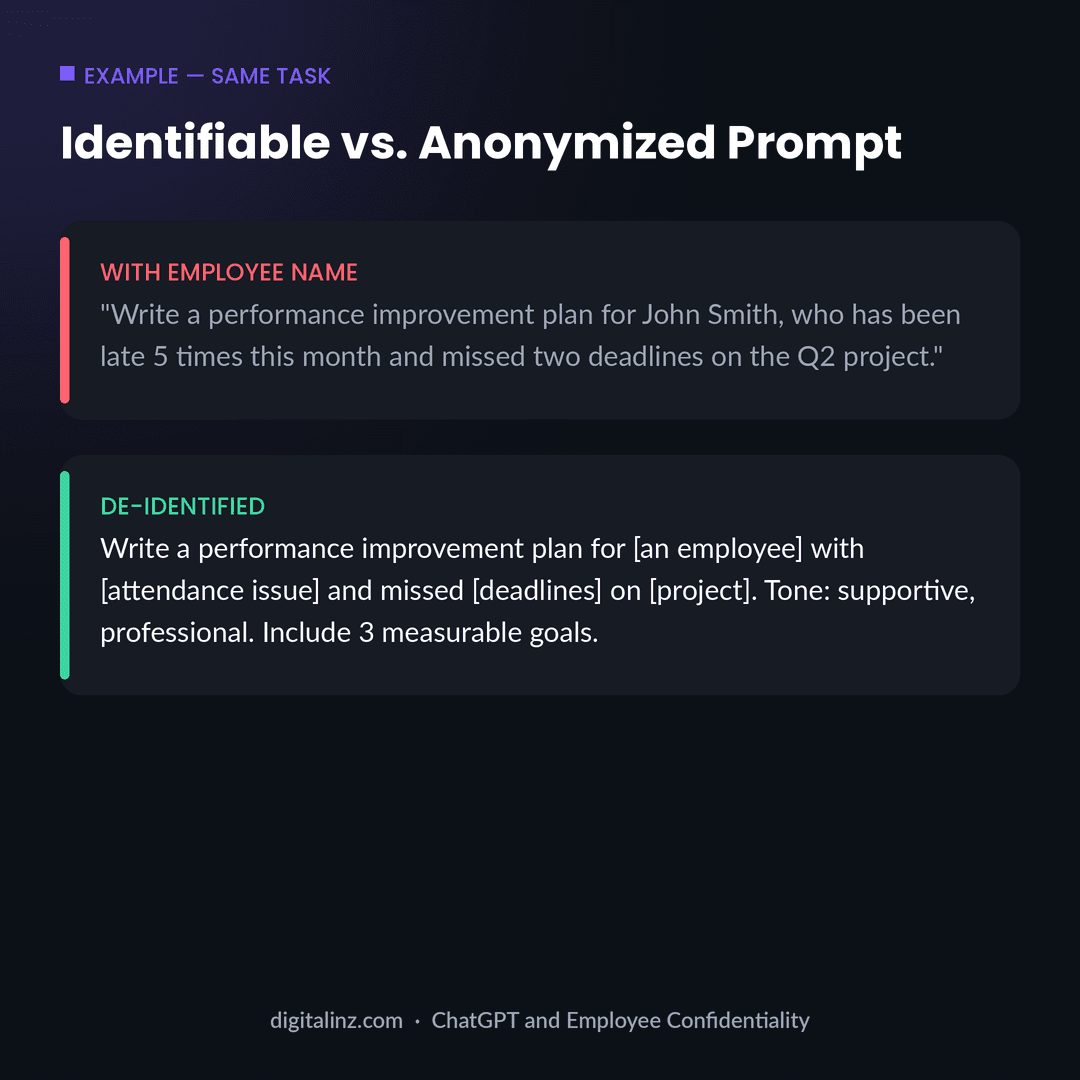
The output for both prompts is nearly identical — a structured, professional performance improvement plan. The only difference is whether a real employee’s name, attendance record, and project details ever left your HR system. That’s the entire principle behind ChatGPT and employee confidentiality: describe the situation, not the person.
FAQ: ChatGPT and Employee Confidentiality
Can HR use ChatGPT at all?
Yes. The risk isn’t the tool itself, it’s what gets typed into it. HR tasks that describe a role, a policy, or a general situation — rather than a specific named employee — are generally fine to draft with ChatGPT.
Is it ever okay to put an employee’s name in a ChatGPT prompt?
It’s safest to avoid it. Even when a name alone seems harmless, it’s easy for a prompt to accumulate other identifying details over a conversation. Using a placeholder like “the employee” from the start removes the risk entirely without changing the quality of the output.
What’s the safest way to use ChatGPT for sensitive HR tasks like performance reviews?
Describe the situation in general terms — role, tenure range, type of issue, desired tone — and let ChatGPT draft the structure and language. Add the employee-specific details yourself afterward, in your HR system, not in the prompt.
Should HR use ChatGPT Enterprise instead of the free version?
If your company has access to ChatGPT Enterprise or Team with a data processing agreement, it may offer more flexibility than a free consumer account. Either way, treating “no names or IDs” as the default keeps you on the safer side regardless of which version you’re using.
The Shortcut
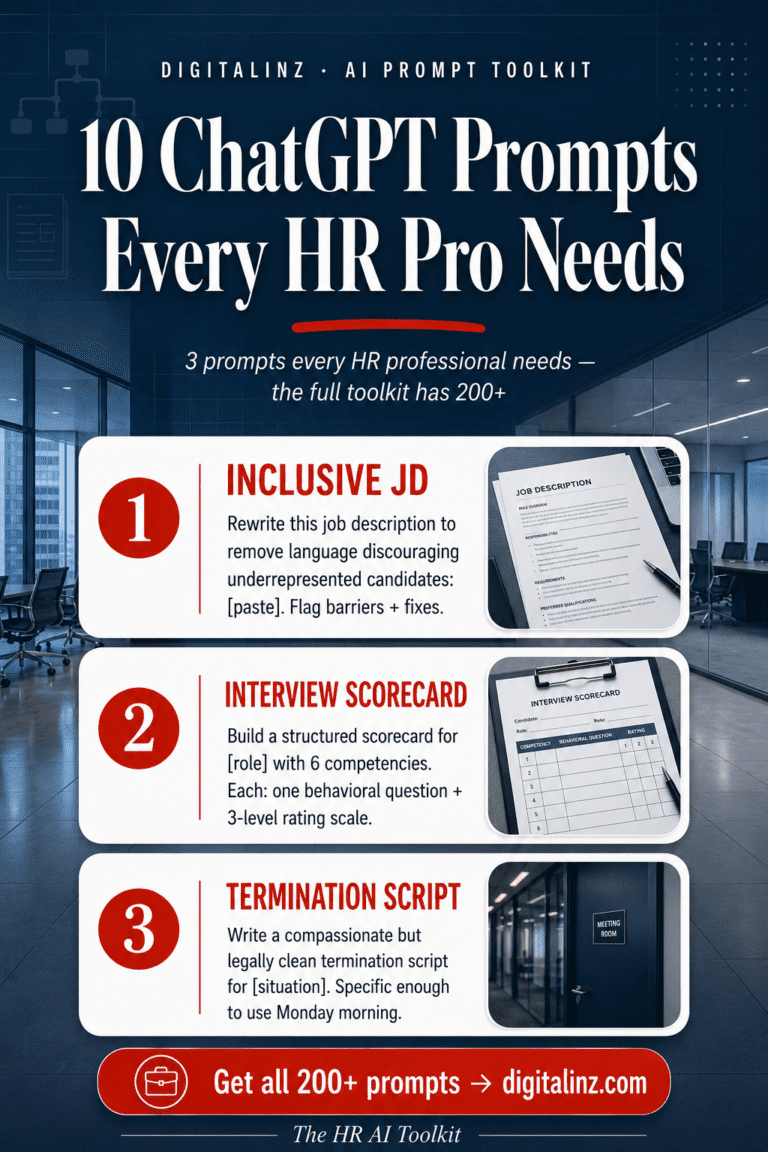
Writing confidentiality-safe HR prompts from scratch for every task adds up fast. Our HR AI Toolkit includes 200+ ready-to-use prompts for job descriptions, performance reviews, policies, onboarding, and more — all written with confidentiality in mind from the start, so you’re never stuck figuring out what’s safe to paste.
Also available on Gumroad.