Use ChatGPT for Teacher Feedback and Rubrics in Your Classroom
Did you know many educators spend over five hours each week just writing student comments? That’s a huge chunk of your precious time.
Brian Wilson, who teaches introductory composition, found a powerful solution. He uses an AI assistant to help with his grading process. This tool provides him with deeper insights than he could often generate alone.
You can maintain your unique professional voice while using this technology. It helps you craft high-quality comments faster. The goal is to strengthen the relationship you build with your learners.
This approach saves hours during a busy academic year. It keeps your practice focused on human connection. Let’s explore how to make this work for you.
Key Takeaways
- AI tools can significantly reduce the time spent on writing student evaluations.
- Educators like Brian Wilson use these assistants to gain richer insights into student work.
- You can preserve your authentic teaching voice while leveraging automated support.
- Effective use of technology keeps the student-educator relationship at the core.
- The process is designed to be a time-saver while remaining human-centered.
- It transforms how you interact with your class throughout the year.
- Implementing this strategy ensures your guidance remains a vital part of learning.
Introduction: Overview of the Guide
Navigating the demands of grading a large number of assignments can feel overwhelming. This guide is designed to give you clear, actionable steps. You will learn to leverage technology for a smarter workflow.
Understanding the Purpose
The goal is straightforward. It provides practical methods to improve the comments you give. You can manage a heavy load while offering richer insights.
Your professional judgment remains central. The aim is to support your existing process, not replace it.
How This Guide Will Help You
You will discover how to streamline your evaluation process. This saves precious hours each week. Your learners receive specific, developmental guidance.
The steps ensure your system is sustainable. You maintain a strong connection with your class. The focus stays on their growth as thinkers.
| Aspect | Traditional Challenge | AI-Assisted Solution |
|---|---|---|
| Time Investment | Hours per week on comments | Significantly reduced drafting time |
| Comment Quality | Can become repetitive or vague | Consistently detailed and actionable |
| Workload Management | Struggle with 40+ assignments | Efficient, scalable feedback cycle |
| Student Insight | Limited depth per paper | Deeper analysis of student work |
By following this roadmap, you transform a taxing chore. It becomes a more effective part of your teaching. You can leverage ChatGPT help to focus energy on what matters most.
Benefits of AI in Teacher Feedback and Rubrics
The true power of this technology lies not just in speed, but in the quality of insight it can unlock. This is especially valuable when managing numerous assignments.
Saving Time While Enhancing Quality
Automating the initial draft of comments saves valuable time. Educator Brian Wilson highlights that AI delivers the specificity one aims for but can miss with 40 or more pupils.
The generated analysis often provides a deeper, clearer starting point than a first pass. This lets you refine high-quality guidance efficiently.
Building Sustainable Feedback Systems
You shift from an administrative accounting task to a focus on growth. This creates a system that lasts through a busy term.
Patterns in class work become visible. You can then adjust your teaching strategy using this real-time data.
It offloads the mental load of phrasing. Your energy stays on the most critical parts of the learning journey.
Preparing Your Classroom for AI Integration
Before you press ‘generate,’ a few essential steps will ensure your new system runs smoothly. Proper setup addresses privacy, policy, and pupil understanding from the start.

Setting Up the Necessary Tools
Your primary tool is a reliable AI platform. First, check your school or district policies. This protects pupil data and ensures you operate within guidelines.
Educator Brian Wilson stresses transparent conversation. Talk to your class about how you will use this technology. This builds trust in your classroom environment.
Always remove names and IDs from work before uploading. This simple step maintains privacy for your learners.
| Preparation Step | Core Purpose | Your Action |
|---|---|---|
| Policy Review | Ensure compliance & data safety | Consult your administration’s tech guidelines |
| Student Conversation | Build transparency and trust | Explain your “why” and process openly |
| Data Sanitization | Protect learner privacy | Strip all personal details from submissions |
| Workspace Setup | Enable consistent, aligned guidance | Organize your digital grading interface |
This groundwork creates a sustainable framework. Your digital workspace supports specific, pedagogical goals. You can then provide focused, developmental comments with confidence.
A Simple Feedback Workflow: Summarize, Diagnose, Draft
Imagine cutting your comment drafting time to just ten minutes per student. The 10-minute feedback loop makes this possible through a straightforward three-phase process. This method keeps your evaluations efficient and highly effective.
Step 1 – Summarize the Student’s Work
Begin by quickly capturing the core argument or main idea of the assignment. This summary gives you a clear mental model without rereading the work multiple times. It sets the stage for targeted guidance.
Step 2 – Identify Growth Priorities
Next, pinpoint the top two or three areas where your students can improve. This diagnosis ensures your feedback targets the most critical learning needs. You focus on developmental priorities that drive progress.
Step 3 – Drafting and Editing Your Feedback
Use an AI assistant to generate a draft based on your summary and priorities. Then, edit this draft to reflect your unique voice and instructional goals. This final step saves significant time while ensuring your feedback is supportive and specific.
Implementing ChatGPT for teacher feedback and rubrics
Brian Wilson’s method demonstrates a clear partnership between educator insight and machine efficiency. You act as the expert, guiding the analysis to serve your class. The AI becomes your drafting assistant, generating initial observations.
Begin by uploading a sanitized pupil submission alongside your grading criteria. The tool, like ChatGPT-4, processes the work against your rubric. It identifies specific areas for growth and provides examples.
Your crucial role is to review this output. This step ensures the chatgpt help you receive aligns with your goals. You refine the draft to guarantee accuracy and a supportive tone for every learner.
This strategy moves you beyond generic remarks. Your comments become actionable advice tailored to each individual’s work. It transforms how you support progress on every assignment.
Creating Rubrics Quickly with ChatGPT
What if you could generate a detailed grading guide in minutes? You can create rubric documents quickly by first defining your assignment goals. This process starts with your clear instructional vision.
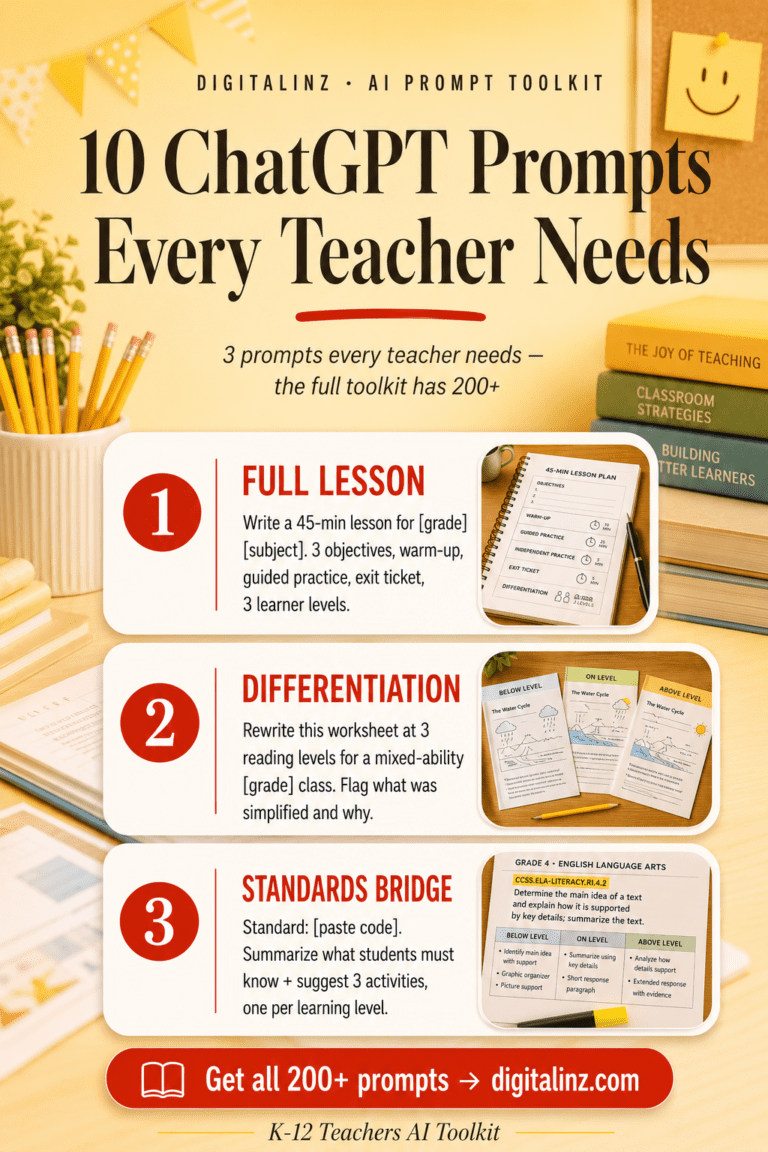
Rubrics and written feedback take time — but they don’t have to take forever. The K-12 Teachers AI Toolkit has a dedicated section for feedback and assessment prompts, so you can give students the thoughtful responses they deserve without staying late every night.
Defining Assignment Goals and Criteria
Begin by outlining your specific learning objectives. What skills must your students demonstrate? A fifth-grade STEM educator, for instance, built a rubric for roller coaster prototypes.
The criteria came directly from standards like 3-5-ETS1-1. This clarity allows the AI to produce an accurate measurement tool. Your assignment goals become the foundation for every descriptor.
Choosing the Right Grading Scale
Next, select a performance scale that matches your expectations. The same teacher used a simple 1-4 range. Levels included Beginning, Developing, Proficient, and Exemplary.
Specifying this scale ensures the generated content aligns with your grading system. Your students understand exactly how their work is evaluated. When you create rubric drafts, always specify your desired scale.
By following these two steps, you build a powerful assessment framework quickly. You can create rubric templates that ensure consistency across future assignments.
Customizing and Editing AI-Generated Feedback
Your professional insight transforms a generic draft into personalized guidance. The initial output from any tool is just a starting point. Your editing ensures it reflects your classroom’s unique dynamics.
This step is where your expertise shines. You adapt the language to match your relationship with each learner. The goal is supportive, actionable comments that drive growth.
Maintaining Your Voice and Professional Judgment
Always review the automated draft. Your tone should be warm and respectful. This maintains a positive learning environment.
Keep comments concise, under 250 words. This ensures pupils can digest and act on your suggestions. Brevity supports clarity.
The machine provides data, but the teacher provides the meaning.
Never let an assistant rewrite a pupil’s entire submission. Their unique voice must remain central. Your role is to guide, not replace.
| AI Output Characteristic | Potential Issue | Your Customization Action |
|---|---|---|
| Generic Language | Lacks personal connection | Inject specific references to the pupil’s work |
| Excessive Length | Overwhelms the learner | Trim to highlight top 2-3 priorities |
| Neutral Tone | May feel impersonal | Add encouraging, supportive phrasing |
By editing every piece of feedback, you guarantee relevance. The advice must align with individual needs. This process strengthens your instructional impact.
- Tailor all automated drafts to reflect your professional judgment.
- Prioritize concise, actionable suggestions under 250 words.
- Preserve the pupil’s original voice in their work.
- Edit for a warm, respectful tone to encourage revision.
- Review each output to ensure it targets specific growth areas.
Using AI-Driven Rubrics for Transparent Grading
Clear grading expectations are the cornerstone of a fair and effective classroom. AI-driven tools help you build this transparency directly into your assessment process. Your learners see exactly how their work is measured.
Ensuring Consistency and Alignment with Standards
These tools help apply your criteria uniformly. Every pupil is evaluated against the same clear benchmarks. This consistency is vital for trust.
You can align your rubric structures with official frameworks. For example, a STEM educator might link directly to the 3-5-ETS1 series. This creates a strong bridge between your classroom and broader educational goals.
Reviewing and Refining AI Output
Your review of the generated content is essential. This step injects your professional judgment. You ensure the language matches your classroom’s unique needs.
Refinement makes expectations understandable for your class. It turns a technical document into a clear learning guide. This process guarantees the tool serves your specific instructional aims.
| Rubric Development Phase | AI’s Role | Your Critical Action |
|---|---|---|
| Foundation Building | Generates draft criteria from your goals | Define precise learning objectives and standards |
| Descriptor Creation | Proposes performance level descriptions | Edit for clarity, age-appropriateness, and tone |
| Final Alignment Check | Offers a structured template | Verify every criterion supports your core expectations |
This partnership leads to transparent grading. Pupils understand their progress and the path forward. Your guidance becomes a powerful map for their growth.
Enhancing Student Revision and Learning Through AI Feedback
When students actively revise their work, they transform feedback into a roadmap for growth. This process moves beyond simple corrections. It builds critical thinking and ownership over their learning journey.
Engaging Students in the Revision Process
Your guidance becomes most powerful when learners use it. Encourage your class to view your comments as a starting point, not an endpoint. Specific next steps in your feedback allow them to take charge.
This turns any assignment into an iterative cycle. Pupils learn more from improving their work than from a one-time submission. Their engagement with revision deepens understanding.

Using AI as a Collaborative Learning Tool
You can enhance this cycle by introducing a smart assistant. Students might use it to brainstorm revision ideas based on your comments. The key rule is they must not let the tool do the work for them.
Monitor how your class applies this technology. Ensure they are critically evaluating AI suggestions against your feedback. This collaborative approach fosters independent problem-solving skills.
It transforms the tool into a partner for their learning. The focus stays on applying your expert guidance to make meaningful improvements.
Conclusion
A thoughtful approach to technology integration strengthens every part of your practice. You can reclaim precious time while offering deeper support. Your students benefit from consistent, clear guidance.
Remember, these tools are here to augment your expertise. They never replace the essential human connection in teaching. Your professional review ensures all feedback aligns with your standards and expectations.
Start with a single assignment as an example. Build a reusable process with templates. This creates a fair, transparent grading system for every learner.
Your classroom becomes a dynamic space for focused learning. Embrace this shift to transform your instructional goals into reality.
FAQ
How does using this tool actually save me time?
Will the AI replace my professional judgment in grading?
What’s the first step to creating a rubric with this system?
Can it help make grading more consistent across my classes?
How do I ensure the feedback sounds like it’s from me?
How can this approach improve student revision?
Meaningful feedback is one of the most powerful things you can give a student. The K-12 Teachers AI Toolkit helps you give it consistently — with prompts that make writing rubrics, comments, and reports faster without making them feel generic.