ChatGPT Prompts for Lesson Planning (15 Free Templates, 2026)
If you teach, you’ve probably already asked ChatGPT to “write a lesson plan about…” and gotten back something generic, unaligned, and missing half of what you actually need. The best ChatGPT prompts for lesson planning go further — they build in your grade level, your standards, your differentiation needs, and your assessment style from the start. Here are 15 you can copy, customize, and use today, plus one master prompt that works for almost any lesson.
Why Teachers Are Turning to ChatGPT for Lesson Planning
Lesson planning is one of the most time-consuming parts of teaching — and most of it follows predictable structures: objectives, activities, differentiation, assessment, and communication. That makes it a strong fit for ChatGPT, especially when you’re planning for multiple classes or subjects. Used well, ChatGPT can:
- Turn a bare topic into a full lesson outline with timing in minutes
- Generate differentiation options for ELL, advanced, and IEP students without starting from scratch
- Draft exit tickets, quizzes, and rubrics that match your lesson’s objectives
- Write parent updates and substitute summaries so you’re not doing it twice
As OpenAI notes in its guidance for teachers using AI, the best results come from treating ChatGPT as a drafting partner — you still review for accuracy, tone, and fit with your students before anything goes in front of a class. Every prompt below is built to give you a strong first draft you can adjust in minutes, not hours.
15 ChatGPT Prompts for Lesson Planning
These are grouped by the five areas where teachers spend the most planning time. Copy any prompt, fill in the brackets with your own details, and adjust as needed for your students.
Lesson Objectives & Structure
- The Standards-Aligned Objective Prompt — “Act as a [grade level] [subject] teacher. Write 3 measurable learning objectives for a lesson on [topic], aligned to [standard]. Use ‘Students will be able to…’ format with observable verbs.”
- The Lesson Outline Prompt — “Create a [length]-minute lesson plan outline on [topic] for [grade level] students, including timing for: warm-up, instruction, guided practice, independent practice, and closure.”
- The Pacing Guide Prompt — “Act as a [subject] teacher planning a [number]-week unit on [topic] for [grade level]. Break it into daily lesson topics with a brief objective for each day.”
Activities & Engagement
- The Hook/Warm-Up Prompt — “Suggest 3 different 5-minute warm-up activities to introduce [topic] to [grade level] students, each using a different format: a question, a visual, and a quick activity.”
- The Hands-On Activity Prompt — “Design a hands-on activity for [grade level] students to practice [skill/concept], using materials commonly found in a classroom. Include step-by-step instructions and an estimated time.”
- The Discussion Questions Prompt — “Write 5 open-ended discussion questions about [topic] for [grade level] students, ordered from recall to higher-order thinking.”
Differentiation & Accommodations
- The Differentiation Options Prompt — “For a lesson on [topic] for [grade level], suggest one modification for ELL students, one for students who need additional challenge, and one for students with an IEP requiring [accommodation type].”
- The Reading Level Adaptation Prompt — “Rewrite this passage about [topic] at a [grade level] reading level, keeping the key information intact: [paste passage].”
- The Scaffolded Worksheet Prompt — “Create a worksheet on [topic] for [grade level] with three tiers: a scaffolded version with sentence starters, a standard version, and an extension version for advanced students.”
Assessments & Rubrics
- The Exit Ticket Prompt — “Write a 3-question exit ticket to check understanding of [topic] for [grade level] students, including one question that requires explaining reasoning.”
- The Quiz Generator Prompt — “Create a [number]-question quiz on [topic] for [grade level], with a mix of multiple choice and short answer, and include an answer key.”
- The Rubric Builder Prompt — “Create a 4-point rubric for assessing a [assignment type] on [topic], with criteria for [criterion 1], [criterion 2], and [criterion 3], and clear descriptions for each score level.”
Parent & Admin Communication
- The Parent Update Email Prompt — “Write a short, friendly email to parents of [grade level] students summarizing what we’re learning about [topic] this week and one simple way they can support it at home.”
- The Lesson Plan Summary Prompt — “Summarize this lesson plan into a 3-sentence overview suitable for a substitute teacher or administrator: [paste lesson plan].”
- The Parent-Teacher Conference Notes Prompt — “Act as a [grade level] teacher. Help me prepare talking points for a parent-teacher conference about a student who [strength/challenge]. Include 2 strengths, 1 area for growth, and 1 actionable next step.”
Copy-Paste: The Lesson-Plan Context-Stack Prompt
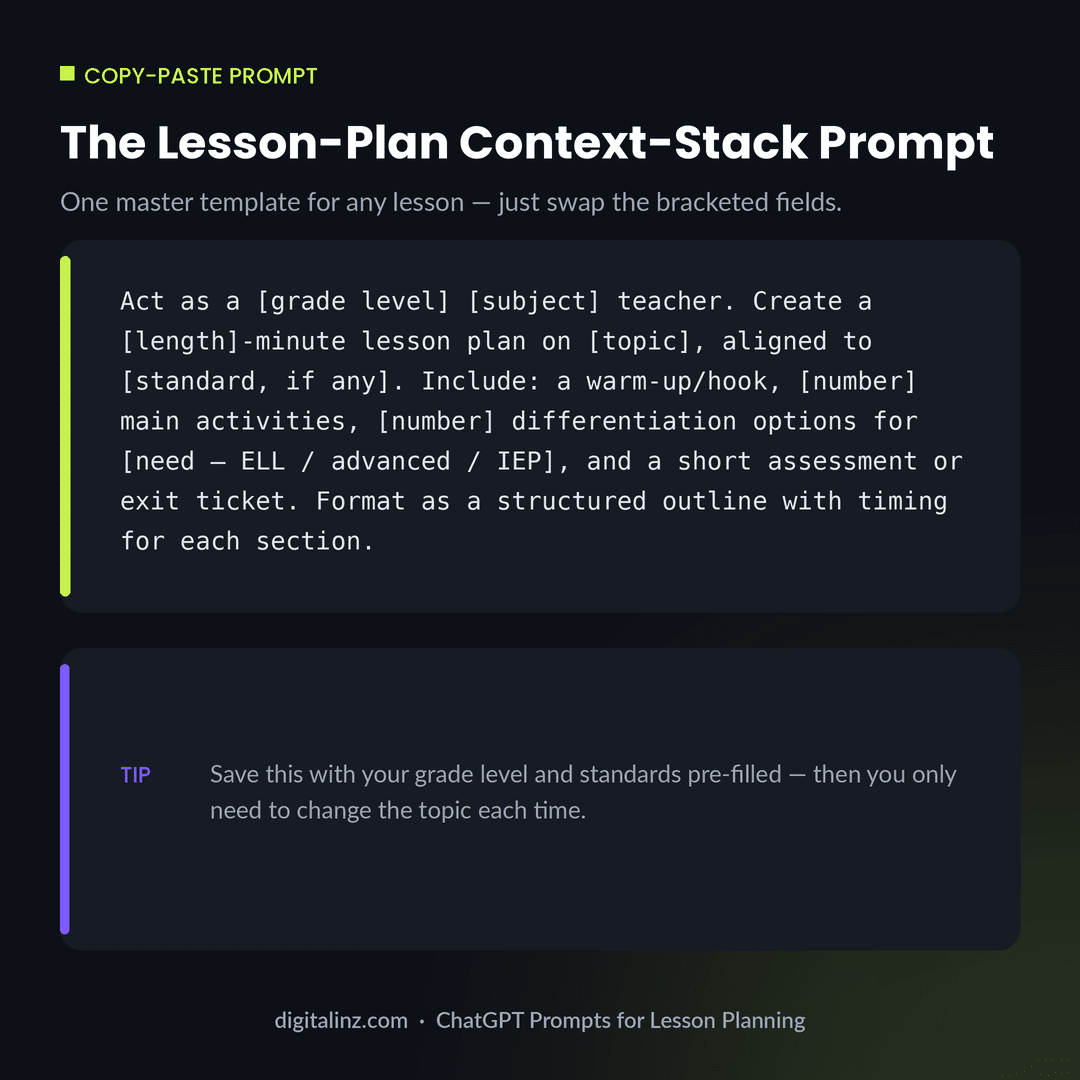
If you only save one of these, save this one. It’s a master template that covers nearly any lesson — just swap the bracketed fields:
Act as a [grade level] [subject] teacher. Create a [length]-minute
lesson plan on [topic], aligned to [standard, if any]. Include: a
warm-up/hook, [number] main activities, [number] differentiation
options for [need — ELL / advanced / IEP], and a short assessment
or exit ticket. Format as a structured outline with timing for
each section.
Save it as a custom instruction or a saved prompt so it’s one paste away for every lesson you plan.
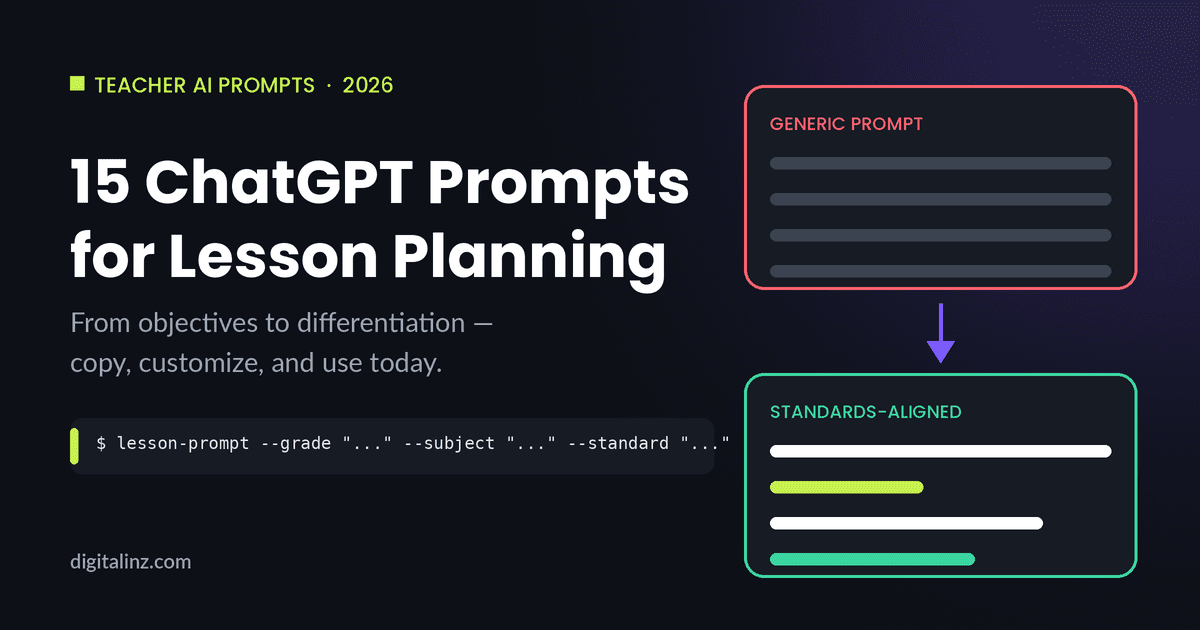
Generic vs. Standards-Aligned: See the Difference
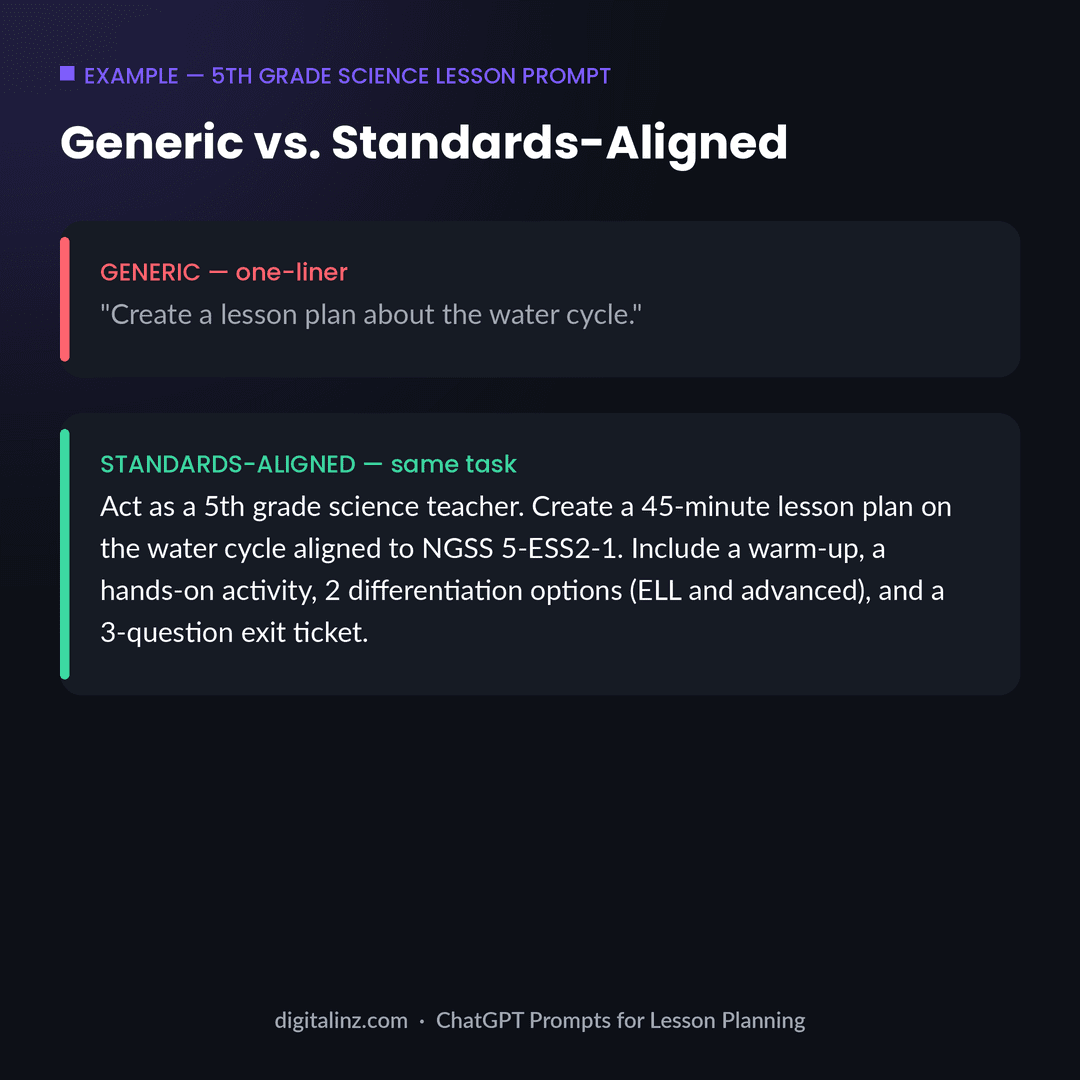
The gap between “create a lesson plan about the water cycle” and a prompt that specifies the grade level, the standard, the activity types, and the differentiation needs is the entire reason ChatGPT prompts for lesson planning work better when they’re built around real context. For more on why vague prompts produce vague results, see our guide on why ChatGPT gives generic answers — the same fix applies directly to lesson planning. And if you are still weighing whether to hand lesson planning to AI at all, we answer that head-on in can ChatGPT make lesson plans.
FAQ
What are the best ChatGPT prompts for lesson planning?
The most useful prompts give ChatGPT a role (your grade level and subject), real context (topic, standard, timing), an output format (outline, worksheet, rubric), and constraints (differentiation needs, length). The 15 prompts above cover the most common planning tasks: objectives, activities, differentiation, assessment, and communication.
Can ChatGPT write lesson plans that meet state standards?
ChatGPT can align a lesson to a standard you specify, but it won’t know your state’s exact standards unless you provide the code or description. Always include the specific standard in your prompt, and double-check the final plan against your curriculum guide before teaching it.
Is it okay to use ChatGPT-generated lesson plans in the classroom?
Yes, as a starting point. Treat ChatGPT’s output as a strong first draft — review it for accuracy, age-appropriateness, and fit with your specific students, and adjust timing and materials based on what you know about your class.
How can I make ChatGPT lesson plans fit my specific students?
Add details about your class in the prompt itself — grade level, subject, standard, and any differentiation needs (ELL, advanced, IEP). The Context-Stack Prompt above is built to capture exactly this, so the output needs less editing afterward.
The Shortcut
Typing out 15 prompts — and re-customizing them for every lesson — gets old fast. Our Teacher’s AI Toolkit includes ready-to-use prompts for lesson planning, differentiation, assessments, and parent communication across K-12 subjects, with the grade level and standards context already built in. If you’ve seen other “prompt pack” claims, run them through our 5-point prompt pack test first, or see how ours compares in our teacher prompt pack comparison. Also available on Gumroad.